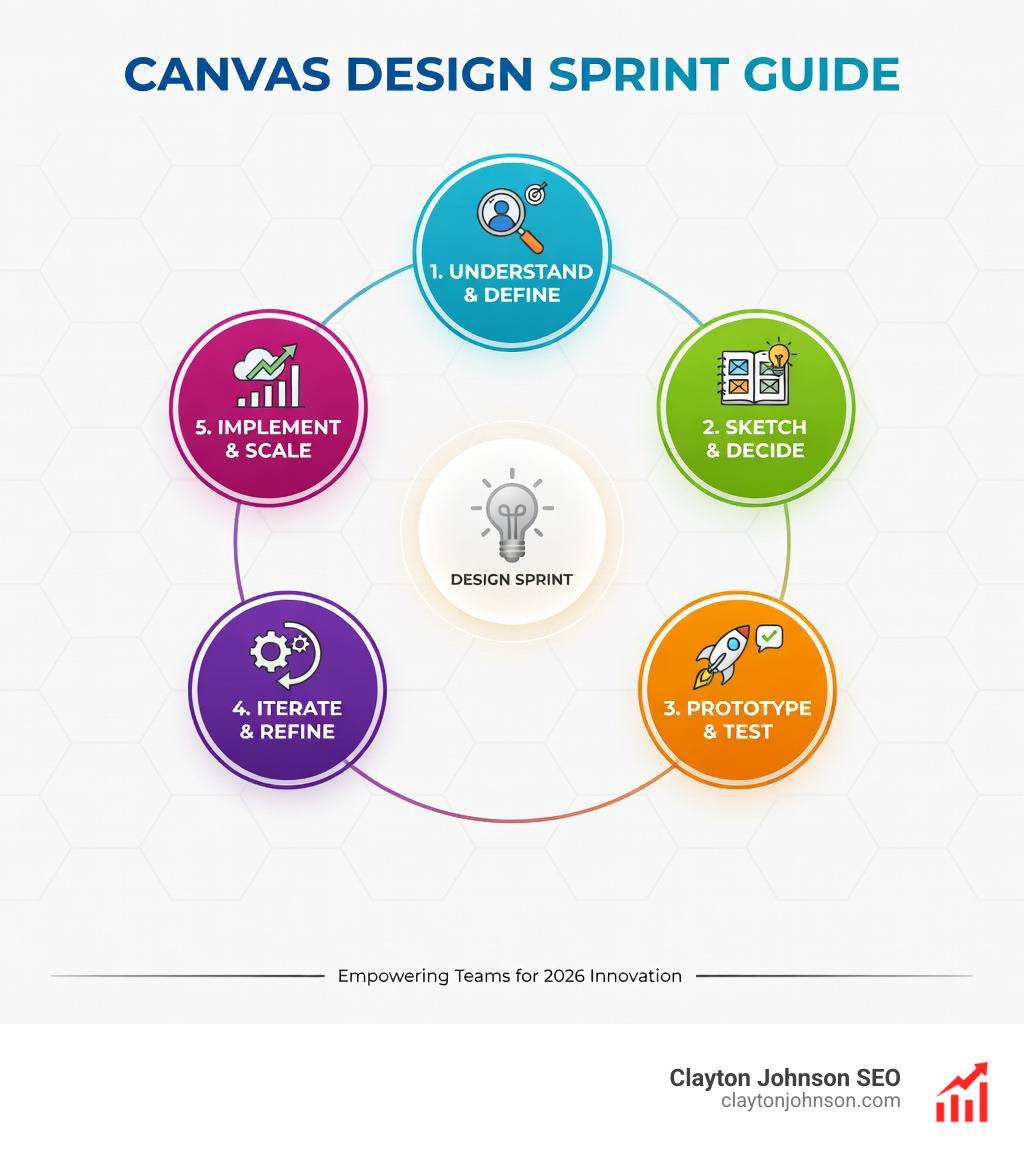
Why Every Team Needs a Canvas Design Sprint Guide
A Canvas design sprint guide is your roadmap to compressing months of work into a single week — turning endless debates and guesswork into validated prototypes and real user feedback. Here’s what you need to know:
Key Elements of a Canvas Design Sprint:
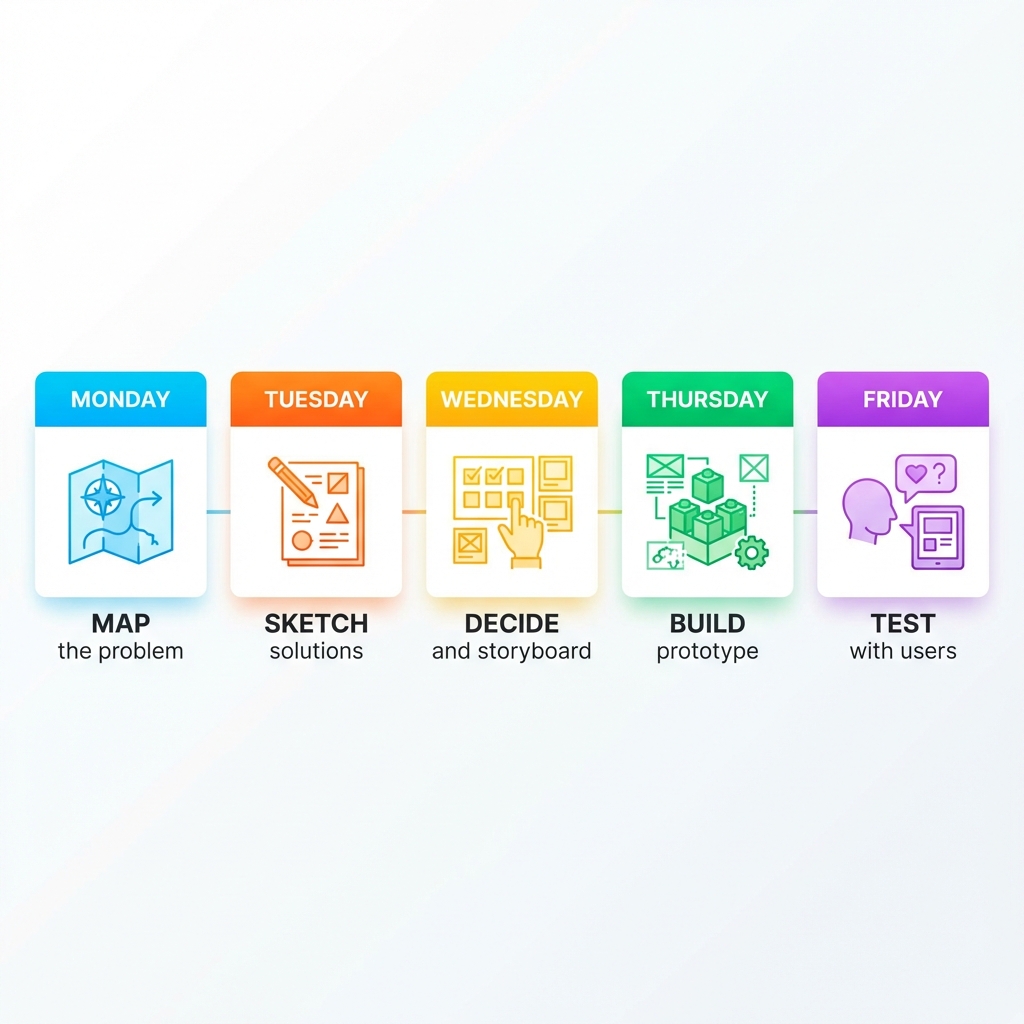
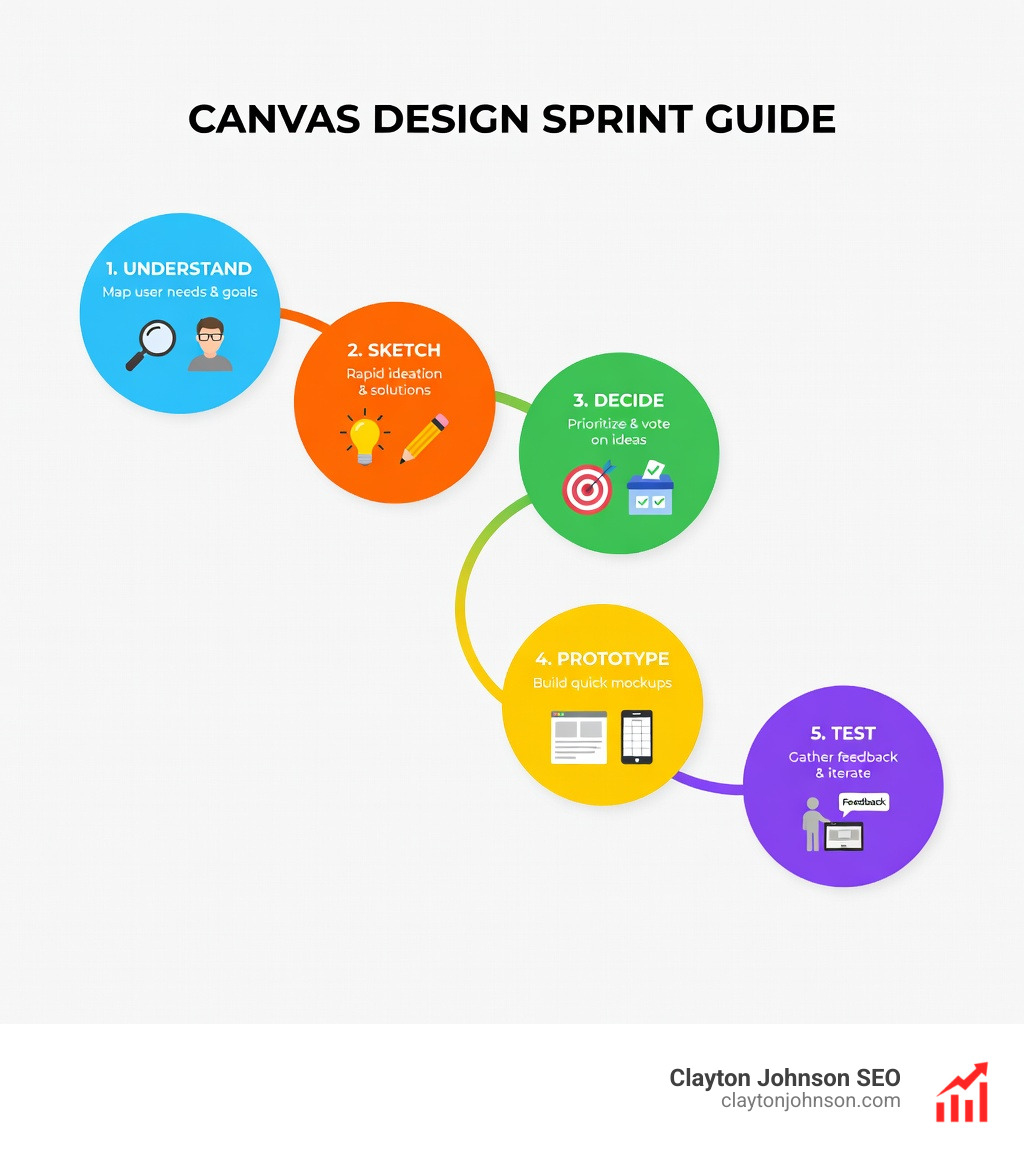
- Timeline: 5 days (Monday-Friday) or condensed 4-day format
- Core phases: Map → Sketch → Decide → Prototype → Test
- Team size: 5-7 people including a Decider and Sprint Master
- Output: High-fidelity prototype tested with 5 real users
- Purpose: Answer critical business questions without building the full product
The Design Sprint was developed by Jake Knapp at Google Ventures as a “greatest hits” compilation of business strategy, behavioral science, and design thinking. As Knapp describes it: “The sprint gives teams a shortcut to learning without building and launching.” Instead of spending months building something customers might not want, you spend one week creating a realistic prototype and getting actual feedback.
Design Sprints work because they replace the default office work habits — endless meetings, brainstorming sessions that go nowhere, and decisions made by whoever talks the loudest. Instead, you get structured conversations, individual thinking time, and a clear decision-making process that respects everyone’s expertise.
I’m Clayton Johnson, and I’ve spent years building SEO strategy frameworks and growth systems that help teams move from fragmentation to focused execution. The Canvas design sprint guide methodology mirrors the same principle I apply to marketing strategy: compress uncertainty into a testable hypothesis, then validate before you scale.
What is a Design Sprint and Why It Matters
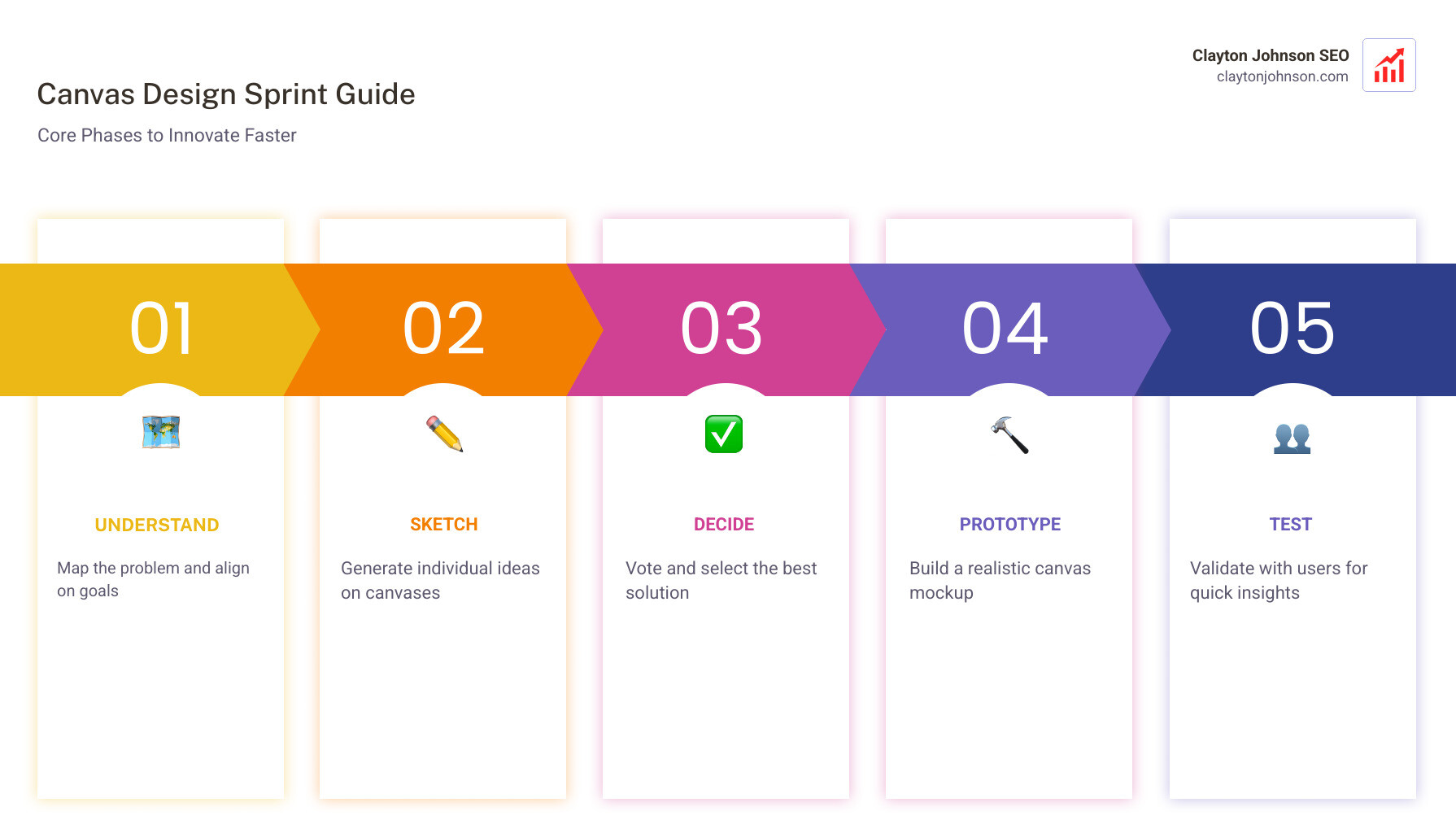
At its core, a Design Sprint is a five-day process for answering critical business questions through design, prototyping, and testing ideas with customers. It was developed by Google Ventures to help startups like Slack, HubSpot, and Blue Bottle Coffee solve big problems and test new ideas with lightning speed.
Why does this matter for your business? Because time is your most expensive resource. Most product development cycles look like this: Idea -> Build -> Launch -> Learn. The problem is that “Building” and “Launching” can take months or even years. If the “Learn” phase reveals that the idea was flawed, you’ve wasted a fortune.
The Design Sprint offers a “superpower”: it lets you fast-forward into the future to see your finished product and customer reactions before you make any expensive commitments. This shortcut to learning is invaluable for risk reduction. Whether you are a startup in Minneapolis or a global enterprise, the ability to de-risk a project in five days is a massive competitive advantage.
Research has shown the versatility of this method beyond just tech. For instance, studies on Design Sprints in behavioral medicine have demonstrated how the process can accelerate progress in complex fields by forcing teams to align on a single, testable goal. By compressing months of debate into a single week, you eliminate the “endless-debate cycle” and move straight to evidence-based decision-making.
The Canvas Design Sprint Guide: Core Phases and Activities
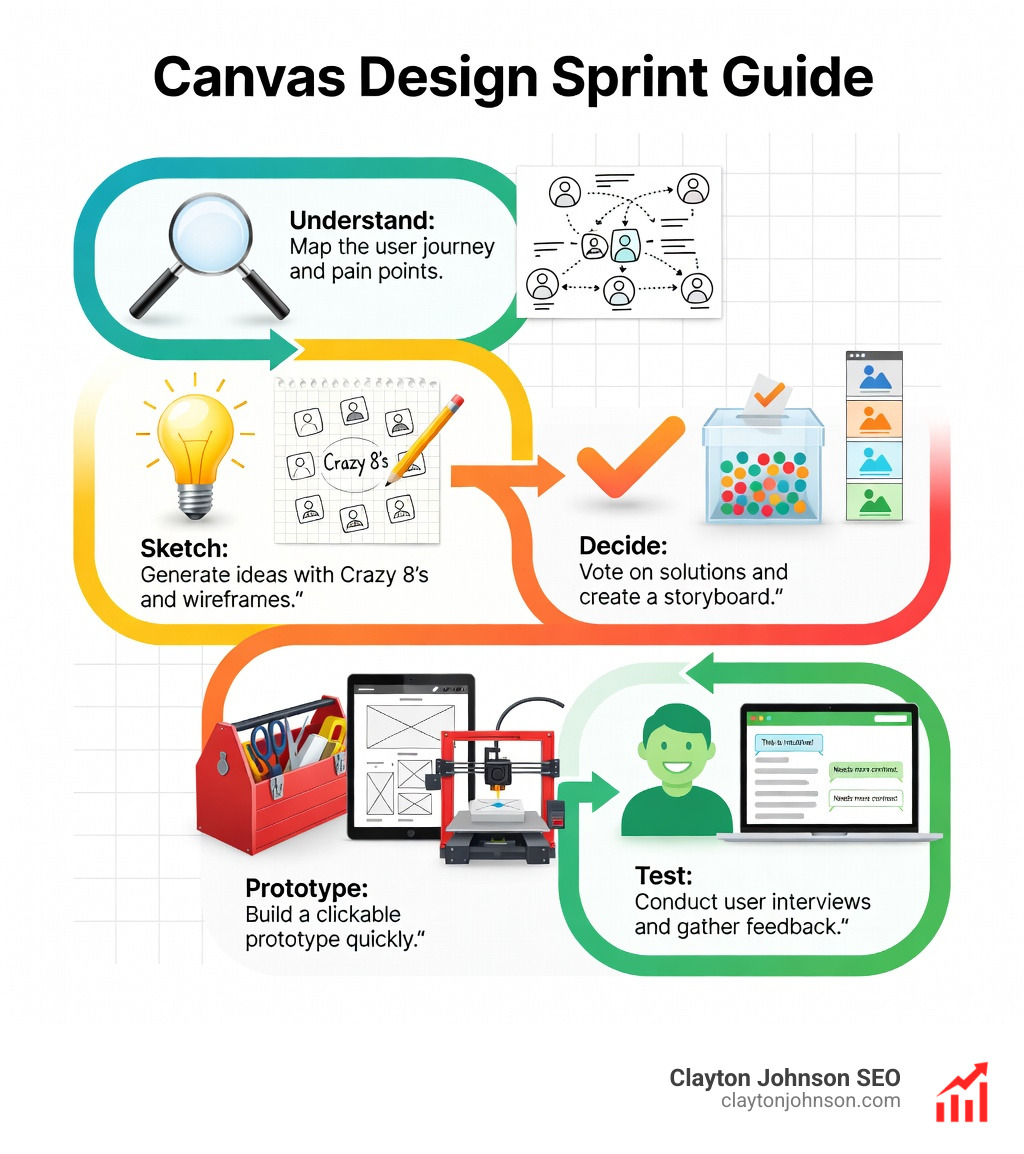
To run a successful sprint, you need a structured environment. This is where a Canvas design sprint guide becomes essential. A visual canvas, like The Design Sprint Canvas by Clearleft, acts as the “connective tissue” for the week. It keeps the team motivated and ensures that key insights aren’t lost to mental fatigue.
Phase 1 & 2: Mapping and Sketching Solutions
On Monday, we start by “Mapping.” We invite experts from across the company to share what they know. This is the “Understand” phase. We identify the long-term goal and the “Sprint Questions” (the obstacles that could trip us up). We then create a simple map of the customer journey to identify the “Target”—the specific moment of greatest risk or opportunity we want to solve for.
Tuesday is about “Sketching.” Instead of traditional brainstorming—which often results in “groupthink” and favors the loudest person—we use a four-step sketch process. This includes taking notes, doodling rough ideas, “Crazy 8s” (sketching 8 variations of an idea in 8 minutes), and finally, creating a detailed solution sketch. We also look for inspiration through “Lightning Demos,” where team members show off cool solutions from other products or industries. For those looking for more info about growth guides, these initial phases are where the foundation for a scalable strategy is laid.
Phase 3 & 4: Deciding and Storyboarding
Wednesday is the day of reckoning. We have a pile of solution sketches from Tuesday, and we need to pick the best one. We use a structured process called “Sticky Decision.” This involves a “heat map” where everyone votes on parts of sketches they like, followed by a brief discussion.
To keep things moving, we use dot voting methodology to see where the team’s interest lies. However, the final call always rests with “The Decider.” This role is crucial to avoid the “design by committee” trap. Once the winning idea is chosen, we create a storyboard—a step-by-step plan for the prototype we will build on Thursday.
Phase 5 & 6: Prototyping and User Validation
Thursday is about building a “realistic fake.” We aren’t building the actual product; we are building a prototype that looks real enough to get an honest reaction from a user. This is the “fake it till you make it” philosophy. We use tools like Figma or even Keynote to create high-fidelity mockups.
Friday is the moment of truth. We conduct five 1:1 user interviews. Why five? Research shows that testing with five users reveals about 85% of the most important usability issues. This phase is where we validate our hypothesis. As noted in research on agile prototyping in engineering education, this rapid feedback loop is essential for refining complex ideas quickly.
Assembling Your Team and Preparing the Workspace
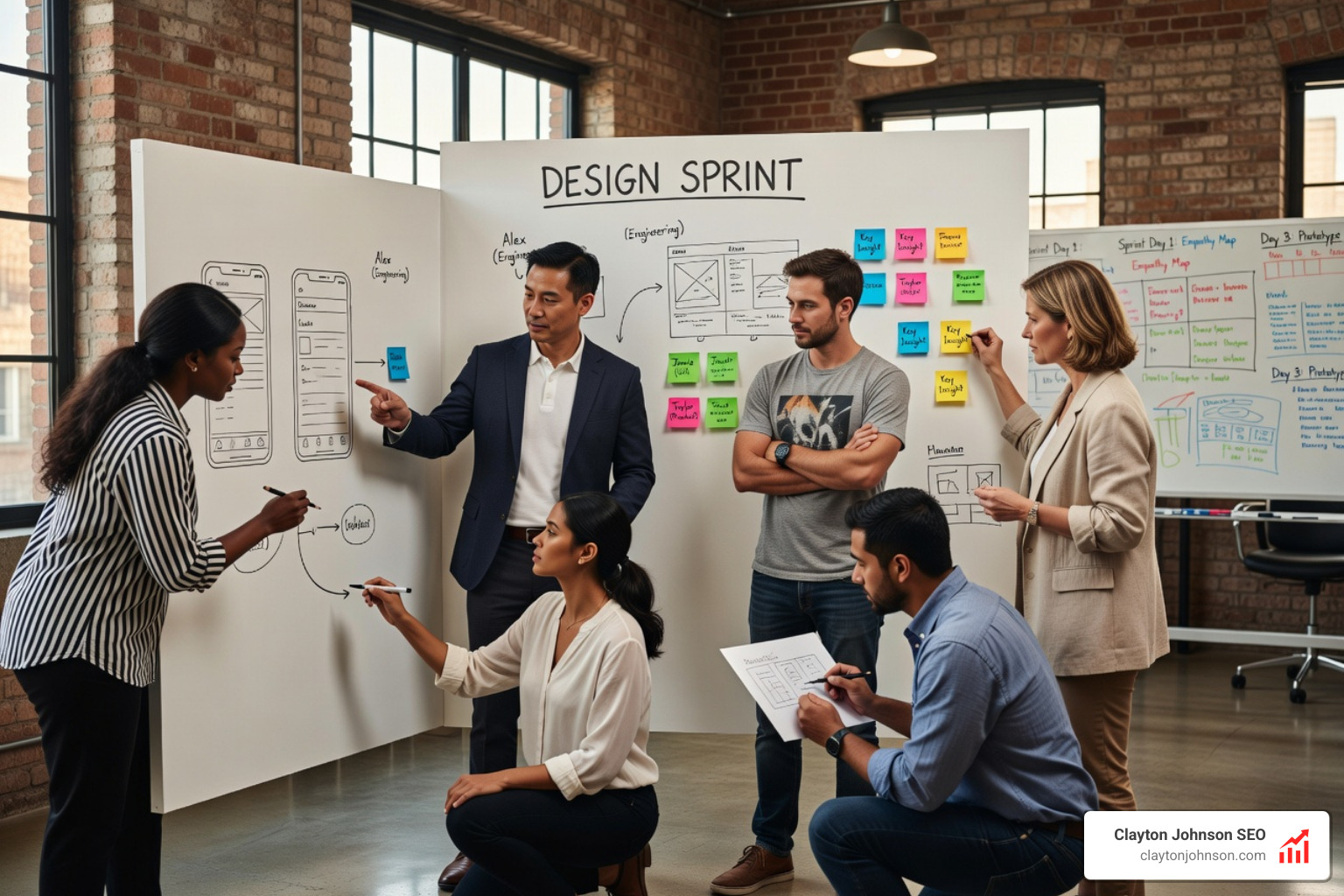
A sprint is only as good as the people in the room. We recommend a team of 5-7 people. Any more and the process slows down; any fewer and you lack diversity of thought.
Key Roles:
- The Decider: Usually a Product Manager or Founder. They have the final say on all decisions.
- The Sprint Master (Facilitator): Manages the clock, leads the activities, and keeps the energy up. They should be neutral and experienced in the process.
- Design & Tech Experts: People who know what is possible to build and how it should look.
- User Researcher: Someone who understands the customer’s pain points.
We also enforce a strict “no-phones policy.” To get months of work done in a week, we need 100% focus. If someone needs to take a call, they step out of the room.
Essential Preparation for a Canvas Design Sprint Guide
You can’t just walk into a room on Monday morning and start. Preparation is key. You need a “Design Brief” that outlines the challenge and constraints. We also recommend conducting a “Research Audit” beforehand—gathering existing data, customer feedback, and competitive analysis.
For the physical or digital workspace, you’ll need the right tools. If you’re working digitally, a Mural digital whiteboard setup is a fantastic way to keep everyone on the same page. You’ll also need to recruit your five target users for Friday’s testing well in advance.
Choosing Your Sprint Flavor: 4-Day vs. 5-Day
While the classic GV sprint is 5 days, many teams now opt for the “Design Sprint 2.0,” a 4-day version popularized by AJ&Smart.
| Feature | Classic 5-Day | Design Sprint 2.0 (4-Day) | Lightning Sprint |
|---|---|---|---|
| Duration | 5 Full Days | 4 Days (Mon-Thu) | 1-2 Days |
| Best For | New, complex problems | Established teams | Small features/fixes |
| Team Effort | High (5 days) | Medium (2 days for experts) | Low |
| Outcome | Validated Prototype | Validated Prototype | Decision/Alignment |
The 4-day version is more efficient because it requires the full team for only the first two days, while the designers and facilitators handle the prototyping and testing.
Specialized Canvases for Modern Product Challenges
Not every challenge is a standard UX problem. Sometimes you need a specialized Canvas design sprint guide. For example, AI projects often fail because teams commit to the wrong problem.
The AI Problem Framing Canvas helps teams determine where an idea sits on the “automation spectrum” (AI-assisted vs. AI-powered) and evaluates data feasibility before a single line of code is written. If you’re looking to dive deeper into this, AI Facilitator Training and Problem Framing courses can provide the specific skills needed to steer the complexities of machine learning integration.
Using the Business Model Canvas in a Canvas Design Sprint Guide
Sometimes the “problem” isn’t the interface, but the business model itself. We often integrate the Business Model Canvas into our sprints to ensure the solution is strategically aligned with the company’s goals.
You can download the Business Model Canvas to help visualize how your new prototype will actually make money. Combining this with mastering value proposition methodology ensures that your sprint doesn’t just produce a “cool” app, but a viable business asset.
Remote Sprint Adaptations and Digital Tools
Can you run a sprint if your team is spread across Minneapolis and the rest of the world? Absolutely. Remote sprints require a bit more coordination regarding time zones, but tools like Miro and Mural make it possible.
The key to a remote Canvas design sprint guide is the “infinite canvas.” Using a Design Sprint complete 5-day Mural canvas allows everyone to see the entire week’s progress at a glance. Digital sticky notes are actually easier to organize and synthesize than physical ones, and real-time collaboration tools ensure that no one is left out of the conversation.
Overcoming Common Pitfalls and Measuring Success
Even with a perfect Canvas design sprint guide, things can go wrong. The most common pitfall is “Groupthink.” This is why we insist on individual sketching and anonymous voting. If the CEO’s idea is the only one that gets discussed, the sprint has failed.
Another pitfall is “Poor Recruitment.” If you test your prototype with five people who aren’t actually your target audience, the feedback is useless. Ensure your Friday testers are truly representative of the people who will use your product.
Measuring Success:
Success isn’t always a “green light” for the prototype. Sometimes, the most successful sprints are the ones that prove an idea won’t work. This saves the company months of wasted effort.
- Validated Learnings: Did we answer our Sprint Questions?
- Clarity: Does the team now have a shared vision of the path forward?
- Actionable Next Steps: What happens on the Monday after the sprint? We recommend a post-sprint retrospective to turn insights into a backlog for the development team.
Frequently Asked Questions about Design Sprints
What is the ideal team size for a Design Sprint?
We recommend 5-7 people. This ensures you have a diverse range of roles—Design, Tech, Marketing, and Customer Support—without the room becoming too crowded or the decision-making process becoming sluggish.
Can Design Sprints be run entirely remotely?
Yes! With digital whiteboards like Mural or Miro and video conferencing, remote sprints are highly effective. The main challenge is managing time zones, so we often suggest shorter, 4-hour “sync” blocks with individual work completed asynchronously.
When is the right time to run a Design Sprint?
Sprints are best for high-stakes projects, complex problems where the team is “stuck,” or at the very beginning of a new project. If the solution is already obvious or the stakes are low, a full sprint might be overkill.
Conclusion
The Canvas design sprint guide is more than just a workshop format; it’s a philosophy of “working alone together” to solve massive challenges. By using structured canvases and time-boxed activities, we move away from the chaos of traditional brainstorming and toward the precision of rapid prototyping.
At Clayton Johnson, we believe that growth comes from clarity and execution. Whether you are refining your SEO strategy or building a brand-new product, the principles of the Design Sprint—mapping, sketching, deciding, and testing—are universal. If you’re ready to stop guessing and start growing, check out our more info about social media marketing services or our other growth frameworks to see how we can help you execute with measurable results.