Don’t Let Your AI Startup Hallucinate Use This Canvas

Why Your AI Startup Needs a Strategic Canvas
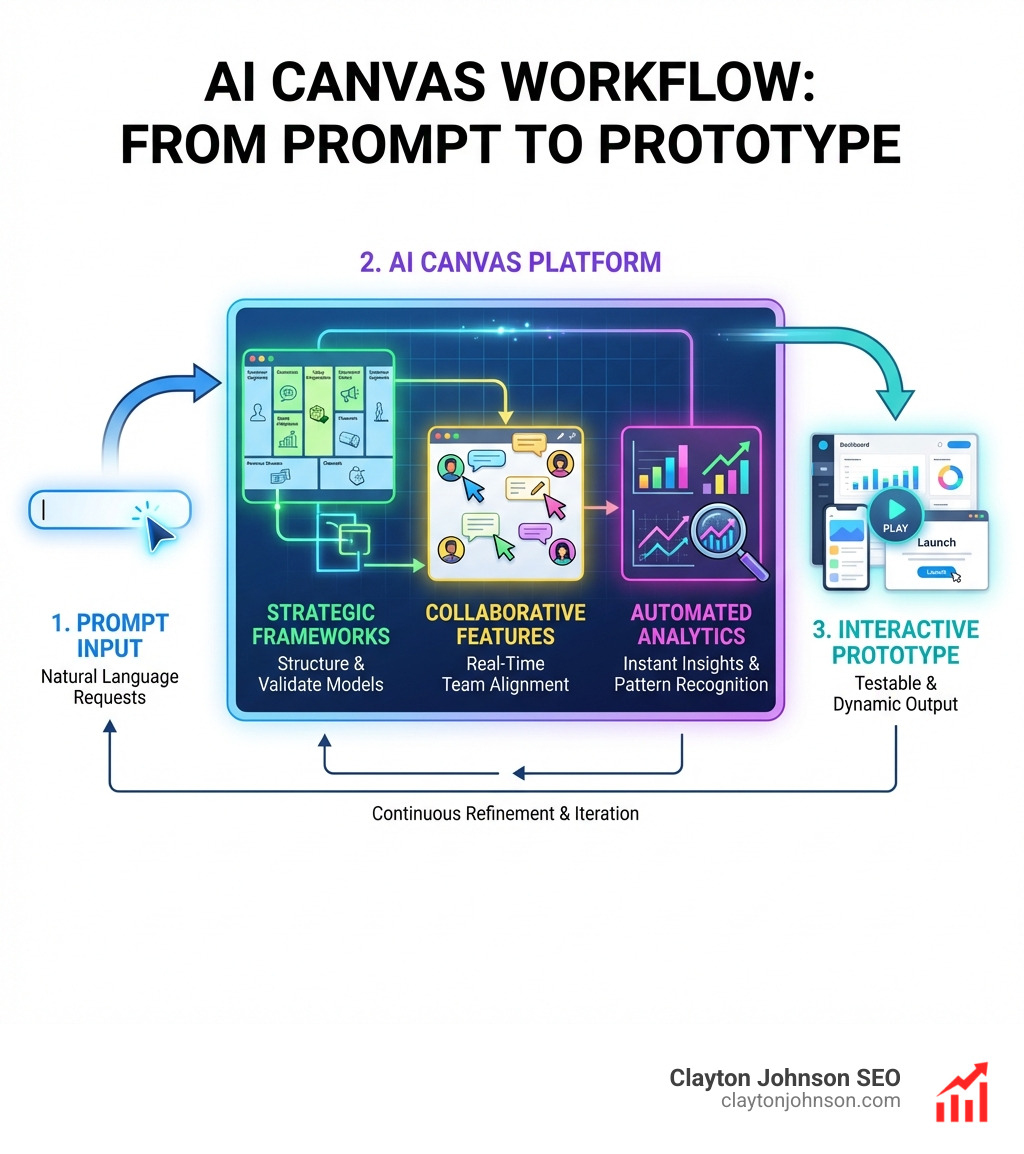
Canvas for AI businesses refers to digital, AI-powered platforms that help teams visualize, prototype, and execute business strategy—from idea to interactive product—in minutes instead of weeks.
Quick Answer: What is a Canvas for AI Businesses?
| Platform Type | Primary Use | Key AI Feature |
|---|---|---|
| Gemini Canvas | Prompt-to-prototype apps, games, quizzes | Gemini 3 with 1M token context window |
| Miro Canvas | Strategic planning, collaboration, workflows | AI Sidekicks, automated Flows, clustering |
| OpenAI Canvas | Creative writing, coding, document refinement | GPT-4o inline critique and targeted edits |
| Canva AI | Design, video, code generation | Natural language content creation |
| Business Model Canvas Tools | AI-assisted strategy mapping | Auto-fill value propositions and revenue streams |
These platforms replace traditional static planning tools with dynamic, AI-enhanced workspaces that support real-time collaboration, automated analytics, and context-aware suggestions.
The research shows clear productivity gains: companies using Canvas-style tools report 10x faster dashboard creation, 5x quicker churn detection, and 3x more proactive interventions. More than 100 million users and 250,000 companies now collaborate in innovation workspaces like Miro, while tools like Canvanizer have served 2.6 million users since 2011.
But here’s the problem most AI startups face: they’re building sophisticated technology without a clear strategic framework. They hallucinate features instead of validating business models. They prototype in isolation instead of collaborating visually with their teams.
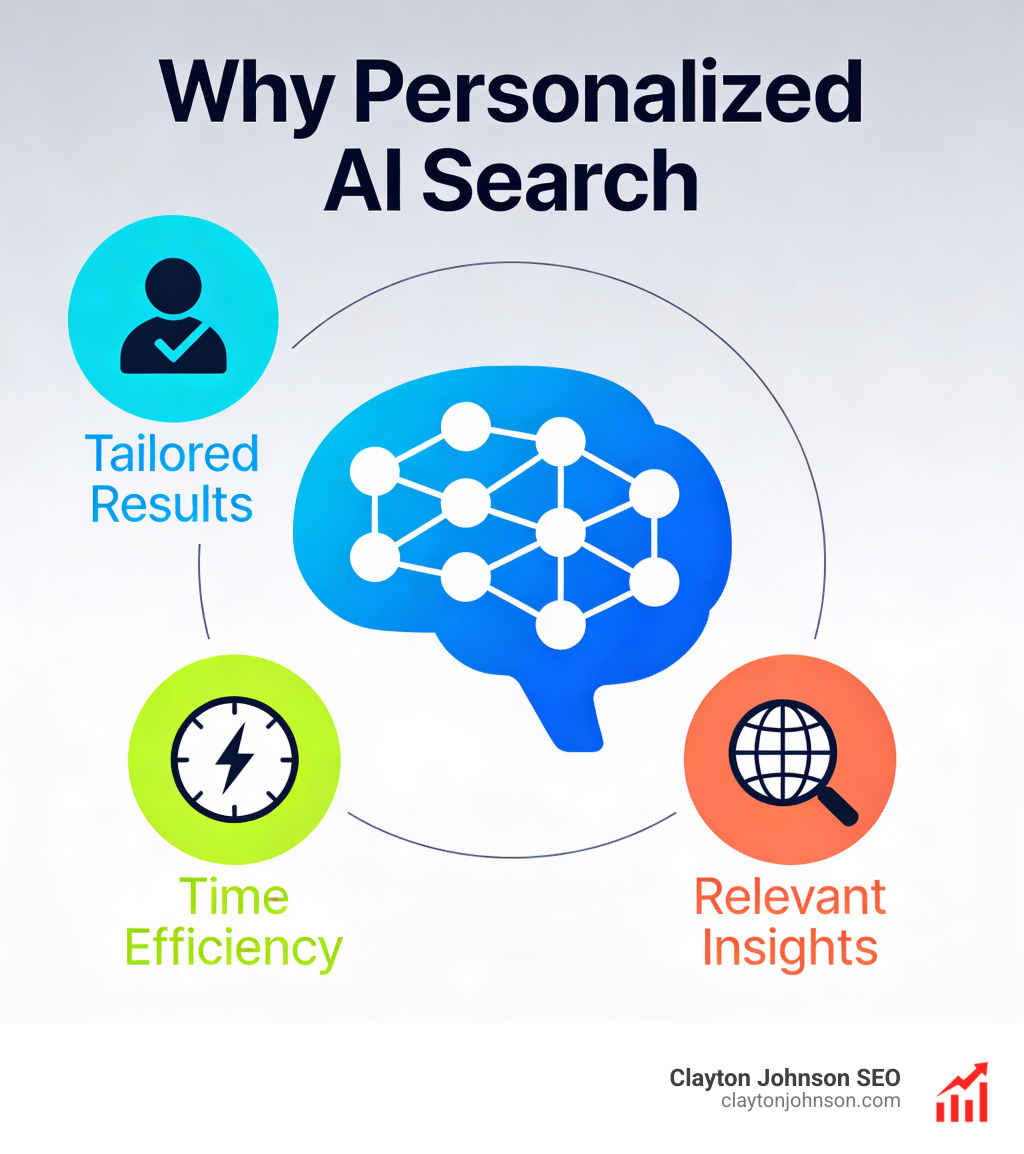
A Canvas for AI businesses solves this by bridging three critical gaps:
- Strategy to execution – Turn abstract AI concepts into testable prototypes
- Data to insights – Integrate knowledge systems and visualize patterns instantly
- Individual work to team alignment – Enable multiplayer collaboration with AI assistance
The Business Model Canvas, originally proposed by Alexander Osterwalder, has evolved dramatically. What started as a nine-segment strategic template is now an AI-powered system that auto-fills customer segments, suggests revenue streams, and generates interactive dashboards—all through natural language prompts.
I’m Clayton Johnson, and I’ve spent years building SEO and growth strategy systems for startups navigating the intersection of AI and business modeling. Throughout my work with Canvas for AI businesses, I’ve seen how the right strategic framework—combined with AI-powered execution tools—transforms fragmented efforts into coherent growth engines.
Canvas for AI businesses vocabulary:
What is a Canvas for AI Businesses?
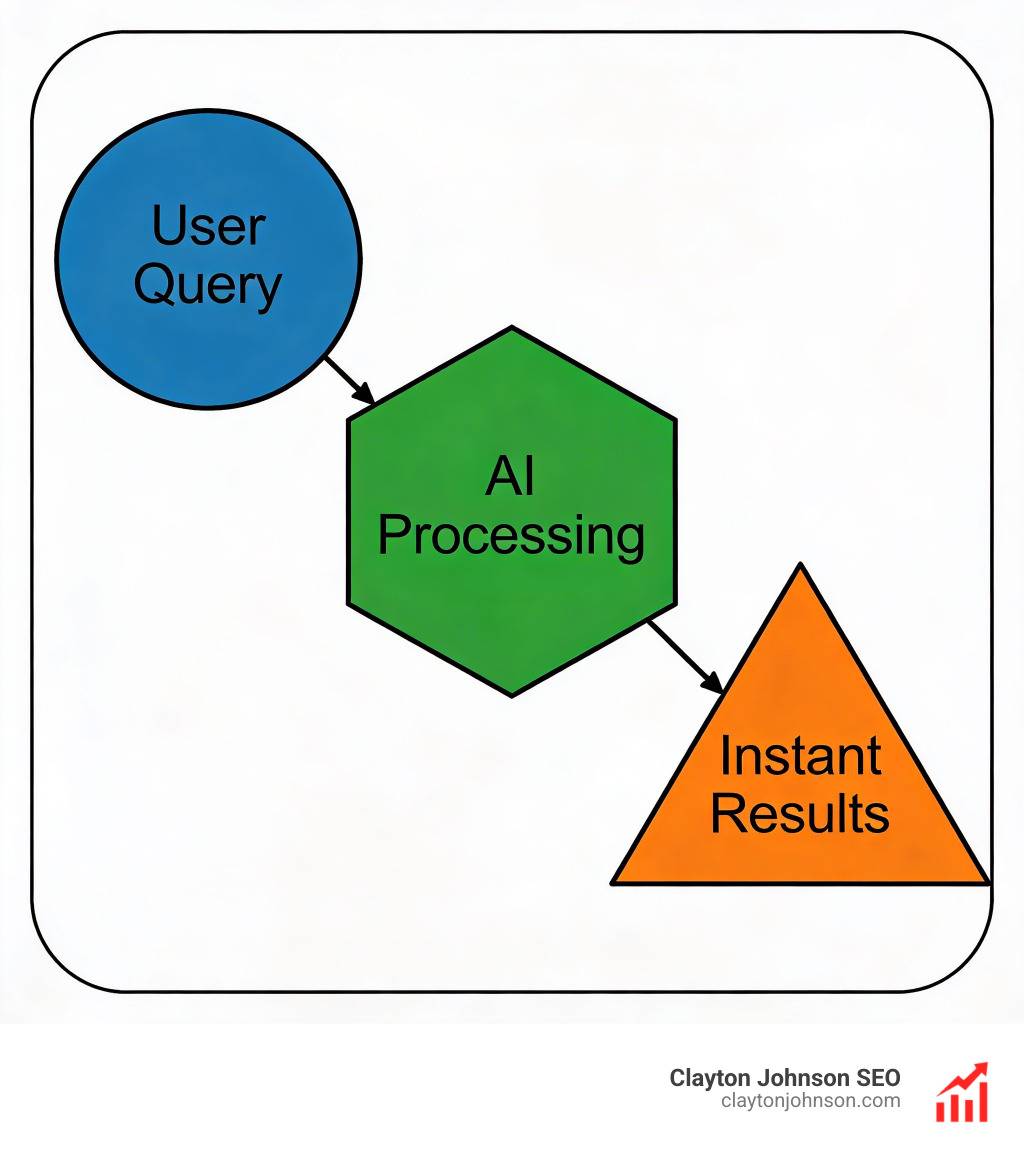
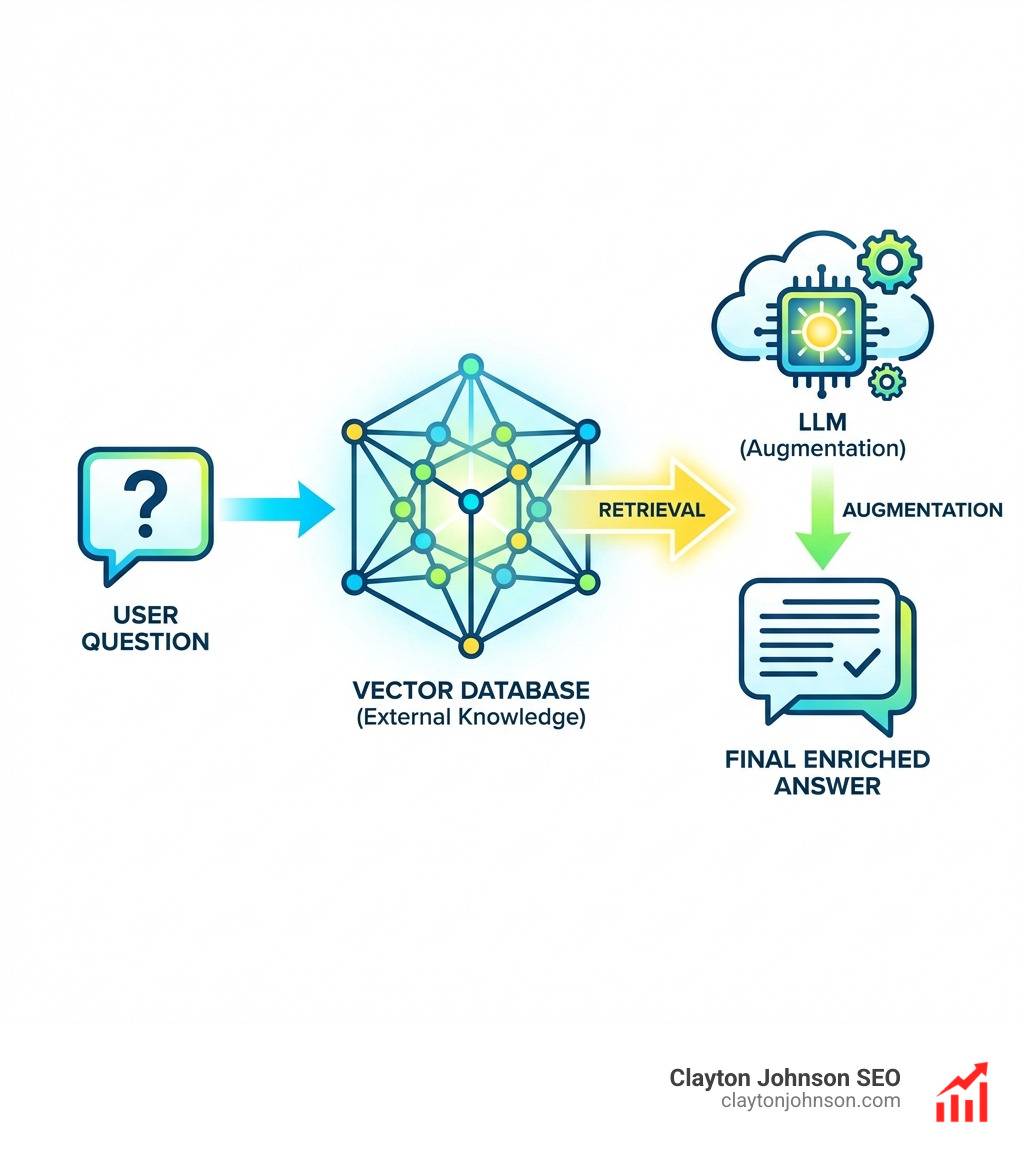
In the simplest terms, a Canvas for AI businesses is an interactive workspace where the “canvas” acts as both a visual whiteboard and a prompt interface. Unlike a standard document editor, these tools allow you to drop in a problem statement or a competitor’s name and watch the AI propose revenue streams, risks, and next steps tuned to your specific context.
Platforms like Gemini Canvas and the Miro Innovation Workspace have redefined what it means to “plan.” Instead of writing a 50-page business plan that no one reads, you use a canvas to go from prompt to prototype in minutes. This is vital for enterprise AI strategy, where the pace of change is so fast that traditional documentation becomes obsolete before it’s even finished.
Evolution of the Business Model Canvas
The Business Model Canvas (BMC) was originally proposed by Alexander Osterwalder as a strategic management template for designing and documenting business models. It broken down a business into nine essential building blocks:
- Key Partners
- Key Activities
- Value Propositions
- Customer Relationships
- Customer Segments
- Key Resources
- Distribution Channels
- Cost Structure
- Revenue Streams
Today, digital innovation has taken this framework and supercharged it with AI. Tools like Canvanizer and Creately now offer AI-powered generators that instantly transform a brief description of your idea into a comprehensive BMC. By visualizing your business with BMC mapping, you can identify gaps in your logic before investing a single dollar in development.
Core Features of Modern AI Canvas Platforms
Modern platforms have moved beyond simple templates. They are now “creative partners” capable of handling massive amounts of data. For example, Google AI Pro subscribers can access a 1 million token context window, allowing the canvas to “remember” and analyze entire libraries of company data.
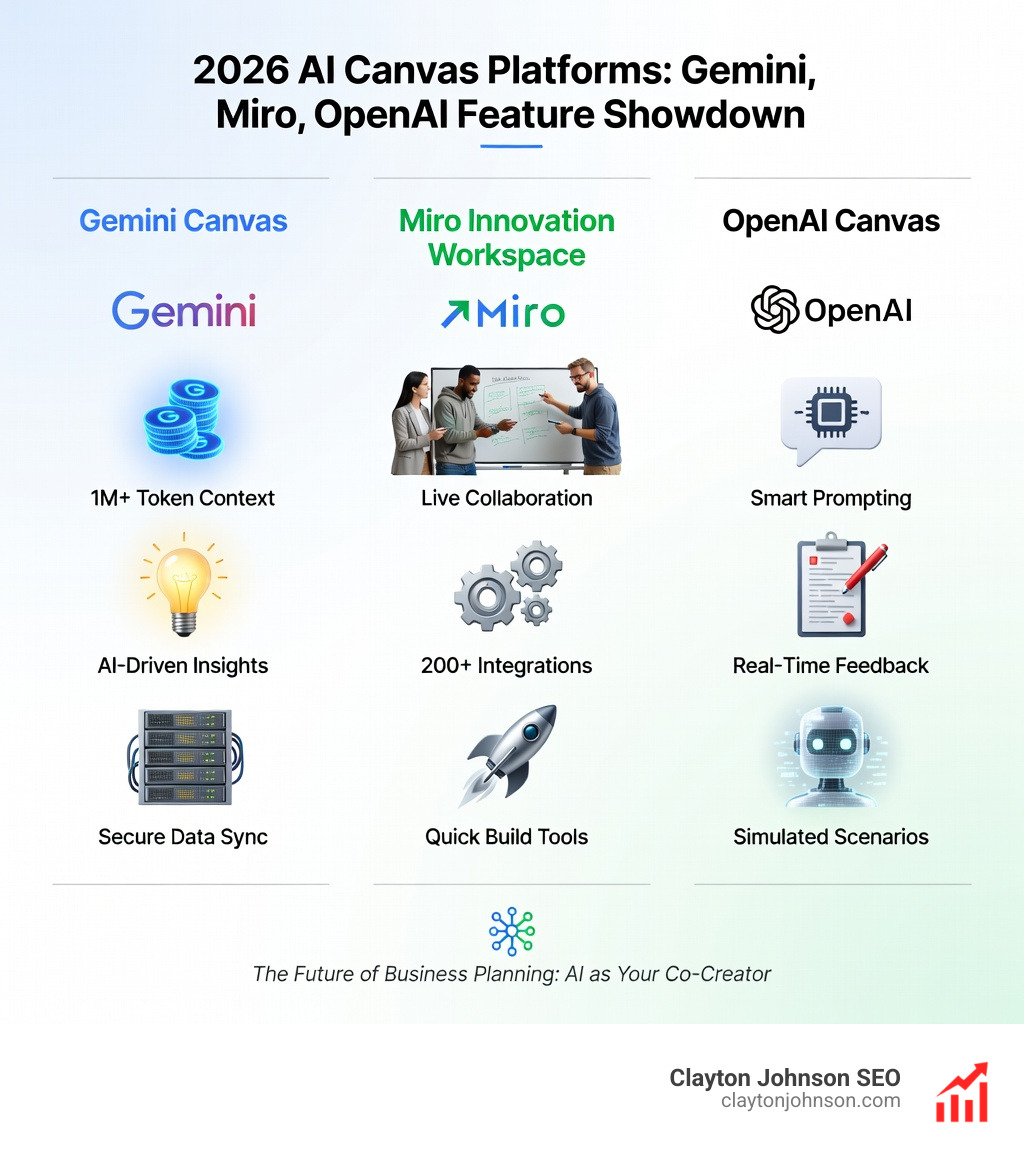
Key technical features include:
- Context-Aware Prompting: Using the entire canvas as a prompt to ensure the AI understands the relationship between different business components.
- Inline Critique: Platforms like OpenAI’s GPT-4o can provide targeted feedback on specific sections of your work without rewriting the entire document.
- Synthetic Data Generation: Models are trained using advanced techniques (like distilling outputs from OpenAI o1-preview) to help simulate customer feedback or market conditions.
Learn more about these advanced capabilities in the ultimate guide to OpenAI.
Prototyping and Interactive Content in a Canvas for AI Businesses
One of the most exciting developments in Canvas for AI businesses is the ability to create functional prototypes without writing code.
- App and Game Design: Use Gemini Canvas to create interactive 3D worlds or audio memory games just by describing them.
- Interactive Dashboards: Build custom sales pipeline trackers or team dashboards instantly.
- Marketing Tools: Generate website widgets like price estimators, calculators, or custom quizzes from study guides.
For developers, the Miro Developer Platform allows for even deeper customization, connecting the canvas to your existing tech stack.
Streamlining Strategy with the AI Business Model Canvas
Strategizing for an AI business is unique because the “Key Resource” is often data, and the “Value Proposition” frequently involves automation. Using an AI-powered BMC tool allows you to “drop in a competitor” and have the AI suggest how your cost structure might differ.
Companies like LTIMindtree have even launched dedicated platforms like Canvas.ai to help enterprises navigate generative AI transitions. By using these tools, you move from “unstructured” brainstorming to “structured” work faster. You can leverage digital innovation via the BMC to ensure your AI agent orchestration actually aligns with your revenue streams.
Using a Canvas for AI Businesses to Map Scalable Growth
Scaling an AI startup requires more than just a good model; it requires a definitive BMC tech startup template. This involves mapping out “GTM (Go-To-Market) Engineering”—using AI agents to scale your outreach and sales automatically across your stack.
When you master the lean startup model canvas, you focus on rapid iteration. AI canvases support this by allowing you to:
- Map BMC-SWOT integrations to see how market threats impact your key resources.
- Orchestrate agents that handle lead generation while you focus on product strategy.
- Visualize scalable marketing frameworks that adapt as your customer segments evolve.
Collaboration and Productivity Benefits for AI Teams

Most AI tools keep people in silos—one person chatting with one bot. A Canvas for AI businesses brings the team back together. With “multiplayer” features, a marketer in Minneapolis and a developer in another office can co-edit the same strategic map in real-time.
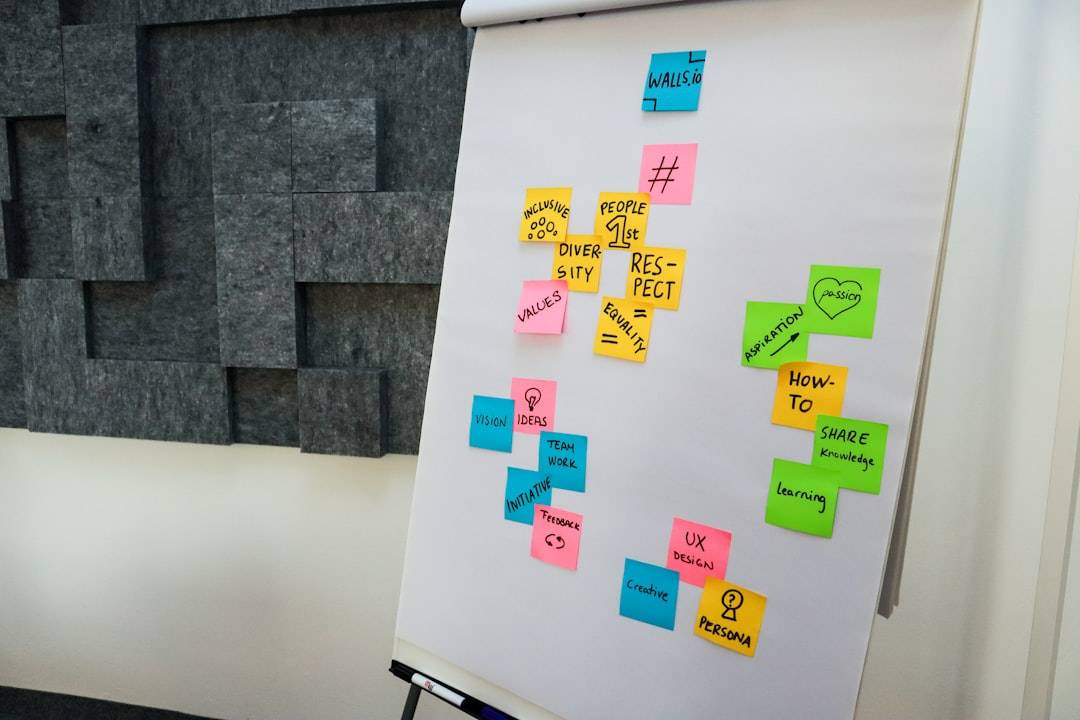
Miro’s “Innovation Workspace” and the Miro Academy emphasize that the best work happens when people work together. Features like AI Sidekicks (expert AI agents that provide perspectives on your work) and AI Clustering (which reveals patterns in hundreds of sticky notes instantly) make team meetings actually productive.
This collaborative approach is essential when building a responsible AI framework, as it allows for diverse human oversight on AI-generated ideas.
Enhancing Workflows with Generative Analytics
The productivity stats for canvas-integrated workflows are staggering:
- 10x Faster Dashboards: Build client-facing reports through simple chat commands.
- 5x Quicker Churn Detection: AI monitors data sources connected to the canvas to flag at-risk accounts.
- 3x More Proactive Interventions: Automated follow-ups scheduled by the AI keep clients engaged.
By using natural language processing to query your data, you can create AI brand strategies that are backed by real-time analytics rather than gut feelings.
Frequently Asked Questions about AI Canvases
How does a Canvas tool differ from traditional design software?
Traditional design software is often static and “dumb”—it doesn’t understand what you are building. A Canvas for AI businesses is context-aware. If you’re designing a sales dashboard, the AI knows you need metrics like CAC (Customer Acquisition Cost) and LTV (Lifetime Value). It integrates dynamic data rather than just showing pretty pictures.
What are the pricing models for AI Canvas platforms?
Most platforms follow a tiered subscription model:
- Free Tiers: Basic canvas access with limited AI credits.
- Pro Tiers: Usually around $20/month, offering larger context windows (like Google’s 1M token window) and advanced models.
- Enterprise: Custom pricing for companies requiring high security, data residency, and unlimited collaboration.
For startups, blending lean startup and BMC methodologies often means starting with free AI canvas tools to validate the idea before scaling to paid enterprise versions.
Can I use Canvas for GTM engineering and sales?
Absolutely. Modern canvases are being used for “Claude Code” and agent orchestration. You can map out your entire sales stack on a canvas and use AI to write personalized outreach emails for specific buyers (like a healthcare buyer) based on the context of your value proposition.
Conclusion
At Clayton Johnson SEO, we believe that growth isn’t just about traffic—it’s about the systems that turn that traffic into revenue. Using a Canvas for AI businesses is the best way to ensure your startup’s strategy is as advanced as its technology.
Whether you’re looking for SEO content marketing services or a partner to help you diagnose growth problems through actionable frameworks, we’re here to help you execute with measurable results. Don’t let your startup hallucinate its way into a corner—use a canvas to build a foundation that scales.