How to Perform a JavaScript SEO Audit and Fix Rendering Issues

Why JavaScript SEO Audits Are Critical for Your Site’s Visibility
A javascript seo audit is the process of identifying and fixing issues that prevent search engines from properly crawling, rendering, and indexing your JavaScript-powered pages.
Here’s a quick overview of what it involves:
- Check JavaScript reliance – Identify which critical content only appears after JavaScript runs
- Test Googlebot’s view – Use Google Search Console’s URL Inspection Tool to see what Google actually renders
- Compare raw HTML vs. rendered DOM – Find the gap between what’s in your source code and what appears after JS executes
- Audit links and navigation – Ensure internal links are crawlable without JavaScript
- Measure performance impact – Check how JavaScript affects Core Web Vitals like LCP and CLS
- Fix rendering issues – Implement SSR, static generation, or progressive enhancement as needed
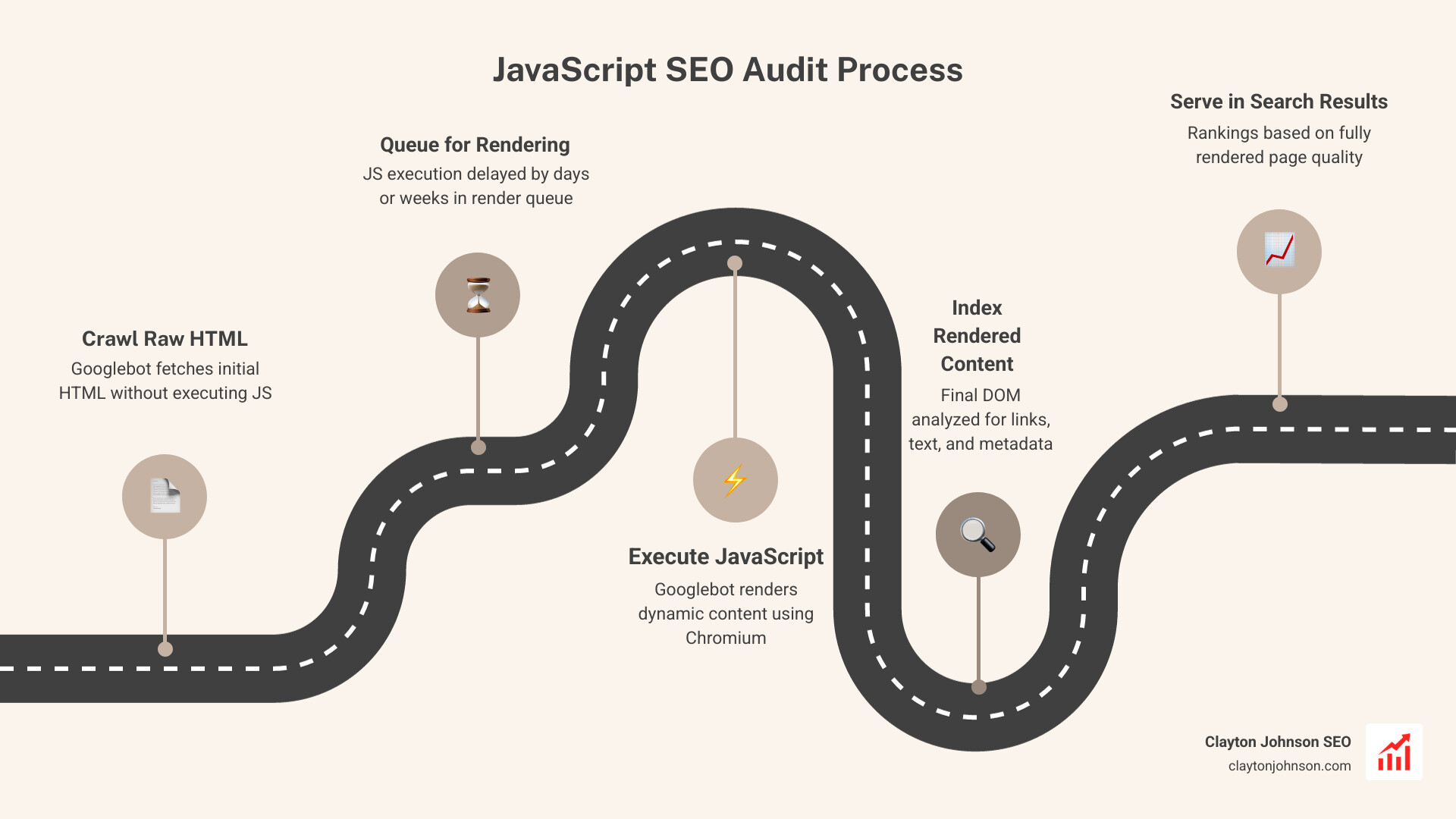
Most websites today run on JavaScript. It powers dynamic menus, product listings, reviews, and more. But there’s a catch: Google processes JavaScript in two separate waves.
First, Google crawls your raw HTML. Then — sometimes days or even weeks later — it comes back to render your JavaScript. That delay matters. A lot.
If your critical content, internal links, or metadata only exist after JavaScript runs, Google may never properly index them. One real-world crawl test found a page had 141 links in its raw HTML — but 165 links after JavaScript rendered, including 20 product links Google would have missed entirely.
That’s not a minor gap. That’s lost rankings, lost traffic, and lost revenue.
The good news? These issues are fixable. And fixing them can drive serious results — sites that resolve JavaScript rendering problems commonly see significant traffic recoveries within weeks.
This guide walks you through exactly how to find and fix those problems, step by step.
The Core Framework of a JavaScript SEO Audit
When we talk about a javascript seo audit, we are essentially looking at how “expensive” your website is for a search engine to understand. In SEO, “expensive” doesn’t just mean money; it means time, processing power, and crawl budget.
Googlebot is like a very busy librarian. If you give the librarian a book (HTML), they can index it immediately. But if you give them a box of Lego bricks and a set of instructions (JavaScript) and tell them to build the book first, they might put it in a “to-do” pile. That “to-do” pile is what we call the Render Queue.
Understanding Rendering Methods
To fix these issues, we first need to understand the three main ways websites serve content:
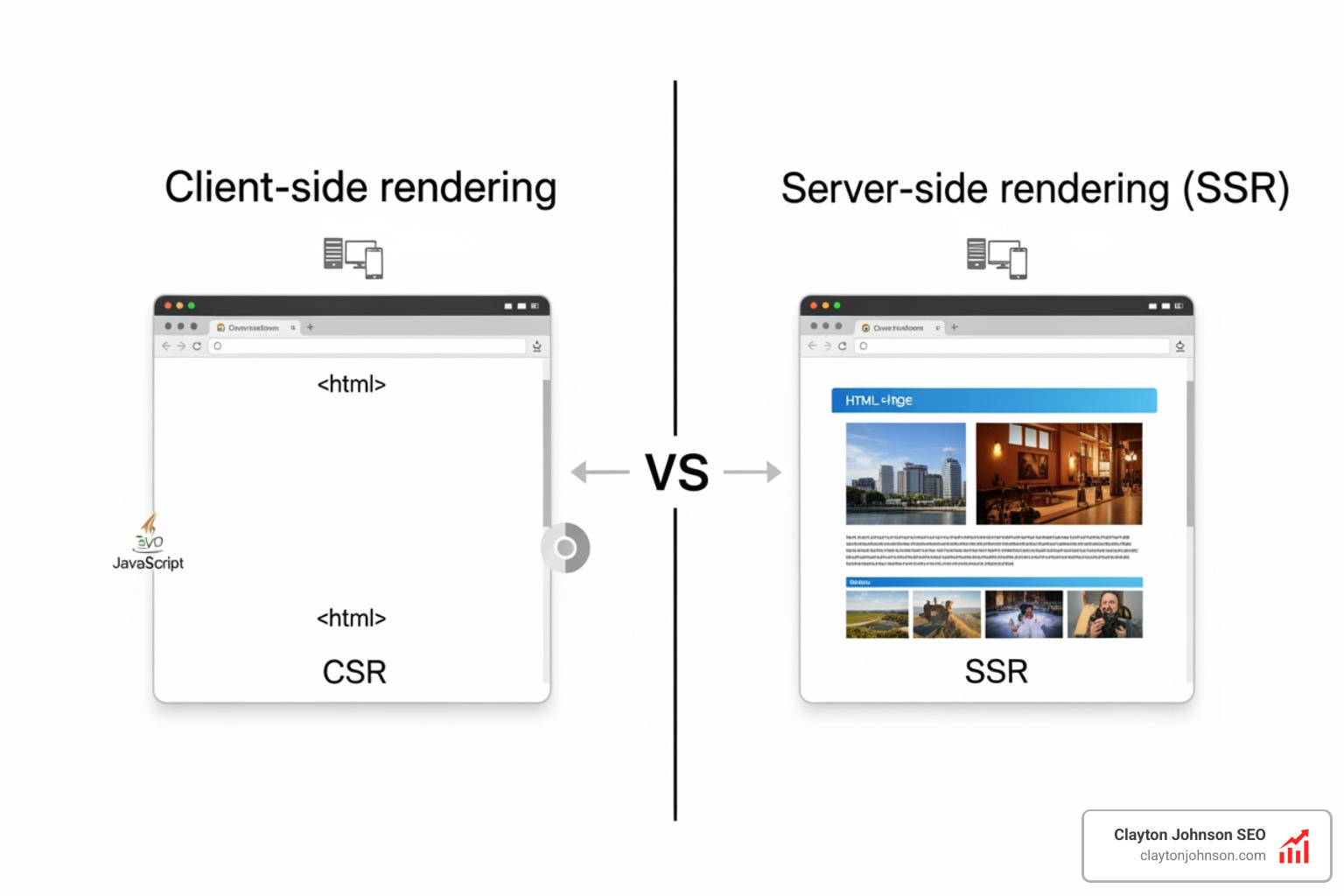
- Client-Side Rendering (CSR): This is like sending a guest a cake recipe and the ingredients instead of the actual cake. The user’s browser (the client) has to do all the work to “bake” the page. For SEO, this is risky. If Googlebot doesn’t wait for the “baking” to finish, it sees a blank page.
- Server-Side Rendering (SSR): Here, the server bakes the cake and sends the finished product to the browser. Googlebot loves this because the content is right there in the initial HTML.
- Static Site Generation (SSG): The cake is baked well in advance and sits on a shelf ready to be grabbed. This is incredibly fast and SEO-friendly.
According to scientific research on Google’s JavaScript rendering, Googlebot uses an “evergreen” version of Chromium. This means it can generally see what a modern browser sees, but it doesn’t mean it does so instantly. Rendering is resource-heavy, and Google limits its efficiency to save on costs. If your site is massive and relies purely on CSR, you might notice a 20% drop in indexed pages simply because Google gave up on waiting for your scripts to fire.
For those looking to scale their efforts, more info about AI-driven SEO audits can help you identify these patterns across thousands of pages simultaneously.
Step 1: Identifying Dependencies for a JavaScript SEO Audit
The first step in our javascript seo audit is figuring out just how much your site relies on “the bricks” versus “the finished book.” We need to know if your critical content—headings, text, and links—is actually there when the page first loads.
Tools for the Job
- Chrome DevTools: The Swiss Army knife of SEO. Right-click any page and hit “Inspect.”
- Wappalyzer: A handy browser extension that tells you which framework your site uses (React, Vue, Angular, etc.).
- WWJSD (What Would JavaScript Do?): You can Visit WWJSD to see a side-by-side comparison of your site with and without JavaScript.
The “Disable JS” Test
One of the simplest tricks in our toolkit is to disable JavaScript in your browser settings and refresh the page.
- Does the main text disappear?
- Do the navigation menus stop working?
- Are the product images gone?
If the answer is “yes” to any of these, you have a JavaScript dependency. We call this “Progressive Enhancement” when a site works perfectly in plain HTML but gets “fancier” with JS. If your site becomes a blank white box without JS, you’re looking at a high-risk CSR setup.
Step 2: Testing How Googlebot Renders Content
Now that we know what we see, we need to know what Google sees. Googlebot doesn’t scroll, it doesn’t click “Load More,” and it certainly doesn’t accept your cookie consent pop-up.
We use the Search Console Documentation to guide our use of official tools. The most important tool here is the URL Inspection Tool.
- Enter your URL in Google Search Console (GSC).
- Click “Test Live URL.”
- Click “View Tested Page.”
- Look at the Screenshot and the Rendered HTML.
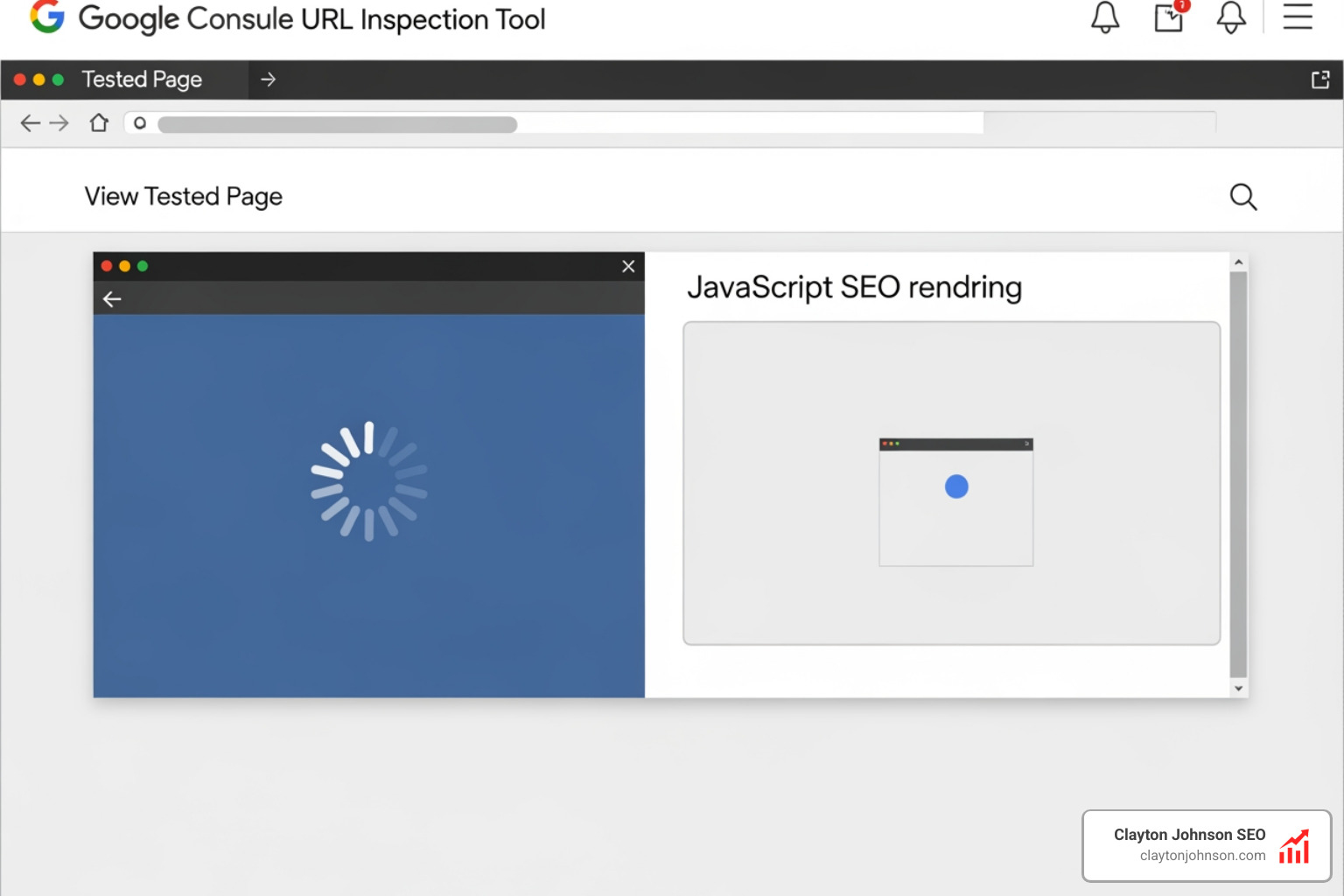
If the screenshot shows a loading spinner or a blank area where your content should be, you’ve found a rendering issue. Another great tool is the Rich Results Test. Even if you aren’t testing schema, it uses the same rendering engine as Googlebot, making it a perfect “second opinion.”
Step 3: Comparing Raw HTML vs. Rendered DOM
This is where the detective work gets serious. We need to compare the “Raw HTML” (what the server sends) with the “Rendered DOM” (what the browser creates after running JS).
Discrepancies here are common. For example, in a crawl of the Kipling USA site, a normal crawl found 141 links, but a JavaScript-rendered crawl found 165. Those 24 missing links were “invisible” to any crawler that couldn’t process JS.
Bulk Auditing Tools
Checking pages one by one is fine for a blog, but for an enterprise site, we need power.
- Screaming Frog: Make sure you have rendering enabled in the settings (Configuration > Spider > Rendering > JavaScript). This allows the “Frog” to act like a browser.
- JetOctopus: Their JavaScript page analyzer tool is fantastic for visualizing how JS changes your titles, meta descriptions, and indexation signals.
If your meta robots tag says noindex in the raw HTML but changes to index via JavaScript, Google might see the noindex first and drop the page before the JavaScript even has a chance to run. We always recommend keeping your “indexing signals” (canonicals, robots tags) in the raw HTML to avoid confusion.
Step 4: Auditing Links and Navigation for Crawlability
If Googlebot can’t find your links, it can’t find your pages. Many modern apps use “OnClick” events or “Hash-based routing” (URLs with a # in them) to move users around. While this feels snappy for users, it’s a brick wall for bots.
Googlebot specifically looks for the a href tag. If your link looks like , Googlebot will likely ignore it.
The History API vs. Hash Fragments
For single-page applications (SPAs), you must use the History API to create clean, unique URLs. Avoid fragments like example.com/#/products. Google generally ignores everything after the #, meaning it thinks your entire product catalog is just one page.
| Link Type | HTML Example | Crawlable? |
|---|---|---|
| Standard Anchor | |
Yes (The Gold Standard) |
| JavaScript Void | |
No |
| Hash Link | |
No (Usually ignored) |
| OnClick Event | |
No |
The Infinite Scroll Problem
We love infinite scroll for UX, but Googlebot doesn’t scroll. If your content only loads as the user moves down the page, Google will only see the first few items. To fix this, you should pair infinite scroll with traditional paginated links (e.g., ?page=2) that are hidden or placed in the footer so the bot has a path to follow.
Step 5: Evaluating Performance and Core Web Vitals
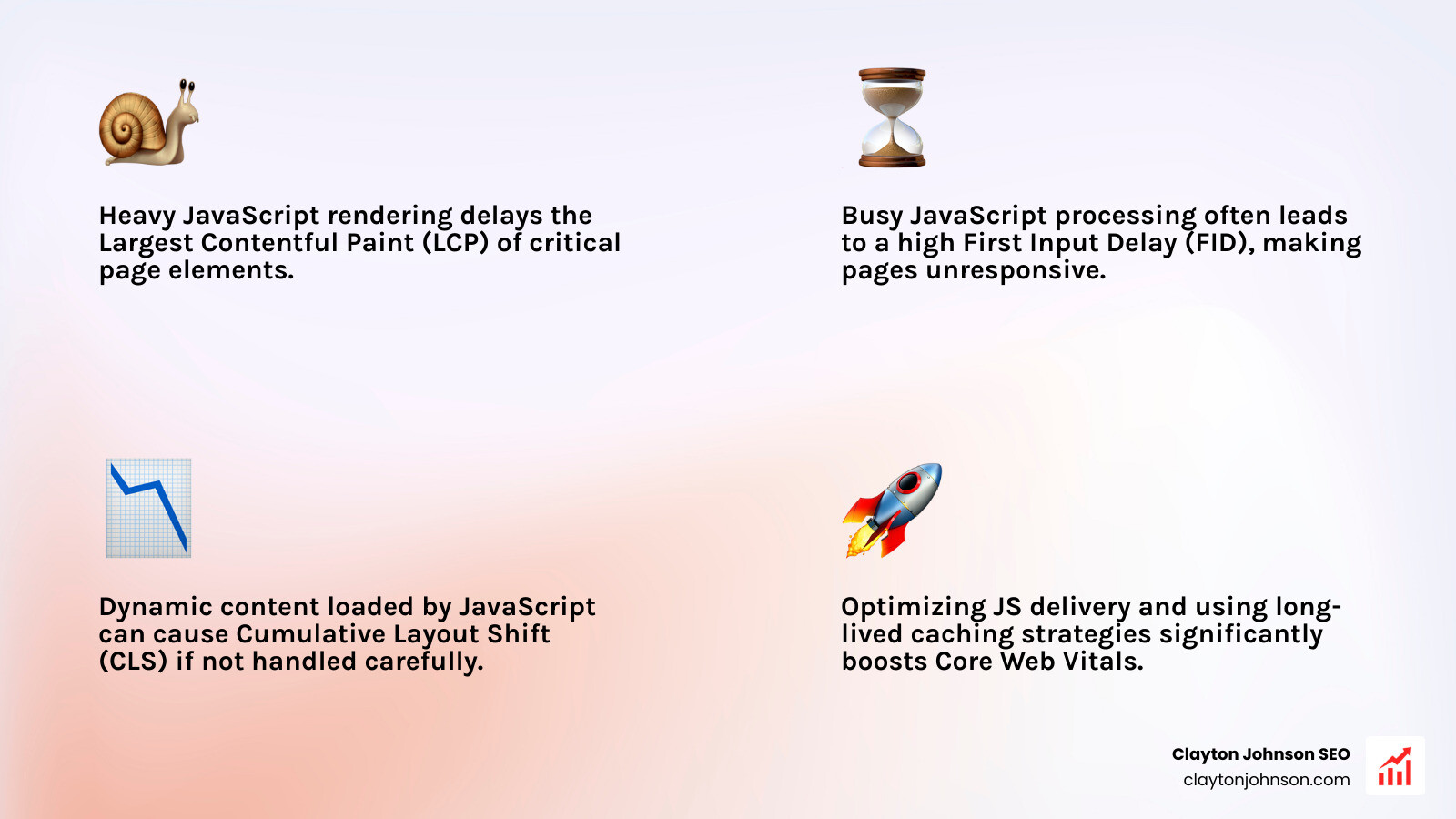
JavaScript is the #1 killer of page speed. Every kilobyte of JS must be downloaded, unzipped, parsed, and executed. This directly impacts Core Web Vitals, specifically:
- LCP (Largest Contentful Paint): If your main image or text is rendered via JS, your LCP will be slow.
- FID (First Input Delay): If the browser is busy processing a massive JS file, it can’t respond to user clicks.
- CLS (Cumulative Layout Shift): If your JS loads in and suddenly pushes content down, your CLS score will tank.
We use the web.dev guide on long-lived caching strategies to ensure that once a user (or bot) downloads our scripts, they don’t have to do it again. Using “content hashing” (like main.2bb85551.js) ensures that when you update your code, the browser knows to grab the new version, but otherwise keeps the old one in cache.
For a deeper dive into these metrics, check out more info about mastering core SEO.
Finalizing Your JavaScript SEO Audit and Fixing Issues
Once you’ve completed your javascript seo audit, it’s time to move from diagnosis to surgery. Here are the most effective ways to fix rendering issues:
1. The “Cake” Solutions: SSR and SSG
If possible, move away from pure Client-Side Rendering. Frameworks like Next.js (for React) or Nuxt.js (for Vue) make Server-Side Rendering much easier to implement. They allow you to serve a fully-baked HTML page to Google while still keeping the interactive JS features for users.
2. Prerendering
If a full framework migration is too expensive, a service like Prerender can act as a middleman. It detects when a bot is visiting and serves them a static, rendered version of the page, while real users get the standard JS experience.
3. Progressive Enhancement
Build your site so the core experience (text and links) works in plain HTML. Then, use JavaScript to “enhance” that experience with animations or interactive tools. This ensures that even if a bot (or a user with a slow connection) fails to load your scripts, they still get the “meat” of your content.
4. Optimize Script Loading
Don’t let your scripts block the page from loading.
- Async: Downloads the script while the HTML parses but pauses parsing to execute.
- Defer: Downloads the script while the HTML parses and only executes it after the parsing is finished. This is generally the best choice for SEO.
Why Systems Matter
At Clayton Johnson SEO, we don’t just look for a single broken script. We look at your entire content architecture. A javascript seo audit is only as good as the system it supports. We focus on building durable internal linking structures and taxonomy-driven ecosystems that ensure your site remains crawlable regardless of how much JavaScript you layer on top.
If you’re feeling overwhelmed by the technicalities of Chromium rendering and the History API, you aren’t alone. You can contact us for a custom SEO strategy where we build the systems that operationalize these fixes for you.
Conclusion
JavaScript is not the enemy of SEO, but unmanaged JavaScript is. By performing a regular javascript seo audit, you ensure that your site’s dynamic features aren’t coming at the cost of your search visibility. Google’s “second wave” of indexing can take time—sometimes weeks. If your content isn’t in the raw HTML, you are essentially asking Google for a favor.
Fixing these issues often leads to traffic increases of 30-50% because you are finally letting search engines see the full value of what you’ve built. It’s about moving from fragmented scripts to a coherent growth engine.
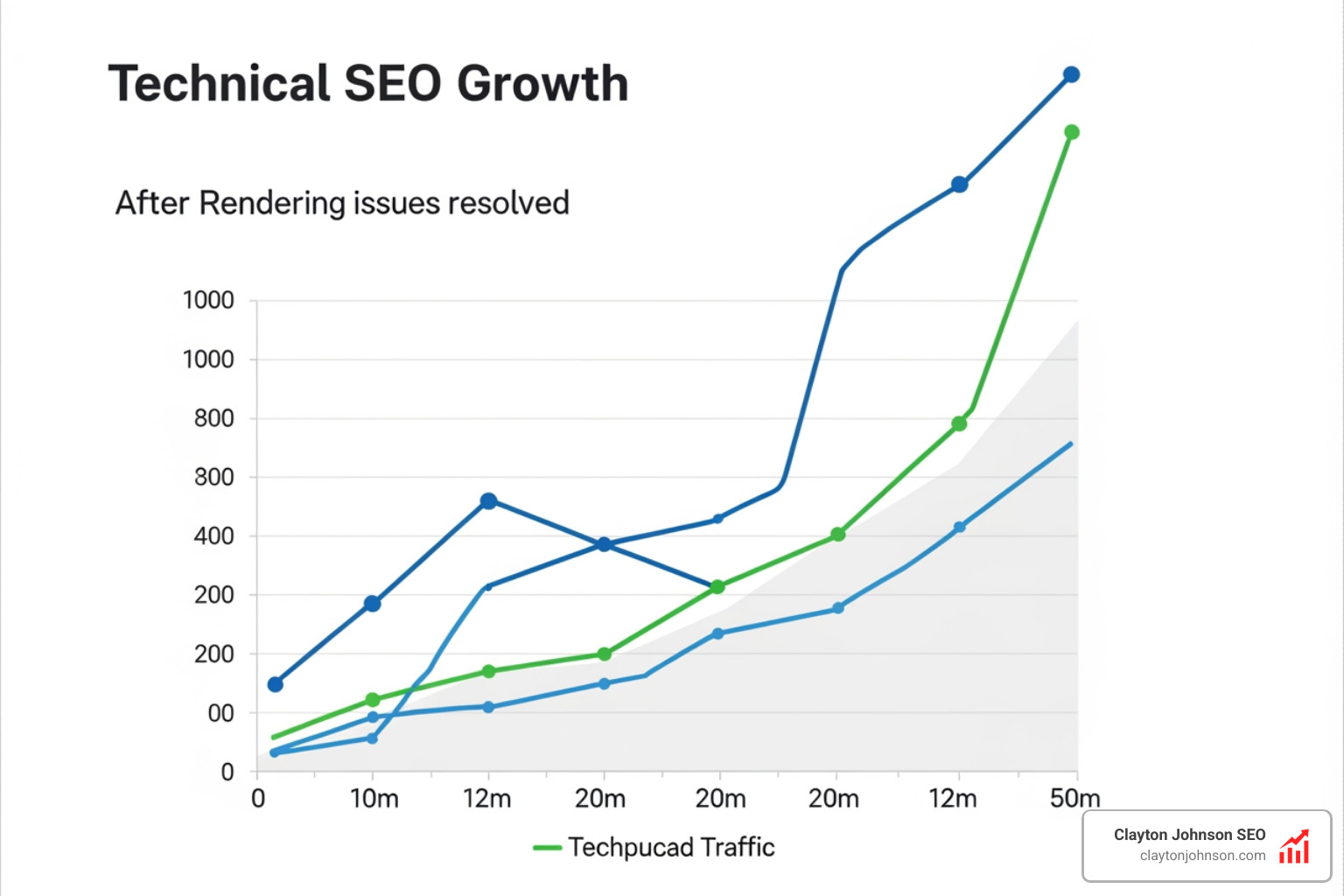
The path to compounding growth starts with clarity and structure. By ensuring your site is easily “readable” by both humans and bots, you create a scalable system that drives long-term authority. For more information on how we can help you build these systems, explore more info about professional SEO services.
Stop letting your JavaScript hide your best content. Audit it, fix it, and watch your rankings climb.