How to Visualize Your Business with BMC Mapping


Why Every Business Needs a Clear BMC Mapping Guide
A BMC mapping guide helps organizations visualize their business model or IT infrastructure through structured frameworks. Depending on your context, “BMC mapping” can mean:
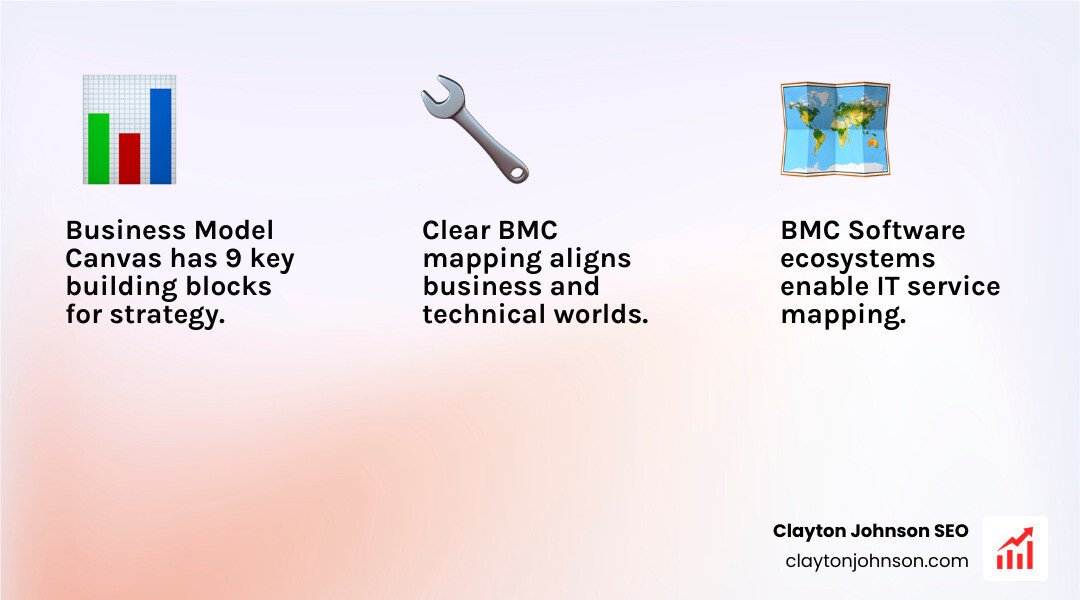
- Business Model Canvas (BMC) – A strategic tool with 9 components (Customer Segments, Value Propositions, Channels, Customer Relationships, Revenue Streams, Key Resources, Key Activities, Key Partnerships, Cost Structure) that maps how your business creates and captures value
- BMC Software mapping – Technical processes in BMC tools like Helix Findy, Application Automation, and Data Manager that map IT components, dependencies, and data fields for service management
Why this matters: The Business Model Canvas transforms complex business concepts into a single-page visual roadmap that aligns teams and accelerates decision-making. Meanwhile, BMC Software mapping ensures your IT infrastructure supports business services through automated dependency tracking and data change.
Both approaches share a common goal: creating clarity from complexity. Whether you’re mapping your startup’s revenue model or your enterprise’s application dependencies, structured mapping prevents costly blind spots.
Most organizations struggle with mapping because they either overcomplicate the canvas with jargon, treat it as a one-time exercise, or fail to involve the right stakeholders. In BMC Software environments, the biggest failure point is overworked application owners who lack time to provide critical mapping input.
This guide addresses both strategic and technical BMC mapping with actionable steps, real-world examples, and mistakes to avoid.
I’m Clayton Johnson, an SEO and growth strategist who has built content systems and strategic frameworks across multiple industries, including comprehensive BMC mapping guide development for both business strategy and technical operations contexts. I specialize in translating complex frameworks into executable systems that drive measurable outcomes.
Understanding the Two Worlds of BMC Mapping
When we talk about a BMC mapping guide, we are looking at two distinct but equally powerful “worlds.” On one side, we have the high-level strategic framework used by founders and CEOs to design their business. On the other, we have the technical IT operations landscape where “BMC” refers to BMC Software, a leader in automation and observability.
This strategic management framework was first developed by Alexander Osterwalder in the mid-2000s and has since become the gold standard for Strategic Design. It allows us to see how a company actually functions on a single sheet of paper.
Conversely, in IT, mapping is about Operational Alignment. It is the process of identifying how software, servers, and data interact to deliver a service to the end user. Without this technical mapping, IT teams are “flying blind,” unable to see how a server failure might crash a critical business application.
Defining Mapping in BMC Software
In the context of tools like BMC Helix, mapping is the act of creating a digital blueprint of your IT environment. This isn’t just a static list of assets; it’s a dynamic web of relationships.
- Dependency Mapping: Understanding that “App A” relies on “Database B” which runs on “Server C.”
- Service Impact Analysis: If a specific component fails, mapping tells us exactly which business services will go down.
- Data Change: Moving data between systems (like during an upgrade) requires field mapping to ensure information lands in the right place.
According to BMC Documentation, mapping is essential for effective Business Service Management (BSM). It allows us to move away from managing “boxes and wires” and start managing “business outcomes.”
The Role of a BMC Mapping Guide in Business Strategy
On the strategic side, a BMC mapping guide serves as an “advertisement” for your business’s logic. It strips away the 50-page business plan and focuses on the core: How do we make money? Who are our customers? What is our unique value proposition?
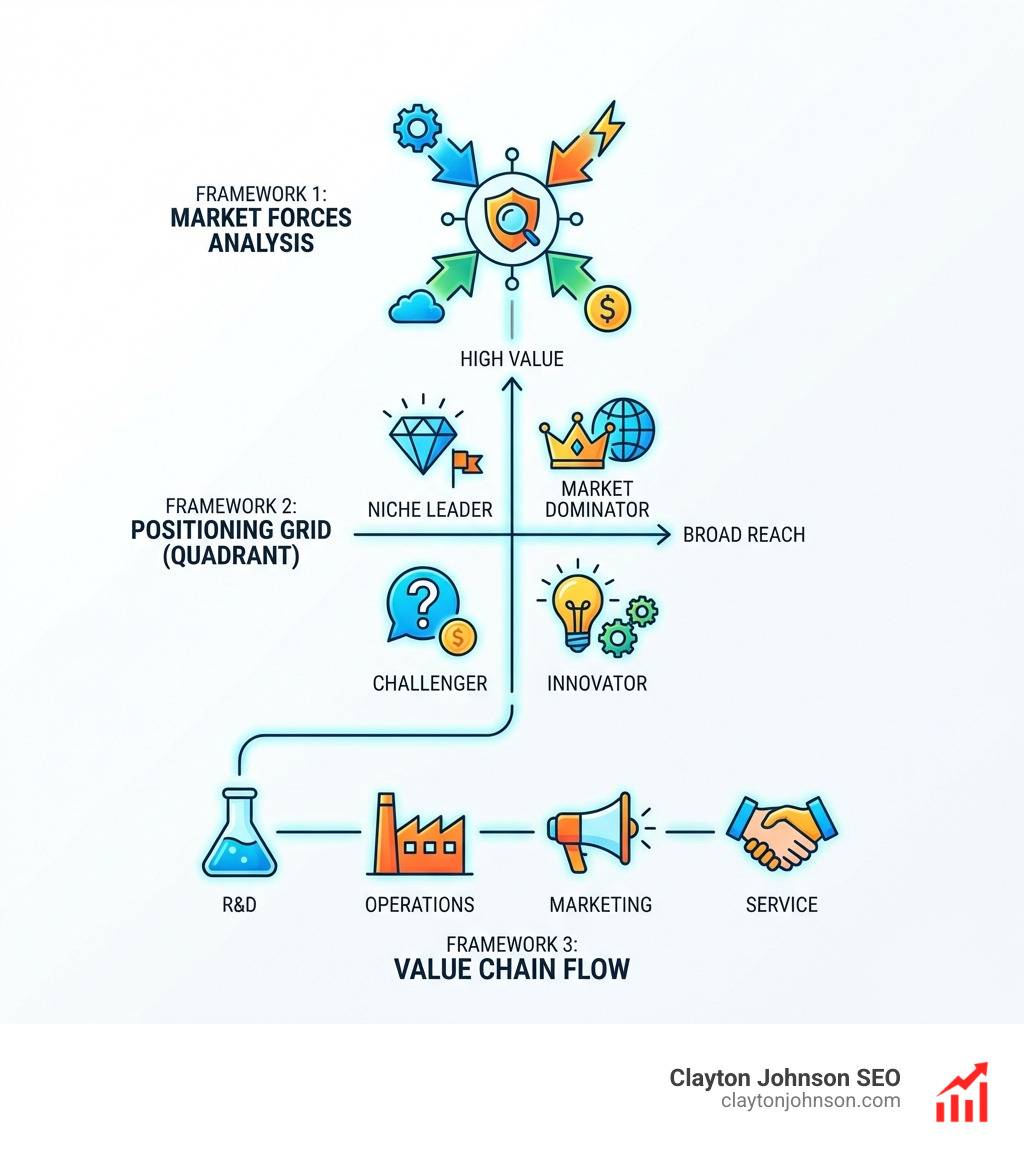
By using tools like Market Analysis and SWOT Analysis, we can fill out the canvas to identify gaps in our strategy. For example, if we have a great product (Value Proposition) but no clear way to reach customers (Channels), our map immediately highlights a looming failure.
The Business Model Canvas: A Strategic BMC Mapping Guide
The Business Model Canvas is a visual roadmap. It’s a “living document” that should evolve as you get feedback from the market. Think of it as a strategic billboard that tells your company’s story without the filler.
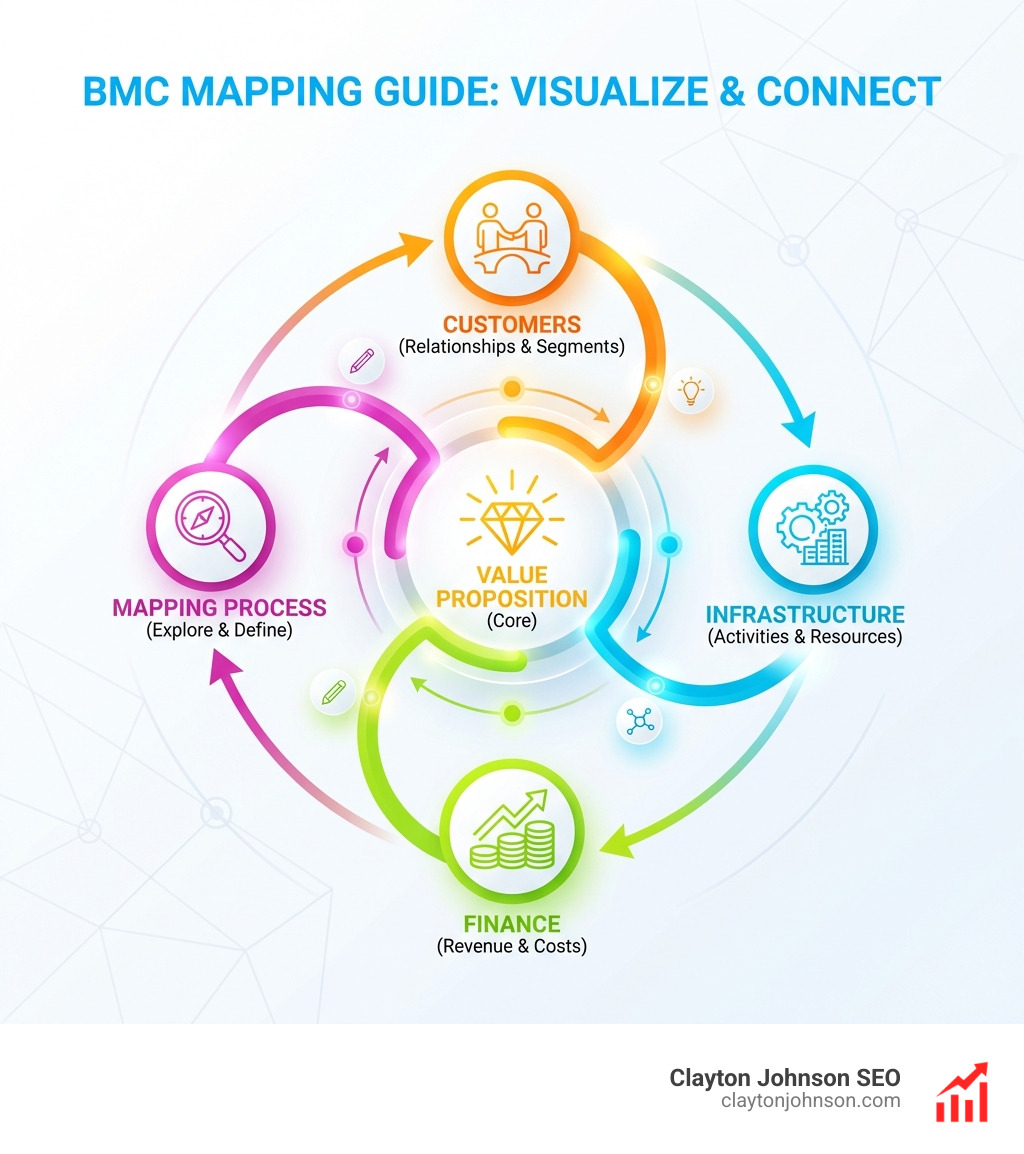
When we build a canvas, we are essentially answering three questions:
- What are we offering? (The Offering)
- Who are we offering it to? (The Customers)
- How do we deliver it and what does it cost? (The Infrastructure & Finances)
You can Create a business model canvas in Confluence whiteboards for free to start collaborating with your team in real-time. This visual approach is much more effective than siloed spreadsheets because it forces everyone to see the “big picture.” To truly master this, you need a solid Customer Strategy and clearly defined Buyer Personas to ensure your value proposition actually lands.
Mastering the 9 Components of a BMC Mapping Guide
To fill out your BMC mapping guide effectively, you must understand the nine essential building blocks:
- Customer Segments: Who are the people or organizations we aim to reach? (e.g., Demographics, Geography).
- Value Propositions: Why do customers buy from us? What problem are we solving?
- Channels: How do we communicate with and reach our customers?
- Customer Relationships: What type of relationship does each segment expect? (Self-service vs. personal assistance).
- Revenue Streams: How do we generate cash? (Subscription, one-time sale, licensing).
- Key Resources: What assets are required to make the model work? (Physical, intellectual, human).
- Key Activities: What are the most important things we must do? (Production, problem-solving, networking).
- Key Partnerships: Who are our suppliers and partners?
- Cost Structure: What are the most important costs inherent in our business model?
By analyzing Customer Segmentation Product Insight and refining your Sales Strategy, you can ensure these nine blocks work in harmony rather than in isolation.
Avoiding Common Mistakes in Your BMC Mapping Guide
Even with a great template, many teams fail at BMC mapping. Here are the most common pitfalls:
- Siloed Development: One person (usually the founder) fills it out alone. Strategy requires cross-functional input.
- Static Documents: Treating the canvas as a “one-and-done” exercise. It must be updated as you test assumptions.
- Over-complexity: Using buzzwords and jargon. If a smart investor can’t understand it in 60 seconds, it’s too complex.
- Confusing Strategy with Implementation: The canvas is the what and why, not the 200-item to-do list.
To avoid these, focus on Execution Roadmaps Operational Alignment to bridge the gap between your visual map and your daily tasks.
Technical Mapping within BMC Software Ecosystems
Now, let’s pivot to the technical side of the BMC mapping guide. In enterprise IT, mapping is the glue that holds automation and service management together.
| Feature | Collaborative Application Mapping (CAM) | Property Mapping |
|---|---|---|
| Primary Goal | Finding app dependencies | Automating parameter values |
| Main Tool | BMC Helix Findy | BMC Application Automation |
| Key Role | Application Mapper | Automation Engineer |
| Dynamic? | Yes, rule-based | No, usually static assignment |
Technical mapping often involves using Component Templates to ensure that when you deploy software, it goes to the right servers with the right configurations. In more complex environments, Mapping files are used to define where files should land on a target system.
Collaborative Application Mapping (CAM) Workflow
The biggest challenge in IT mapping is the “Busy Application Owner.” They know how the app works, but they don’t have time to help the IT team map it. CAM solves this by using a rule-based approach.
The CAM Workflow:
- Identify Roles: The Application Mapper (expert in BMC Helix Findy) does the heavy lifting. The Application Owner provides feedback.
- Prototype: The mapper creates a “best guess” map using infrastructure rules.
- Share & Refine: The owner reviews the map. The goal is to keep this interaction non-intrusive.
- Automate: Once validated, the map updates automatically as the infrastructure changes.
This ensures your service maps stay current even when developers move servers or change database instances.
Field Mapping and Data Change
When migrating data—especially with BMC Helix Data Manager—you need to perform field mapping. This is the process of telling the system that “Field A” in the old software is the same as “Field B” in the new one.
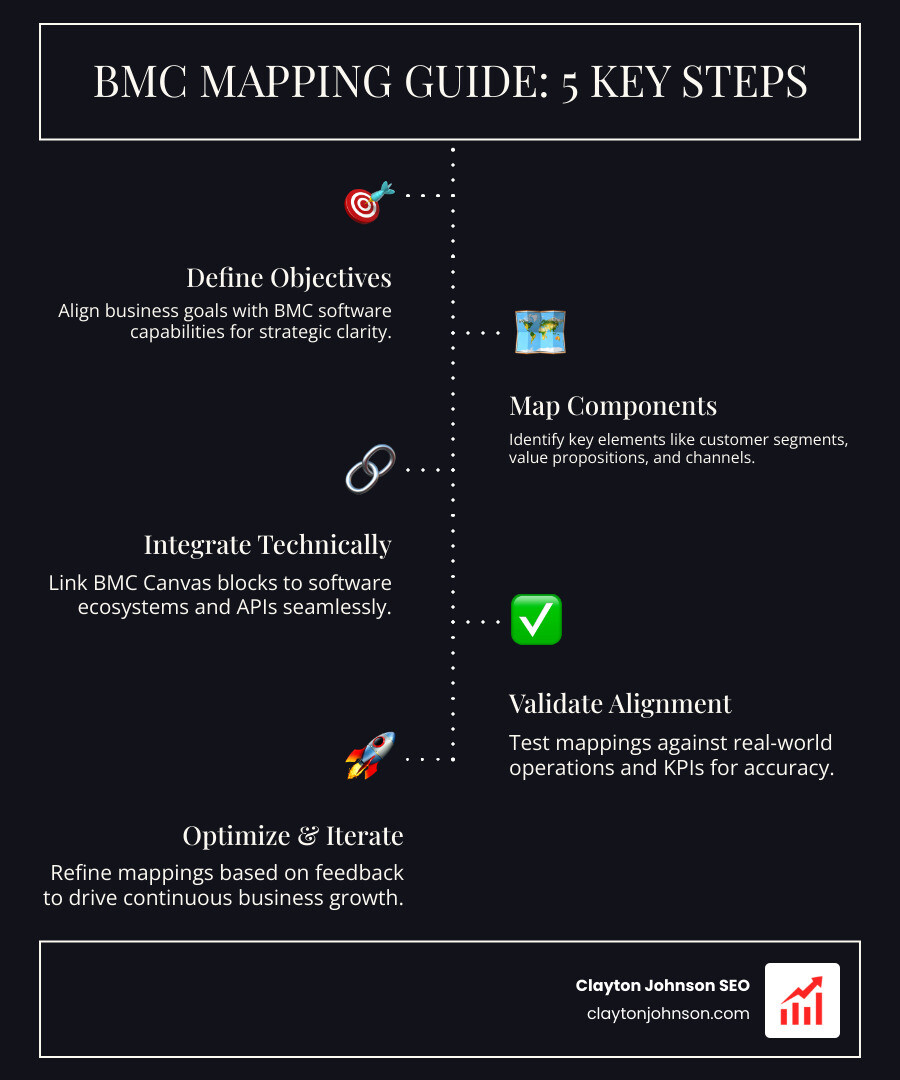
In Mapping and transforming fields, you can apply changes like:
- Truncate: Shortening data that is too long for the new field.
- Enum Mapping: Changing a “Canceled” status to “Cancelled” to match the new system’s spelling.
- Conditional Mapping: Only mapping data if certain criteria are met (e.g., “If Status > 3”).
Property and Component Mapping for Automation
For those using BMC Release Process Management, Mapping properties is a lifesaver. It allows you to map environment variables (like a classpath) directly to automation scripts.
There are two main types here:
- Application Mapping: Associating properties with specific application components.
- Infrastructure Mapping: Mapping properties against specific servers.
This level of detail is what makes “one-click” deployments possible in large enterprises.
Best Practices for Effective BMC Mapping
Whether you are mapping a billion-dollar business model or a complex Java application, these best practices apply:
- Keep it Simple: Avoid jargon. Use plain language that anyone on the team can understand.
- Be Non-intrusive: If you need input from busy stakeholders, make it easy for them. Provide a prototype they can “redline” rather than asking them to start from scratch.
- Iterate Often: Your first map will be wrong. That’s okay. The value is in the refinement.
- Use Visual Tools: Don’t hide your map in a spreadsheet. Use whiteboards or visual findy tools.
- Validate Assumptions: In business, talk to customers. In IT, run a findy scan to see if the “real” infrastructure matches your map.
We often use Porter’s Five Forces and PESTLE Analysis to stress-test our strategic maps against external market pressures.

Frequently Asked Questions about BMC Mapping
What is the difference between Application and Infrastructure mapping?
In BMC software, Application Mapping focuses on the logical components of a software service (like web servers and databases) and how they connect. Infrastructure Mapping focuses on the physical or virtual hardware (the actual servers) where those components live.
How do mapping files work in BMC import/export processes?
Mapping files (usually mapping.xml) are used to resolve dependencies when moving objects between systems. If you export a “Job” from one system, the mapping file tells the new system where to find the “Servers” or “Properties” that the job needs to run. The GUI often prompts you for this, but the CLI requires a well-structured XML file.
Why is the Business Model Canvas essential for biopharma and new modalities?
The biopharma industry is seeing a massive shift toward “new modalities” like mRNA, gene therapy, and ADCs. In fact, new modalities represent $168 billion in projected pipeline value in 2024, up 14% from 2023. Because these technologies are unproven and expensive, companies use the Business Model Canvas to visualize their path to market, identify key partners for manufacturing, and clarify their value proposition to investors. With nearly $200 billion spent on new modality deals recently, having a clear strategic map is the difference between securing funding and fading away.
Conclusion
Mastering the BMC mapping guide—whether strategic or technical—is about one thing: Visibility. In business, it gives you the visibility to spot opportunities and threats. In IT, it gives you the visibility to prevent outages and automate deployments.
At the end of the day, a map is only as good as the action it inspires. Don’t let your Business Model Canvas sit on a shelf, and don’t let your IT service maps become outdated. Use these tools to drive Strategic Growth and operational excellence.
If you’re looking to refine your digital strategy or build more robust content systems, check out our SEO Strategy resources or learn more about our social media marketing services to see how we align brand storytelling with technical execution. Mapping is just the beginning; execution is where the value is captured.