Mastering the Claude AI Code Generator for Faster Development


Why Developers Are Turning to Claude AI for Code Generation
Claude AI code generator is an agentic coding tool built by Anthropic that reads your codebase, edits files, runs commands, and automates development workflows across your terminal, IDE, browser, and desktop. Unlike traditional code completion tools, Claude Code understands project context, executes tests, fixes errors, and handles complex refactoring tasks autonomously.
Quick Start Guide:
- Install via terminal:
curl -fsSL https://claude.ai/install.sh | bash(macOS/Linux) - Steer to your project:
cd your-project && claude - Authenticate with your Claude subscription (Free, Pro, or Max)
- Start coding with natural language commands like
claude "write tests for the auth module and fix failures"
Key Capabilities:
- Generates code in Python, JavaScript, TypeScript, React, Node.js, SQL, and 10+ languages
- Refactors large files (up to 18,000+ lines) where other AI tools fail
- Automates git operations, testing, linting, and CI/CD workflows
- Connects to external tools via Model Context Protocol (MCP)
- Works across terminal, VS Code, JetBrains, web, and desktop environments
Pricing:
- Free: Basic code generation and chat
- Pro: $17/month (annual) for extended usage and advanced models
- Max: From $100/month for 5-20x more capacity
The shift from traditional code assistants to agentic tools like Claude represents a fundamental change in development workflows. Instead of generating isolated code snippets, Claude Code acts as a collaborative team member by analyzing your codebase, identifying patterns across components, running test suites, and iteratively fixing build errors with minimal back-and-forth.
Third-party platforms like Workik AI extend Claude’s capabilities with team collaboration features. The tool can support the workflow from initial scaffolding to deployment, with context-aware suggestions that reflect your project’s architecture, dependencies, and coding standards.
I’m Clayton Johnson, and I’ve spent years building AI-assisted marketing and development workflows that turn fragmented processes into scalable systems. My experience with the Claude AI code generator has shown how strategic automation combined with proper context management and human oversight can accelerate technical execution while maintaining code quality.
Core Features of the Claude AI Code Generator
At its heart, the Claude AI code generator is powered by Anthropic’s most advanced models, specifically Claude 3.5 Sonnet. What makes this tool “agentic” rather than just a smart autocomplete is its ability to perform a loop of actions: it reads, thinks, writes, and verifies.
One of the standout features is Artifacts, which allows us to view and iterate on code snippets, websites, and diagrams in a dedicated window alongside our chat. This side-by-side experience makes it much easier to visualize what the AI is building in real-time.
Furthermore, Claude Code is built with deep codebase awareness. It doesn’t just look at the file you have open; it understands the relationships between your components, shared states, and utility functions. This is achieved through the Claude Code overview, which highlights how the agent steers directories to find patterns.
Another breakthrough is the Model Context Protocol (MCP). This is an open standard that allows Claude to connect to external data sources. Imagine your code generator having direct access to your Jira tickets, Google Drive design docs, or Slack conversations to gather requirements. MCP makes this integration seamless, ensuring the code generated aligns with the actual business logic defined elsewhere.
Setting Up the Claude AI Code Generator CLI
For those of us who live in the terminal, the CLI is the most powerful way to interact with Claude. It follows the Unix philosophy of composability—you can pipe logs into it or use it to script complex migrations.
To get started, we recommend a native install. For macOS and Linux users, the curl script is the fastest route. Windows users can leverage PowerShell or CMD equivalents. Once installed, the claude command becomes your primary interface. It’s important to keep your tool updated; you can check the Claude Code Changelog to see the latest features and bug fixes.
Authentication is handled via your Anthropic Console account or a Claude subscription. Once logged in, you can simply cd into your repository and start a session. The tool will automatically index your files (respecting your .gitignore) to build the necessary context for high-accuracy generation.
Supported Languages and Frameworks
We’ve found that the Claude AI code generator is exceptionally versatile. While it excels in the modern web stack, its knowledge base is vast. Supported languages and frameworks include:
- Frontend: React, Vue.js, Angular, and TypeScript.
- Backend: Node.js, Python (Django, Flask), Go, and Ruby on Rails.
- Mobile: Swift, Kotlin, and React Native.
- Data & Systems: SQL, C++, C#, and Rust.
Whether you are building a complex React dashboard or optimizing a PostgreSQL schema, Claude provides idiomatic code that follows modern best practices. If your project involves heavy data processing, you might also find our Analytics & Data Services useful for setting up the underlying infrastructure that Claude will eventually interact with.
Getting Started: Installation and Pricing
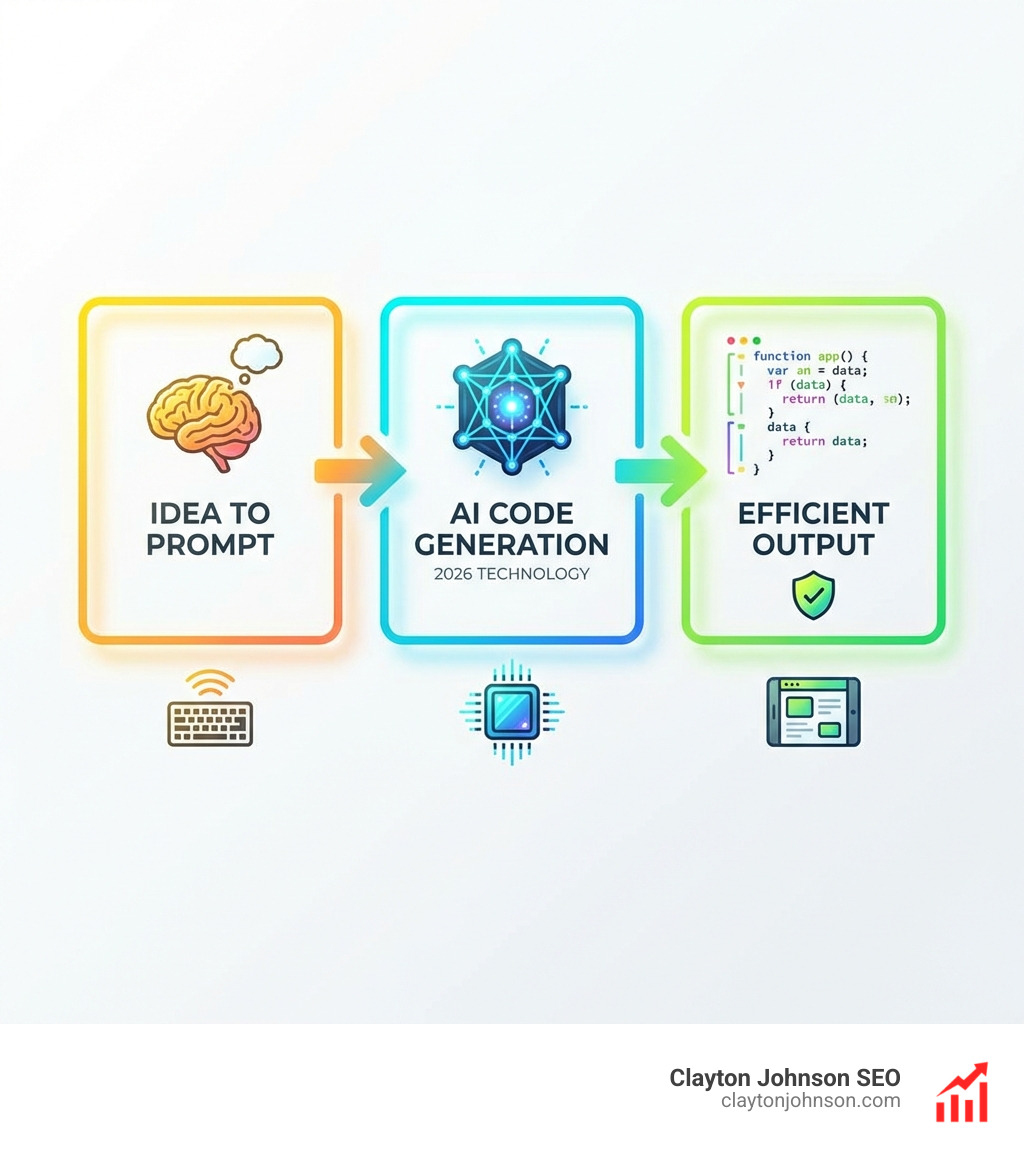
Getting Claude into your workflow is flexible. You aren’t limited to the terminal. You can use the VS Code extension for a familiar IDE experience, the JetBrains plugin (for IntelliJ, PyCharm, and WebStorm), or even the standalone desktop app for macOS and Windows.
If you prefer a zero-setup environment, the web interface at claude.ai/code allows you to run sessions in your browser. This is particularly useful for working on repositories you haven’t cloned locally or for kicking off long-running tasks while you’re on the move.
Pricing Tiers and Usage Limits
Anthropic offers several Claude subscription plans to fit different needs:
- Free Tier: Perfect for trying out basic code generation and getting a feel for the chat interface.
- Pro Plan: Priced at $20/month (or $17/month billed annually). This plan provides significantly more usage than the Free tier and access to the latest models like Claude 3.5 Sonnet.
- Max Plan: Starting from $100/month, this is designed for power users and professional developers. It offers 5–20x more usage than the Pro plan and priority access during peak times.
It is important to note that usage limits do apply regardless of the plan. To make the most of your subscription, we recommend following Usage limit best practices, such as starting new chats for new tasks and providing concise context to keep token consumption efficient.
Optimizing the Claude AI Code Generator for Large Projects
A challenge with AI coding is “context drift” or running out of tokens on large projects. However, Claude has demonstrated an incredible ability to handle massive files. In documented cases, it has successfully updated React components over 18,000 lines long—a feat where most other AI agents get “stuck” or require constant “babysitting.”
To optimize for large-scale projects, we suggest:
- Repository Syncing: Platforms like Workik AI allow you to sync your entire GitHub or GitLab repo, giving Claude a persistent “memory” of your project structure.
- Incremental Tasks: Don’t ask for a whole feature at once. Ask Claude to “scaffold the API,” then “build the UI component,” and finally “integrate the two.”
- Documentation: Keep your internal docs updated. Claude is great at reading your Claude Code documentation and following the architectural rules you’ve set.
Advanced Workflows: Refactoring and Testing
Refactoring is where the Claude AI code generator truly shines. It can identify code duplication across multiple files and suggest a modular design to clean it up.
| Feature | Manual Refactoring | Claude AI Automation |
|---|---|---|
| Speed | Hours/Days | Minutes |
| Consistency | Human error prone | Highly standardized |
| Testing | Manual verification | Automated suite execution |
| Documentation | Often forgotten | Auto-generated updates |
Claude doesn’t just write the code; it verifies it. In a typical refactoring workflow, Claude can run npm run build to ensure the project still compiles, followed by executing the test suite. If a test fails, Claude reads the error output, identifies the root cause, and applies a fix autonomously.
Using CLAUDE.md for Project Context
To get the best results, we recommend creating a CLAUDE.md file in your project root. This file acts as a persistent instruction manual for the AI. You can include:
- Coding Standards: (e.g., “Use functional components with Tailwind CSS”)
- Architecture Decisions: (e.g., “All API calls must go through the /services directory”)
- Custom Slash Commands: Create “skills” for repeatable tasks like
/deploy-stagingor/generate-docs. - Hooks: Set up shell commands that run automatically before or after Claude edits a file, such as auto-formatting with Prettier.
Autonomous Debugging and Build Verification
In a live demonstration, Claude was tasked with refactoring permission request components. It read 9 different files, identified a pattern, and created a BasePermissionRequest component that reduced code duplication by 92 lines in a single file.
During this process, it ran 831 tests across 95 files and bundled 3,867 modules to verify the build. When it encountered a lint error or a test timeout, it didn’t stop and ask for help. It analyzed the lint report, removed the unused variables, updated the test assertions to match the new UI text patterns, and re-ran the tests until everything passed. You can follow these types of advanced updates on the Claude Code GitHub repository.
Best Practices and Common Challenges
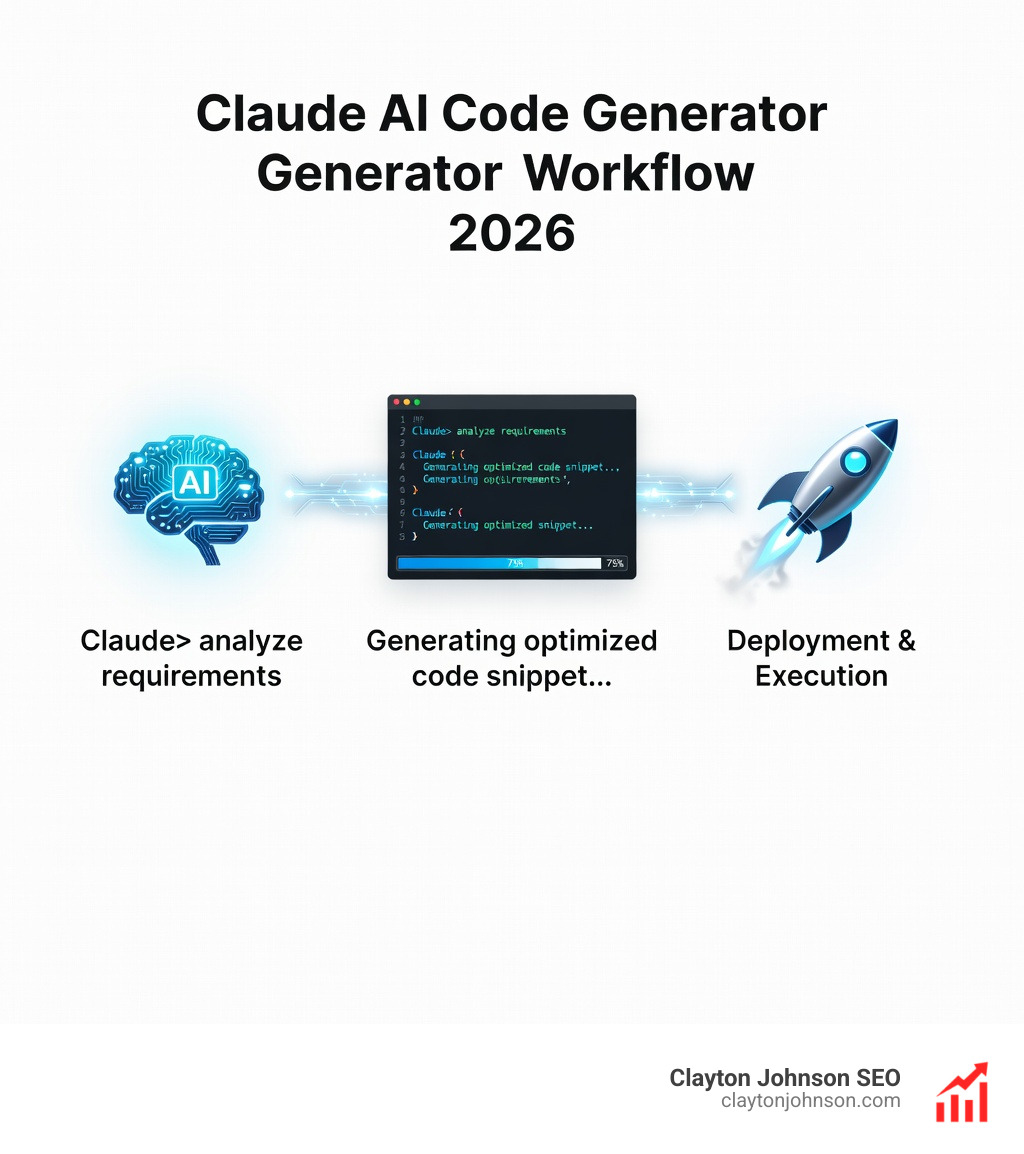
While the Claude AI code generator is powerful, it is not magic. To get 90%+ correct code, you need to use Chain-of-Thought prompting. Instead of saying “Fix this bug,” try: “As a Senior Backend Engineer, analyze this error log, identify the three most likely causes, and propose a fix for the most probable one.”
Big Design Up Front (BDUF), while often criticized in agile human development, is actually very helpful for AI. Giving Claude a detailed design document or a rubric before it starts writing code ensures it stays aligned with your vision.
Common challenges include:
- Hallucinations: Occasionally, the AI might suggest a library that doesn’t exist or an outdated API. Always verify critical logic.
- Token Limits: On extremely long chats, Claude might “forget” earlier instructions. Use the “summarize” command to keep the context window clean.
- Security: Be cautious when asking AI to handle encryption or authentication. Always have a human security review for production-critical code.
Integrating Workik AI for Team Collaboration
For teams, using Claude in isolation can lead to fragmented codebases. This is where Workik AI Claude generator comes in. Workik provides a shared environment where team members can collaborate on AI-driven tasks. It supports multi-language codebases (e.g., generating a Python backend and a React frontend simultaneously) and allows you to import API blueprints like Swagger or Postman to give the AI the exact specifications it needs.
Claude Code vs. Traditional AI Assistants
Many developers ask how Claude Code compares to tools like Cursor. While Cursor is an excellent AI-integrated IDE, users have noted that Claude Code feels more “agentic.” Cursor often requires “babysitting”—you have to guide it through every file change.
Claude Code, following the Unix philosophy, is more of an orchestrator. It can spawn “agent teams” where one lead agent coordinates subtasks across multiple sub-agents. This CLI-first, composable approach makes it much more suited for complex, multi-file migrations and automated CI/CD triaging.
Frequently Asked Questions about Claude AI
How does Claude Code handle large React components?
Claude excels at navigating large codebases. It searches for patterns and understands the relationships between components and shared state. It has a high success rate in updating files over 18,000 lines long by intelligently chunking the context and focusing on relevant sections without losing sight of the overall architecture.
What are the main differences between the Pro and Max plans?
The Pro plan ($20/month) is ideal for individual developers, offering significantly more usage than the Free tier. The Max plan (from $100/month) is built for power users, providing 5–20x more usage capacity and priority access to the fastest models, which is essential for developers using Claude as their primary coding partner throughout the workday.
Can Claude AI generate secure code for production?
Yes, but it requires human oversight. Claude follows best practices like input validation and token-based authentication (JWT/OAuth2). However, because AI can occasionally hallucinate or use slightly outdated patterns, we always recommend a thorough manual security audit and running automated vulnerability scanners on any AI-generated production code.
Conclusion
The Claude AI code generator is more than just a tool; it’s a force multiplier for modern developers. By automating the tedious parts of the lifecycle—testing, linting, and boilerplate generation—it allows us to focus on high-level architecture and creative problem-solving.
At Clayton Johnson, we specialize in building these types of AI-assisted workflows to help companies scale their operations. Whether you are looking for SEO Services Minneapolis to grow your reach or need a technical strategy to implement agentic AI in your dev team, we are here to help you execute with measurable results.
The future of development is agentic. By mastering tools like Claude Code today, you are positioning yourself at the forefront of the next great shift in software engineering. Happy coding!