Insta-Success: Why You Need a Free Instagram Content Calendar Template


Why a Free Instagram Content Calendar Template Is the Smartest Move for Your Brand
A free Instagram content calendar template gives you a ready-made system to plan, organize, and schedule your Instagram posts — without starting from scratch. Here’s where to get one right now:
Top free Instagram content calendar templates:
- Google Sheets Template — copy and customize instantly
- Notion Template — great for solo creators and teams
- Simple Monthly Calendar (PDF) — printable and easy to fill in
- Buffer — free scheduling tool with a built-in content calendar
- Canva — visual calendar templates you can design and print
- Asana — project-management-style calendar for teams
Each option is free to start. Pick the one that fits your workflow.
If you’ve ever scrambled to post something on Instagram at the last minute, you already know the problem. It’s stressful. It hurts your results. And it happens more than most business owners want to admit.
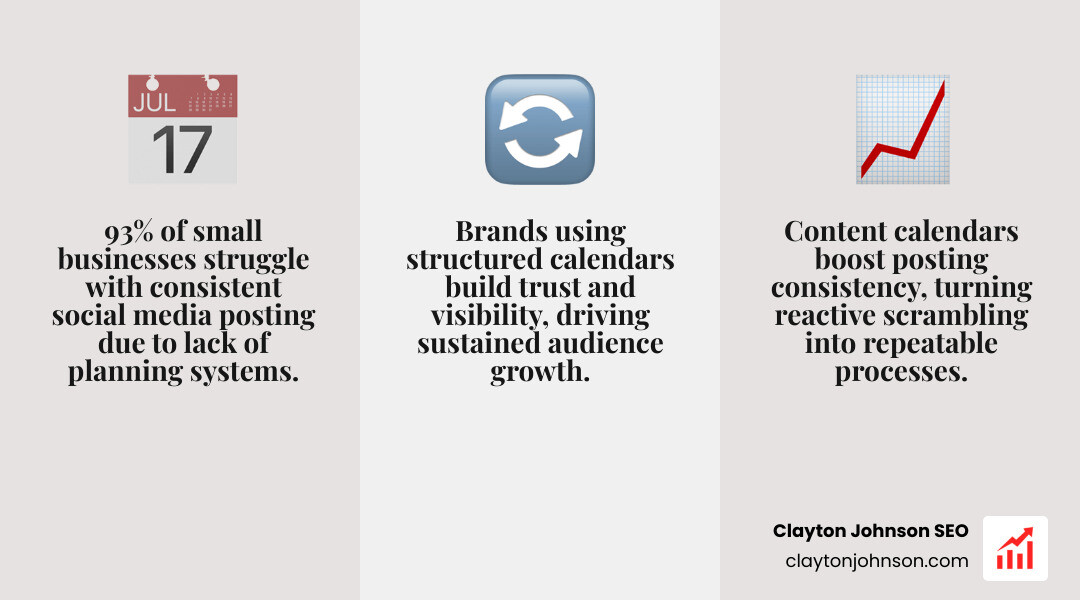
Here’s the reality: 1 in 8 social media marketers at small businesses struggle to post content consistently. That’s not a skill gap — it’s a systems gap.
An Instagram content calendar fixes that. It turns reactive, last-minute posting into a planned, repeatable process. And when you’re trying to attract high-value clients and grow your business online, that consistency is what builds trust and visibility over time.
The good news? You don’t need expensive software to get started. A free template — whether it’s a simple Google Sheet or a Notion board — is enough to completely change how you approach Instagram.
Below, we’ll walk through the best free templates, what to put in them, and how to build a system that actually scales.
Mastering Your Strategy with a Free Instagram Content Calendar Template
When we talk about Instagram success, we aren’t talking about “going viral” once. We are talking about building a durable presence that keeps your brand top-of-mind. To do that, you need more than just a place to write down dates; you need a strategic framework.
Research shows that 93% of small businesses struggle with common social media challenges, ranging from content creation to maintaining a steady posting rhythm. This is why we advocate for a system-first approach. By using a free instagram content calendar template, you stop treating every post as an isolated event and start seeing your feed as a cohesive engine.

A solid strategy begins with identifying your content pillars. These are the 3 to 5 core topics your brand is an authority on. For example, if you provide social media marketing services, your pillars might be “Algorithm Updates,” “Client Success Stories,” and “Content Creation Tips.”
Once you have your pillars, you can map out your posting frequency. Most successful brands average about 20 posts per month. That breaks down to roughly 5 posts per week. But how do you choose between a spreadsheet and a more complex tool?
| Feature | Google Sheets / Excel | Project Management Tools (Asana/Trello) |
|---|---|---|
| Cost | Free | Free versions available |
| Collaboration | Real-time editing | Task assignments & comments |
| Visuals | Basic grid view | Kanban boards & Gallery views |
| Automation | Limited | High (reminders, dependencies) |
| Ease of Use | High (everyone knows Sheets) | Moderate (learning curve) |
Essential Elements of a Free Instagram Content Calendar Template
A template is only as good as the data you put into it. If you download a Google Sheets template, make sure it includes these non-negotiable columns:
- Date and Time: When is the post going live? Timing matters, especially when your audience is most active (usually during downtime like lunch breaks or evenings).
- Content Type: Is this a Reel, a Carousel, or a standard Image?
- Visual Asset Link: A link to your Google Drive or Dropbox folder where the actual photo or video lives. No more “where did I save that?” moments.
- Caption: Draft your copy in advance so you can check for typos and ensure your brand voice is consistent.
- Hashtags: Group your hashtags into sets (popular vs. niche) so you can rotate them easily.
- Status: Use a dropdown menu for “Not Started,” “In Progress,” “Approved,” and “Scheduled.”
Choosing the Right Format for Your Workflow
The “best” template is the one you actually use. We’ve seen teams thrive on a variety of platforms, and each has its own flavor.
- Notion: This is the “brain on paper” approach. You can create a Notion template that switches between a calendar view and a Kanban board. It’s perfect for solo creators who need to store research notes right alongside their post drafts.
- Canva: If you are a visual thinker, Canva offers templates you can design and print. It’s great for high-level monthly planning where you want to see the “vibe” of your grid before you commit to specific dates.
- Asana/Trello: These are built for teams. If you have a photographer, a copywriter, and a manager, these tools allow you to assign tasks and set deadlines. It’s about moving from “posting” to “planning.” If you’re ready to make that shift, you should stop posting and start planning your social media strategy with a more robust workflow.
Best Practices for Planning High-Engagement Content
Don’t just fill your calendar with “sales” posts. Instagram’s algorithm favors variety and engagement. Here is the mix we recommend based on current performance data:
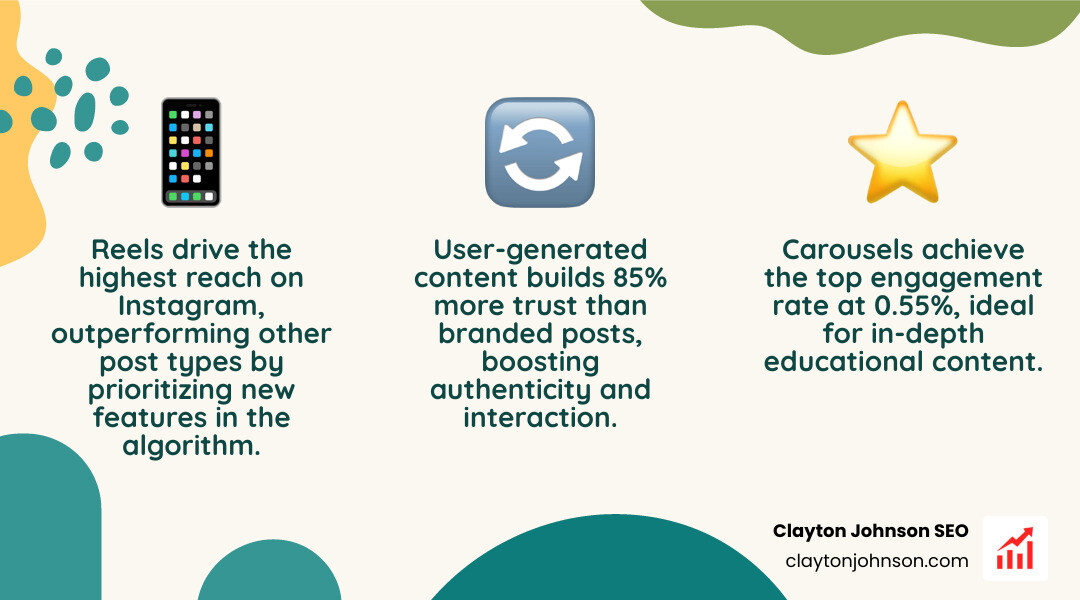
- Reels (30% of content): These are your primary tool for reach. The algorithm prioritizes newer features, and Reels are the best way to get in front of people who don’t follow you yet.
- Carousels (20% of content): These had the highest engagement rate (0.5%) in recent studies. They are perfect for educational “how-to” content or storytelling.
- Images/Product Photos (50% of content): These build the aesthetic of your grid and provide quick value or inspiration.
- User-Generated Content (UGC): This is gold. 85% of users find UGC more trustworthy than branded content. Include a slot in your calendar to repost your customers’ content.
When you’re building a social media strategy from scratch, consistency beats intensity. It is better to post three times a week, every week, than to post five times in one day and then disappear for a month.
Scaling Growth and Tracking Performance
Once your free instagram content calendar template is populated, the work isn’t over. You need to know if it’s actually working. This is where we move from “planning” to “optimizing.”

We recommend doing a deep dive into your Instagram Insights every month. Look for patterns: Which content pillars got the most saves? Which Reels had the highest watch time? By tracking social media engagement metrics, you can stop guessing and start doing more of what works.
One of the biggest benefits of a calendar is “content batching.” Instead of spending 30 minutes every day trying to think of a caption, you spend four hours once a month writing all 20 captions. This efficiency is the secret to a no-nonsense social media growth plan.
How to Customize Your Free Instagram Content Calendar Template
A template is a starting point, not a cage. You should tweak it to fit your specific brand voice and team needs.
- Color-Coding: Assign a color to each content pillar. If your calendar looks too “monochrome,” you might be leaning too heavily on one topic and ignoring others.
- Approval Workflows: If you work with a team, add a “Manager Review” checkbox. This prevents “oops” moments where a post goes live with a typo or the wrong link.
- Holiday Planning: Don’t just plan for the big holidays. Look for industry-specific dates or “fun” holidays (like National Coffee Day) that align with your brand. You can grab a simple monthly calendar to start marking these key dates.
Integrating Scheduling Tools for Maximum Efficiency
If you really want to reclaim your time, you need to integrate your calendar with a scheduling tool. Tools like Buffer or SocialBee allow you to upload your content in bulk.
When you get started with Buffer, you can see your planned posts in a visual grid that mirrors your Instagram profile. This allows you to “set it and forget it,” ensuring your content goes live at the optimal time even if you’re in a meeting or fast asleep. This level of automation is a cornerstone of modern brand marketing plans.
Building Sustainable Systems with Clayton Johnson SEO
At Clayton Johnson SEO, we don’t believe in chasing temporary “hacks” or viral trends that don’t lead to business growth. We believe in building scalable traffic systems.
Our approach to Instagram is the same as our approach to SEO: Clarity leads to Structure, which leads to Leverage, and finally, Compounding Growth. An Instagram content calendar is a piece of your broader content architecture. It should align with your search intent data and your overall brand authority.
We focus on:
- Technical Content Architecture: Ensuring your social content feeds into your website’s growth.
- Strategic Positioning: Making sure your Instagram presence reflects your unique value proposition.
- AI-Augmented Workflows: Using tools to speed up ideation and drafting without losing the human touch.
If you are tired of fragmented marketing efforts and want to turn your social media into a coherent growth engine, we can help. Contact Clayton Johnson for strategic systems that move the needle on measurable business impact, not just vanity metrics.
Success on Instagram isn’t about luck; it’s about the systems you build. Start with a free instagram content calendar template, stay consistent, and watch your brand authority grow.