Why Every Developer Needs AI Tools for Programming in 2025

The Evolution of AI Programming Tools in 2026
The landscape of software development has shifted dramatically. In 2022, we were impressed by fast inference and simple line completions. By 2026, the focus has moved to secure codebase indexing and massive context windows. Modern ai programming tools no longer look at your code through a keyhole; they see the entire house.
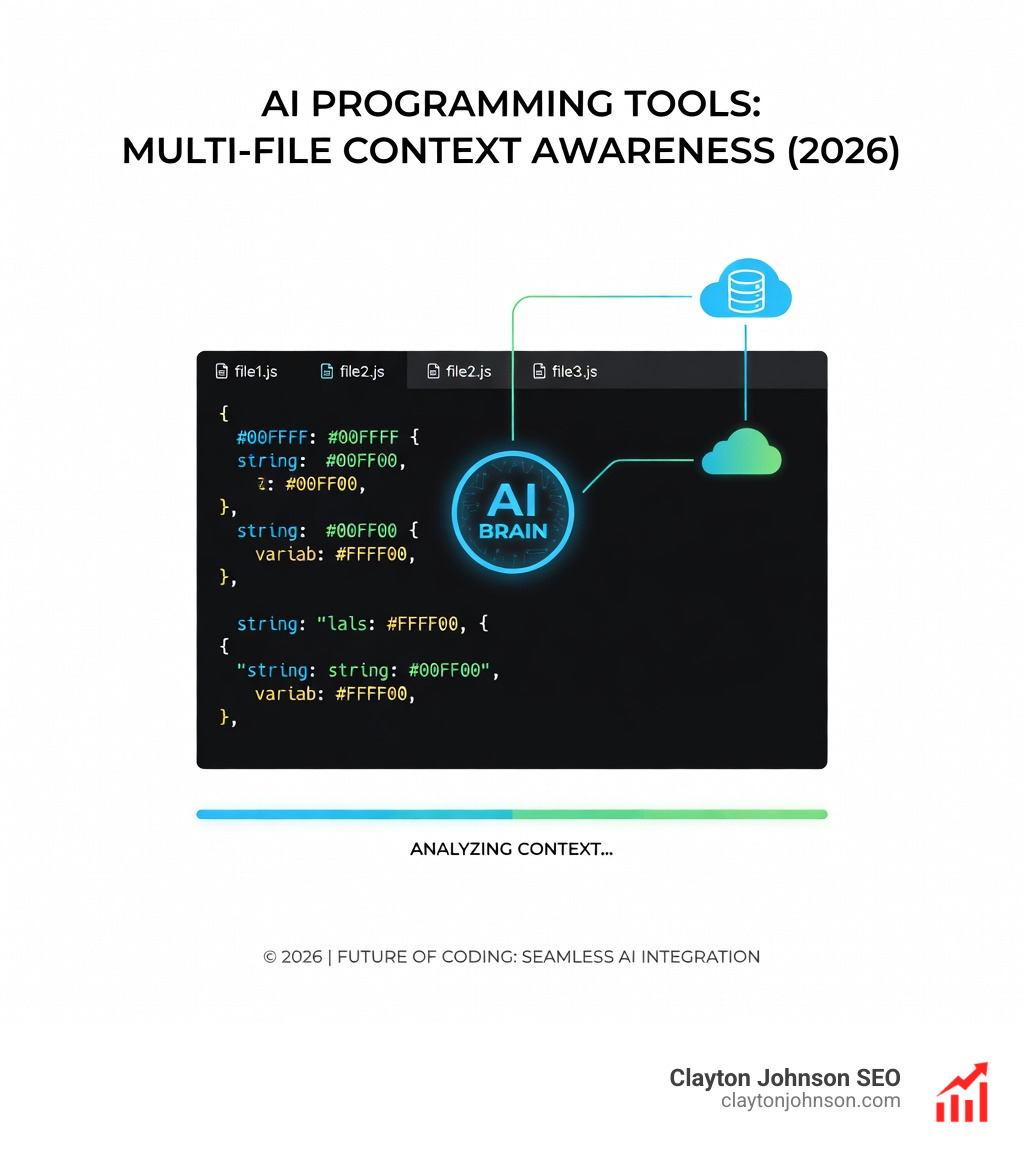
One of the most significant leaps is the expansion of context windows. Tools like Gemini Code Assist now offer a 1 million token context window, allowing the AI to “read” your entire repository, documentation, and dependency tree simultaneously. This multi-file context awareness is the secret sauce that prevents the AI from suggesting a function name that doesn’t exist in your project or using a deprecated library.
Industry experts like Rituraj Rituraj have noted that after hundreds of hours of testing, the tools that survive the “uninstall phase” are those that master semantic search and shadow workspaces. A shadow workspace allows the AI to test its code in a hidden environment before ever showing it to you, ensuring that the suggestions actually compile.
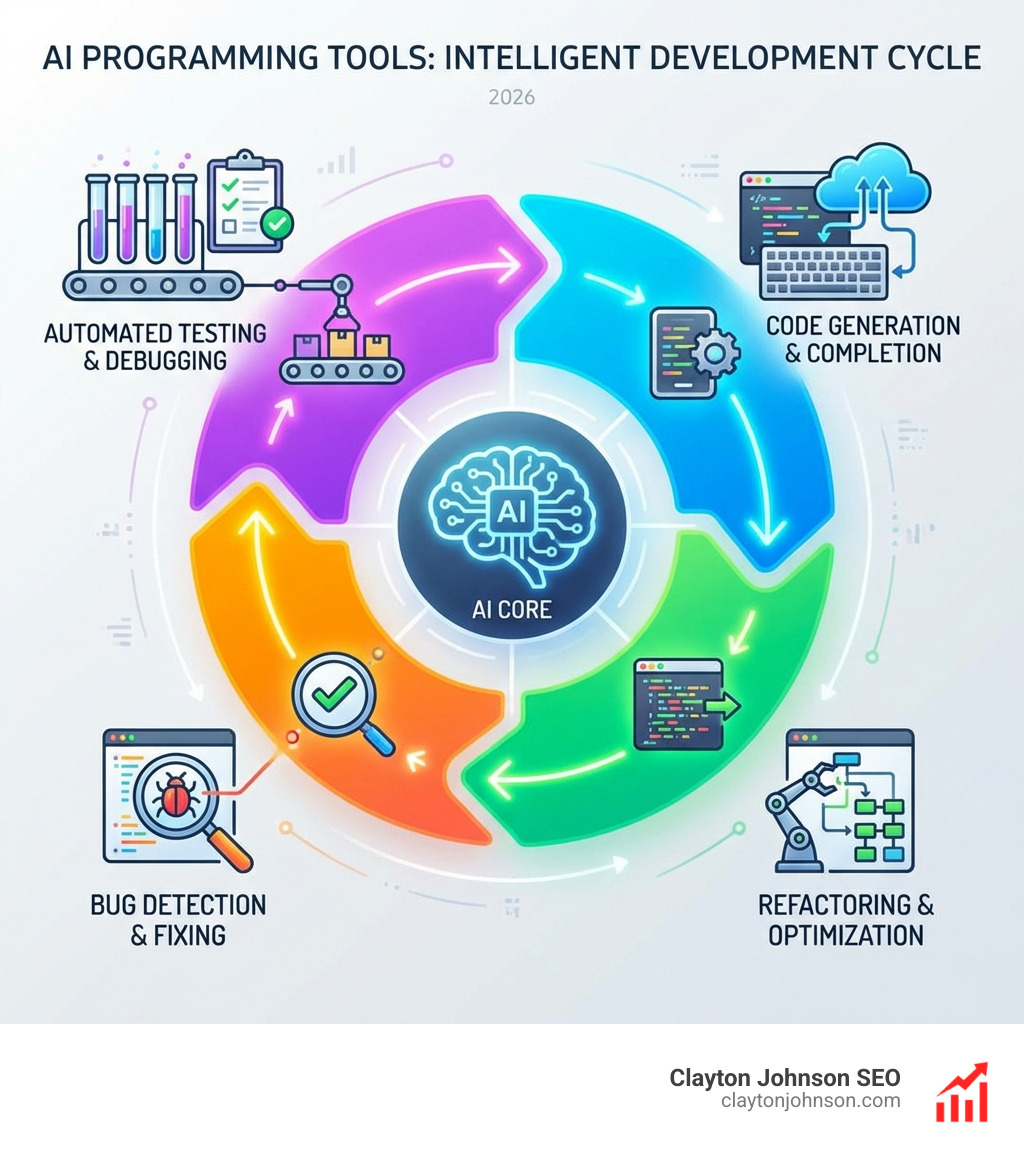
We are also seeing the rise of multi-agent collaboration. Instead of one AI trying to do everything, specialized agents handle different tasks: one for writing logic, one for generating unit tests, and another for performing a security audit.
| Feature | 2023 Standard | 2026 Standard |
|---|---|---|
| Context | Single file | Full repository (1M+ tokens) |
| Search | Keyword-based | Semantic & Index-aware |
| Action | Suggestion only | Autonomous Agent (Plan & Act) |
| Environment | Local only | Cloud-synced & Shadow Workspaces |
Top AI Coding Assistants: Features and Pricing
Choosing the right ai programming tools often comes down to where you spend your time. Are you a VS Code loyalist, a JetBrains power user, or a CLI purist?
- GitHub Copilot: Still the industry titan, Copilot has expanded into “Copilot Workspace.” It remains excellent for general scaffolding and has a massive user base. It offers a free tier with 2,000 completions, while the paid plan is a flat $10/month for individuals.
- Cursor: This is a fork of VS Code that has taken the developer world by storm. Because it is built from the ground up for AI, its “Composer” mode can edit multiple files across your project simultaneously. Its free tier provides 2,000 completions, with paid tiers starting at $20/month for unlimited usage and access to the newest models like Claude 3.7.
- Gemini Code Assist: Google’s heavyweight entry. It shines with its 1M token context window and deep integration with Google Cloud. You can find their extensions on the Visual Studio Marketplace and the JetBrains Marketplace.
- Windsurf: The new “agentic” IDE from Codeium. It features “Cascade,” an AI that maintains a continuous flow of context, allowing for a more natural “chat-to-code” experience.
- Bolt.new: A browser-based environment that is a game-changer for web developers. It uses WebContainers to let you build, run, and deploy full-stack web apps entirely through natural language.
Best Free AI Programming Tools for Individuals
For developers just starting out or those on a budget, the free tiers in 2026 are surprisingly generous.
- Gemini Code Assist (Individual): Offers a staggering 6,000 code-related requests and 240 chat requests daily at no cost. This is currently one of the highest limits available for free.
- Cursor (Free): Gives you 2,000 completions and 50 “premium” small model requests. It’s perfect for testing the “AI-native IDE” experience.
- Cloud Shell Editor sandbox: Google provides a Cloud Shell Editor sandbox where you can use Gemini Code Assist at no cost for up to 50 hours per week.
- Bolt.new: Their free tier includes 150K daily tokens, which is plenty for prototyping a React or Next.js landing page.
Enterprise-Grade AI Programming Tools and Security
For our Minneapolis-based enterprise clients, the conversation shifts from “cool features” to “compliance and security.” When you’re working with proprietary code, you can’t have your data training public models.
Enterprise versions of these tools, such as those found through the Google Developer Program premium, offer critical protections:
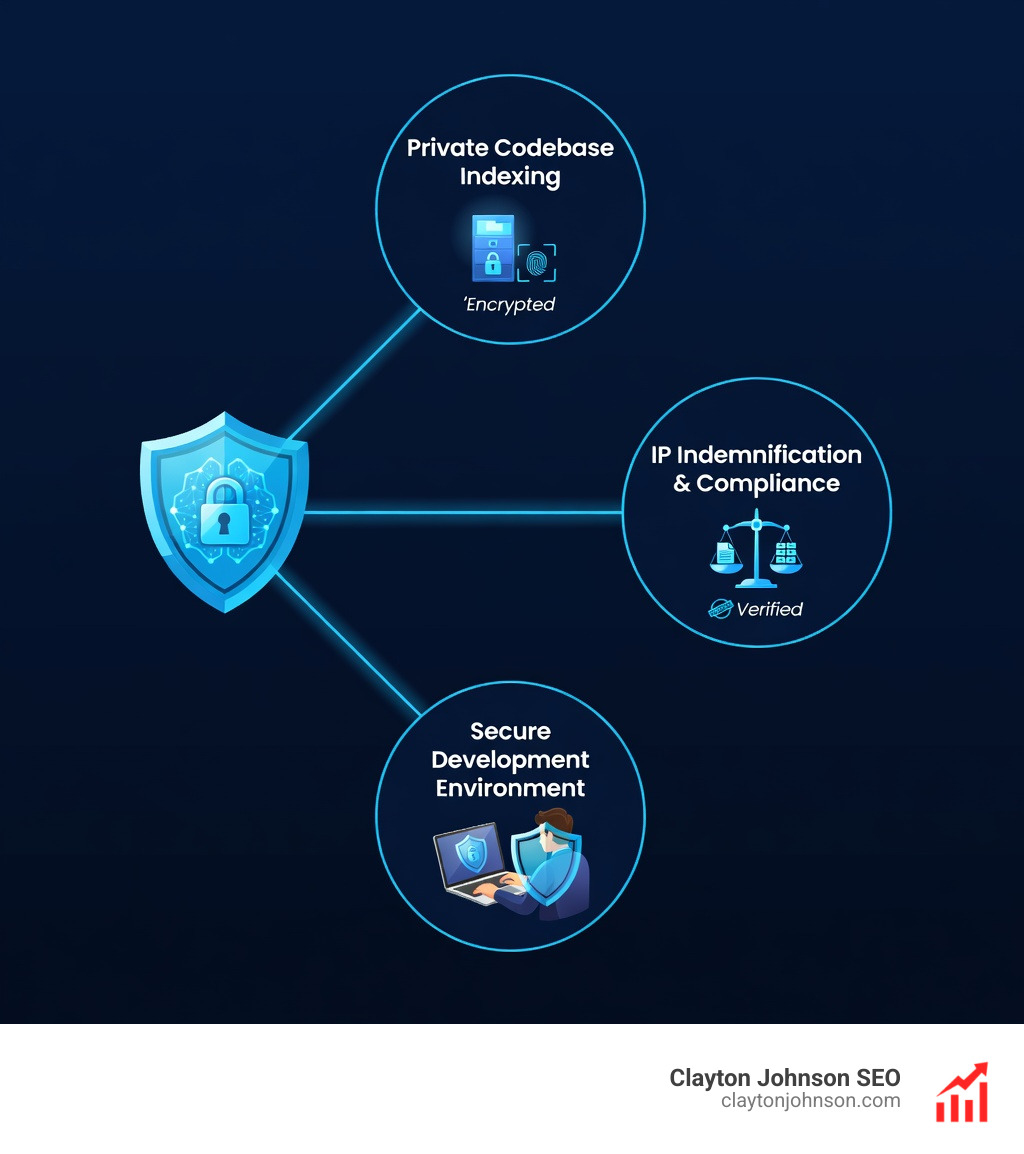
- IP Indemnification: Google and Microsoft provide legal backing to ensure the code generated doesn’t violate existing copyrights.
- Private Repositories: Enterprise tiers allow the AI to index your private internal libraries without that data leaking into the public model.
- SOC 2 & Compliance: Tools like Qodo and Gemini Enterprise are SOC 2-compliant and offer air-gapped or VPC-SC (Virtual Private Cloud Service Controls) options for maximum security.
- RBAC and Audit Logging: Managing who has access to the AI and seeing what they are generating is vital for internal security audits.
Specialized Workflows: Agents, CLI, and IDE Integration
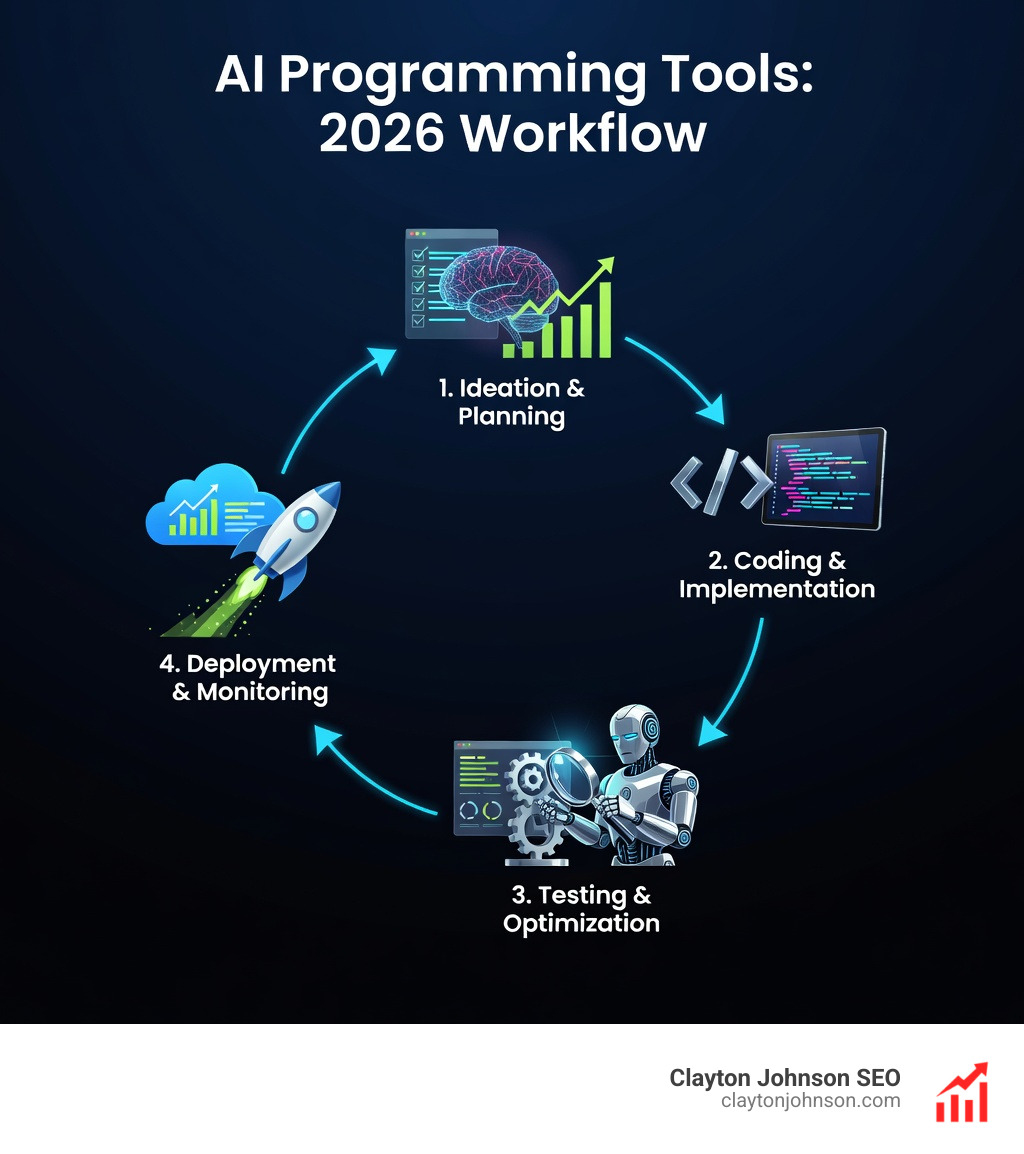
The most exciting trend in 2026 is the move toward “Agentic” workflows. We are moving away from “chatting” with code and toward “tasking” the AI.
Agent Mode allows the AI to enter a “Plan and Act” cycle. You give it a task (e.g., “Add a dark mode toggle that persists in local storage”), and the agent explores your files, identifies where the CSS and React components are, writes the code, and then asks you to review the changes.
For those who live in the terminal, the Gemini CLI and tools like Aider or Claude Code allow you to pair program without ever leaving your shell. Aider, in particular, is famous for its “repository map,” which helps the LLM understand the structure of your project without needing to read every single line of every file.
Mobile developers haven’t been left out, either. Android Studio Gemini provides specialized assistance for Kotlin and Jetpack Compose, helping with everything from UI layouts to app crash summarization.
Choosing the Right Tool: Local vs. Cloud Models
One of the biggest debates we see in the developer community is the choice between Cloud-based LLMs and Local LLMs.
- Cloud Models (Gemini, GPT-4, Claude 3.7): These offer the highest “intelligence” and the largest context windows. They are best for complex architectural decisions and novel logic. However, they require an internet connection and carry potential privacy risks if not used within an enterprise agreement.
- Local Models (Ollama, Xcode 16 AI): Apple’s Xcode 16 AI features run on custom local models optimized for Apple Silicon. This ensures total privacy and works offline. The trade-off is often a smaller context window and slightly less “creative” problem-solving.
For specific cloud integrations, like Firebase Gemini assistance or BigQuery SQL assistance, the cloud model is indispensable because it has direct access to the metadata of your tables and cloud architecture.
Frequently Asked Questions about AI Coding
Will AI programming tools replace junior developers?
This is a common fear, but the reality is more about skill augmentation. While AI can handle the “boilerplate” tasks that junior devs used to do (like writing basic CRUD operations), it actually increases the need for developers who can perform high-level code review and system design. Junior developers who master ai programming tools early will likely find themselves performing at a mid-level capacity much faster than previous generations.
How do I handle AI hallucinations in code?
Hallucinations—where the AI makes up a library or a syntax—are still a reality. The best defense is a robust testing methodology:
- Human-in-the-loop: Never blindly commit AI code.
- Unit Testing: Ask the AI to write tests for the code it just generated.
- Small Chunks: Don’t ask the AI to write a whole app at once. Break it into digestible functions.
- Verification: Use tools like Qodo that explicitly flag “unknowns” rather than guessing.
Which AI tool is best for web development?
For rapid prototyping, Bolt.new is currently the leader due to its live preview and npm integration. For maintaining large-scale React or Vue applications, Cursor with its “Composer” mode is generally preferred because it understands how a change in a state manager might affect components across five different files.
Conclusion
The “Great AI Coding Revolution” isn’t about replacing the programmer; it’s about removing the friction between an idea and a working prototype. Whether you are a solo developer using the Gemini free tier to build your first app or an enterprise team in Minneapolis using SEO services Minneapolis to scale your content systems, these tools are now essential.
At Clayton Johnson, we believe that the most successful developers in 2026 won’t be the ones who can memorize the most syntax, but the ones who can best orchestrate AI agents to build complex, secure, and scalable systems.
If you’re looking to integrate these AI-assisted workflows into your broader business strategy, we’re here to help. From SEO strategy to building automated content systems, we provide the actionable frameworks you need to grow.