Code Refactoring with Claude AI for the Lazy but Brilliant

Why Legacy Code Is Costing You More Than You Think
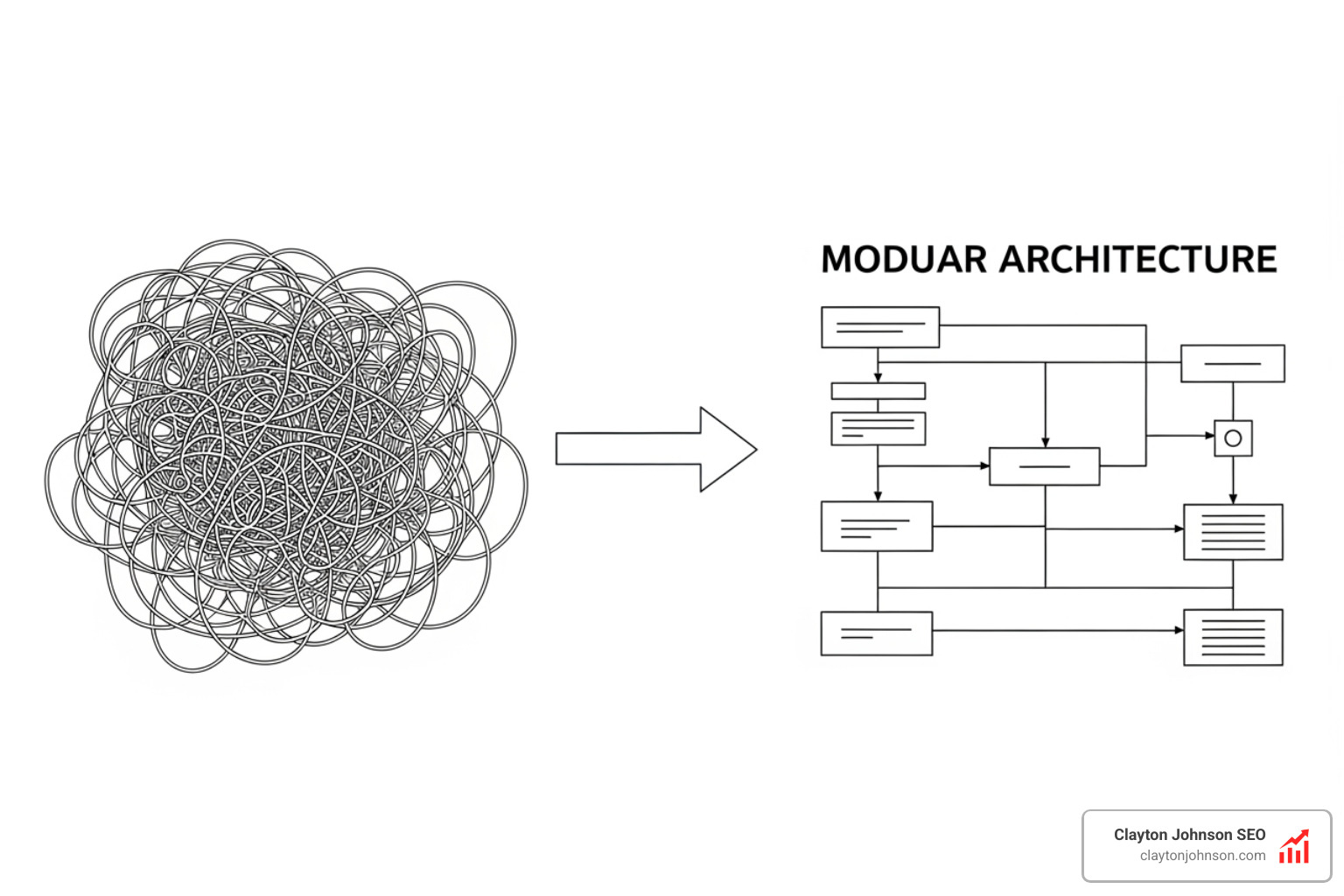
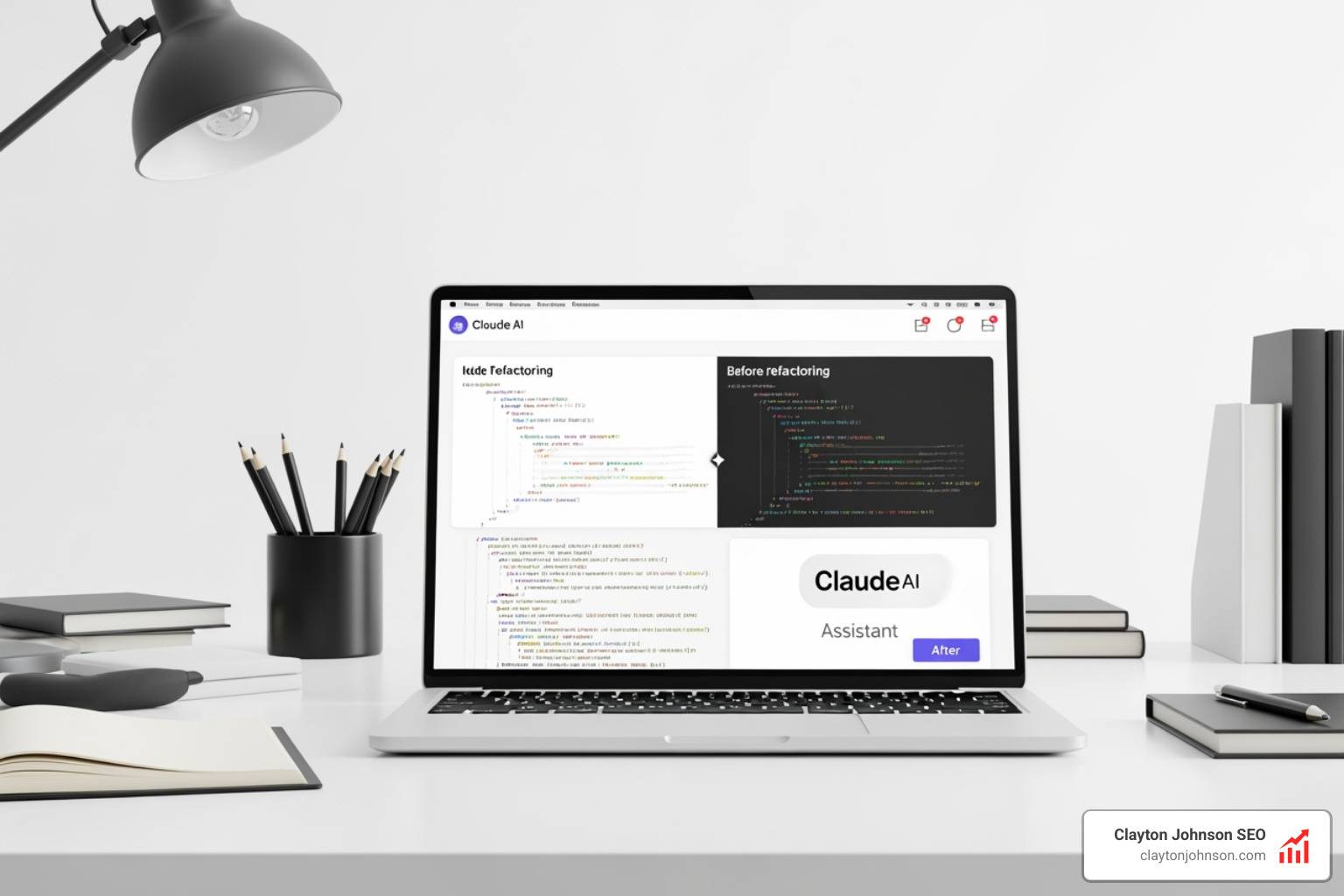
Code refactoring with Claude AI is one of the fastest ways to turn a tangled, unmaintainable codebase into clean, readable code — without spending weeks doing it manually.
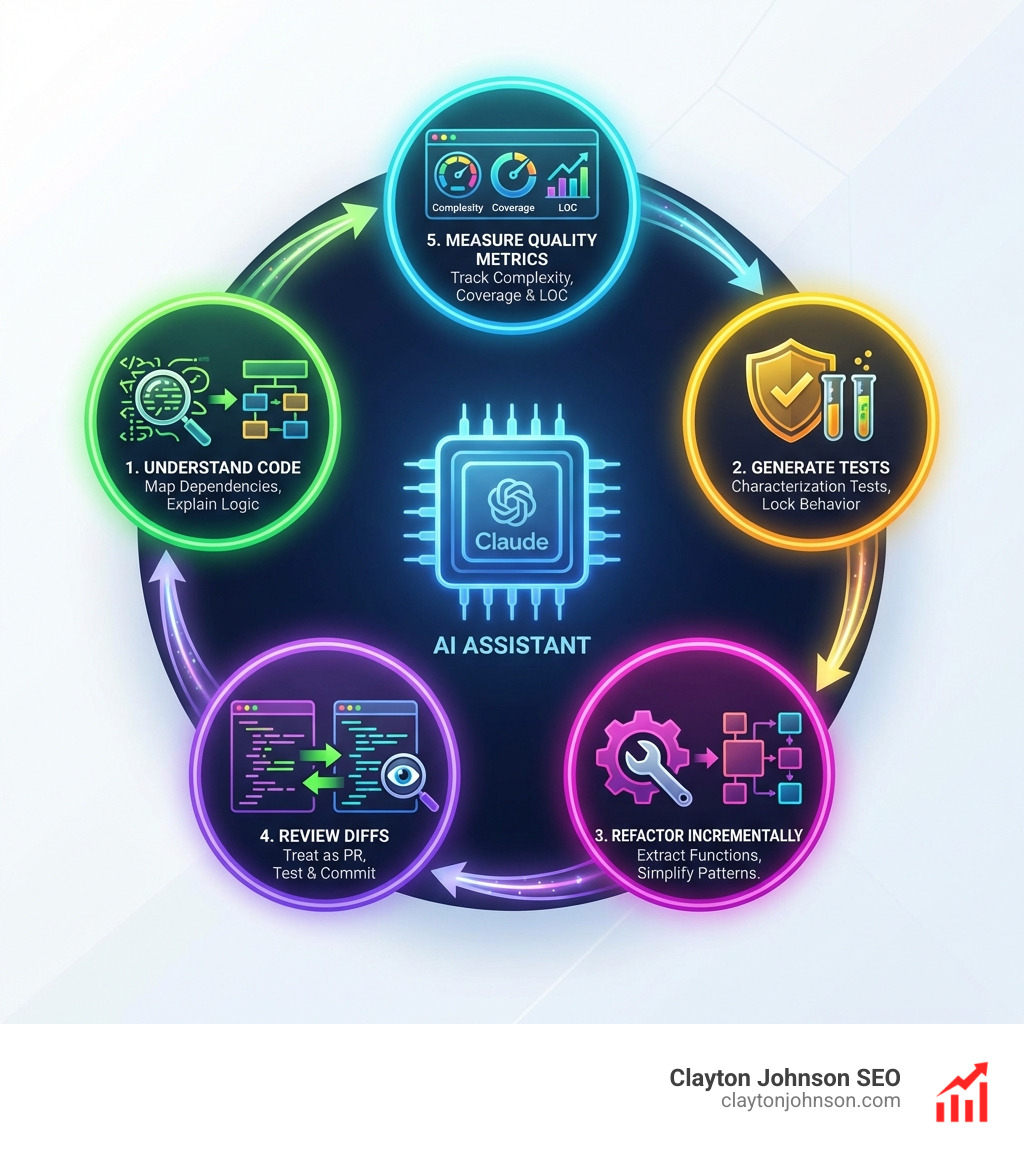
Here is how it works at a high level:
- Understand the code — Ask Claude to explain what legacy functions do, map dependencies, and surface hidden logic.
- Generate tests first — Have Claude write characterization tests to lock in current behavior before touching anything.
- Refactor incrementally — Use Claude to extract functions, simplify conditionals, and modernize patterns one step at a time.
- Review every diff — Treat Claude’s output like a junior developer’s pull request: review it, test it, then commit.
- Measure the result — Track cyclomatic complexity, test coverage, and lines of code before and after.
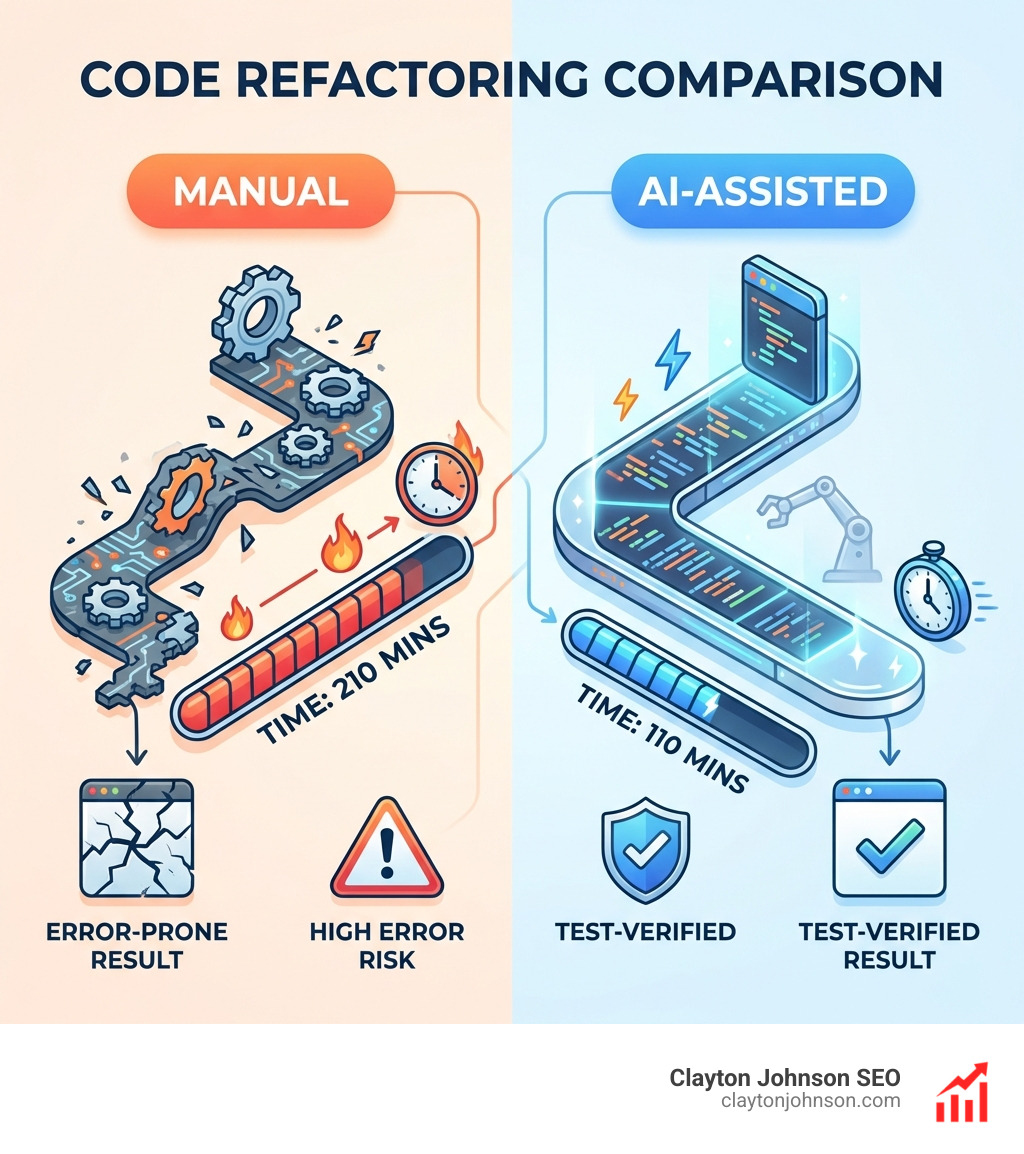
Real-world results back this up. One documented case study reduced a 210-line Python function with a cyclomatic complexity of 16 down to under 30 lines — with complexity dropping to between 3 and 6. Total time saved: roughly 50% compared to a manual approach. Companies using Claude for refactoring tasks have reported productivity gains of 55–80%.
Legacy code does not stay still. Every sprint you delay, it gets harder to read, slower to ship around, and more expensive to maintain. The good news is that Claude’s large context window — handling 100K+ tokens — means it can hold entire modules in mind at once, making it genuinely useful for large-scale cleanup, not just one-off fixes.
I’m Clayton Johnson, an SEO strategist and growth systems architect who works at the intersection of AI tooling and developer productivity workflows — including hands-on experience building AI-augmented systems that apply directly to code refactoring with Claude AI. The frameworks in this guide draw from that systems-first approach, so you walk away with a repeatable process, not just a one-time trick.
Basic Code refactoring with Claude AI terms:
The Ultimate Workflow for Code Refactoring with Claude AI
We have all been there: inheriting a “spaghetti western” of functions that makes us want to git delete the entire directory. But before you reach for the nuclear option, realize that Code refactoring with Claude AI has shifted from basic autocomplete to agentic partnership.

Getting Started with Claude Code
The most powerful way to interact with your codebase is through Claude Code, an agentic CLI tool that lives in your terminal. Unlike a standard chatbot, Claude Code can search your repository, read multiple files, execute terminal commands, and even run your test suite to verify its own work.
To get started, you will need to install the CLI and authenticate via the Anthropic Console. For macOS and Linux users, a simple curl script handles the heavy lifting:
curl -fsSL https://claude.ai/install.sh | bash
Once installed, you navigate to your project root and run claude. This initializes the agent with repository-level context. While the Claude Code CLI Reference provides the full technical specs, the real magic happens when you combine it with Claude coding extensions in VS Code. This allows you to see side-by-side diffs, making the “review” stage of refactoring much more intuitive.
Documenting Legacy Systems Before Refactoring with Claude AI
The biggest bottleneck in refactoring isn’t writing the new code; it is understanding the old code. Legacy systems often suffer from high cyclomatic complexity—a fancy way of saying there are too many nested if statements and logical branches for a human to track easily.
Before we change a single line, we use Claude to map the logic. We might provide a prompt like: “Analyze this module and identify code smells. Map out the data flow and explain the core business logic.”
Claude excels at surfacing “shadow logic”—those hidden rules that only exist in the head of a developer who left the company three years ago. For instance, if you are working with data libraries like Polars, Claude can explain how complex expressions are being generated from metadata, saving you hours of manual tracing. This architectural discovery phase ensures we aren’t just making the code “prettier,” but actually preserving the original intent. Check out our guide on Claude for Web Development for more on navigating complex architectures.
Generating Tests to Ensure Safety During Code Refactoring with Claude AI
We never refactor without a safety net. If a piece of legacy code has zero tests, that is our first task. We use Claude to generate characterization tests—tests that describe the current behavior of the system, bugs and all.
The workflow is simple:
- Ask Claude: “Write a comprehensive test suite for this function that covers all edge cases and current outputs.”
- Run the tests to ensure they pass on the old code.
- Refactor the code.
- Run the same tests again.
This ensures behavior preservation. If the tests pass on the refactored code, we have successfully improved the structure without breaking the functionality. For a deeper dive into this, see our Claude AI code generation and review guide.
Advanced Refactoring Patterns and Large-Scale Migrations
Once the safety net is in place, we can move into the actual transformation. Claude is particularly adept at recognizing and applying classic refactoring patterns that would be tedious for us to do manually.
Common Patterns Claude Excels At
- Extract Function/Method: Claude can identify a 500-line “God Function” and split it into ten focused, single-responsibility helpers.
- Replace Conditionals with Polymorphism: Turning a massive
switchstatement into a clean Strategy pattern. - Async/Await Conversion: Modernizing “callback hell” into clean, readable asynchronous code.
- Dead Code Elimination: Auditing the repo to find functions that are defined but never actually called.
These aren’t just cosmetic changes. By reducing cyclomatic complexity, we make the code easier to test and faster to onboard new developers. As we’ve seen, AI-assisted code migration saves months of work by automating these mechanical transformations across hundreds of files.
Mastering the CLAUDE.md Configuration
To keep Claude from constantly asking about your naming conventions or architectural preferences, we use a CLAUDE.md file in the project root. This acts as the “brain” of your repository for the AI.
In this file, we document:
- Coding Standards: “Use functional components over class components.”
- Architecture Decisions: “We use Zustand for state management, not Redux.”
- Custom Slash Commands: You can define shortcuts like
/refactor-safelythat automatically run tests before and after applying changes.
By providing these persistent instructions, you stop wasting tokens and ensure Claude stays aligned with your team’s specific style.
Integrating Claude into Professional Team Workflows
Refactoring isn’t a solo sport. For Code refactoring with Claude AI to work in an enterprise environment, it must integrate with your existing Git and CI/CD pipelines.
Collaborative Refactoring and Pull Requests
We recommend a workflow where Claude generates the initial refactor on a new branch. You can then use Claude to generate a descriptive commit message and a detailed Pull Request (PR) summary.
When the PR is opened, AI code review tools can scan the changes for potential regressions or style violations. This creates a “human-in-the-loop” system where the AI does the heavy lifting, but the senior developer provides the final stamp of approval. Mastering these AI coding workflows on GitHub is essential for maintaining high velocity without sacrificing quality.
Frequently Asked Questions about AI Refactoring
How does Claude handle large-scale refactoring across multiple files?
Because of its massive 100K+ token context window, Claude can “read” an entire module or a set of related services at once. When performing a multi-file refactor—such as changing an API signature that is used in 50 different places—Claude maps the dependencies first. We recommend a staged batch execution approach: let Claude propose the plan for all files, then execute and test the changes in small, manageable chunks. This prevents the “blast radius” of any single error from becoming unmanageable. Learn more in our guide to Claude coding workflows.
What are the main limitations of using Claude for code cleanup?
Claude is a “hyper-competent junior developer,” not a replacement for an architect. It can occasionally hallucinate library methods that don’t exist or miss subtle domain-specific logic. Human oversight is non-negotiable. You should always review the diffs and never merge AI-generated code that hasn’t passed a local test suite. For complex architectural shifts—like moving from a monolith to microservices—you should use Claude to implement the steps of your plan, rather than asking it to design the entire migration from scratch. See our breakdown of the best AI for coding and debugging for more context.
Is it safe to use Claude with proprietary enterprise codebases?
Anthropic’s Constitutional AI is designed with safety and privacy in mind. When using the API or the Claude Code CLI, your data is typically not used to train the base models (depending on your enterprise agreement). For teams with strict compliance needs, using enterprise-grade AI packs ensures that you have the necessary guardrails and data privacy protections in place.
Conclusion
Code refactoring with Claude AI is not about being lazy; it is about being efficient. By automating the mechanical, tedious parts of code cleanup, we free ourselves to focus on high-level architecture and solving actual business problems.
At Clayton Johnson, we believe that clarity leads to structure, and structure leads to compounding growth. Whether you are refactoring a legacy Java monolith or modernizing a React frontend, using a structured strategy like the one outlined above is what separates “AI hype” from real-world productivity.
If you are a founder or marketing leader looking to build a structured growth architecture that leverages these AI-enhanced execution systems, we are here to help. Demandflow.ai is designed to provide the taxonomy-driven SEO and strategic frameworks you need to turn technical excellence into measurable market authority.