The Ultimate Guide to Open Source AI Coding Tools

Why Developers are Switching to Open Source AI Coding Tools
The shift toward open source AI coding tools isn’t just about saving a few dollars on a monthly subscription; it’s about control. When we use proprietary tools, we are essentially renting a brain that lives in someone else’s data center. We don’t know exactly how it’s trained, we can’t see why it makes certain suggestions, and we certainly can’t prevent it from “learning” from our proprietary logic unless we pay for expensive enterprise tiers.
Data Sovereignty and Privacy-First Development
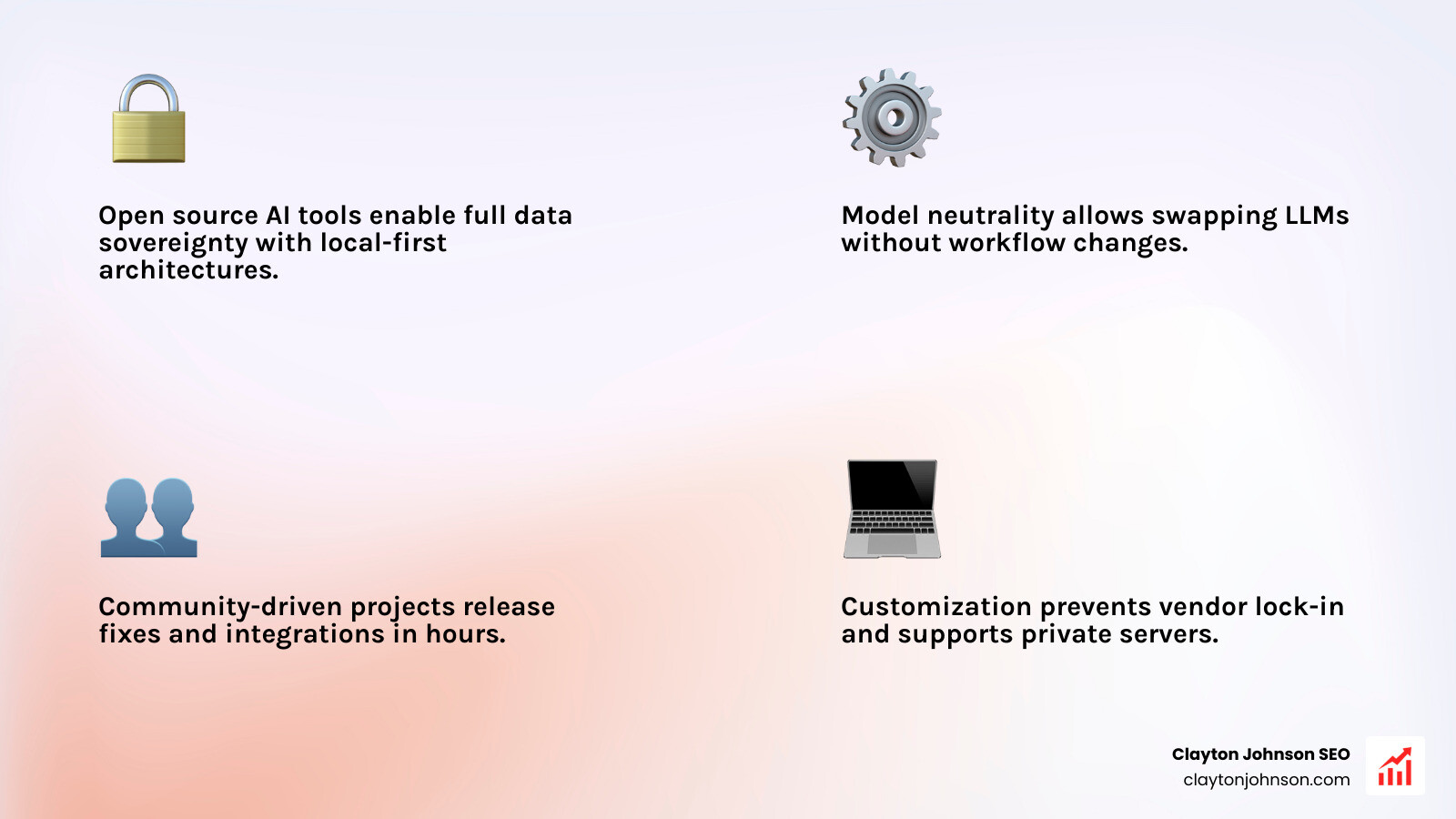
For many of us, especially those working in regulated industries or on sensitive intellectual property, data sovereignty is the “killer feature.” Open source tools like Tabby or OpenCode allow for a local-first architecture. This means your code stays on your machine or your private server. By using local-first AI coding agents, we ensure that no code or context data is stored by a third-party provider.
Customization and Avoiding Vendor Lock-in
Proprietary tools often lock you into a specific ecosystem. If you use GitHub Copilot, you are largely tied to OpenAI’s models and GitHub’s interface. Open source AI coding tools offer “model neutrality.” Whether you want to use Claude 3.7, GPT-4o, or a locally hosted Llama 3 model via Ollama, the choice is yours. You can swap the “brain” of your assistant without changing your entire workflow.
Community-Driven Innovation
The pace of innovation in the open-source community is staggering. With over 100,000 GitHub stars and hundreds of contributors, tools like OpenCode demonstrate that the community can build features—like multi-session parallel agents—faster than many corporate roadmaps. When a bug appears or a new LLM is released, the open-source community usually has a patch or an integration ready within hours.
Top Open Source AI Coding Tools for Modern Development
Choosing the right tool depends on where you spend most of your time: the terminal, a specific IDE, or managing high-level project tasks. Here is how the heavy hitters compare:
| Feature | OpenCode | Aider | Continue |
|---|---|---|---|
| Primary Interface | Desktop / Terminal / IDE | CLI / Terminal | IDE Extension |
| Model Support | 75+ Providers (BYOK) | Any OpenAI-compatible | Any (Ollama, Anthropic, etc.) |
| Best For | Enterprise Privacy | Rapid Pair Programming | Seamless IDE Flow |
| Unique Edge | Parallel Agent Sessions | Repository Mapping | Custom Slash Commands |
OpenCode
OpenCode is a powerhouse in the agentic space. It is trusted by over 2.5 million developers monthly and supports a massive range of models through its integration with 75+ providers. It is particularly strong for those who need an autonomous AI pair programmer that works across the terminal and desktop.
Aider
Aider is the gold standard for CLI-based coding. It allows you to edit code in your local git repository directly from the terminal. Its most impressive feature is the repository map, which uses tree-sitter to give the LLM a concise map of your entire codebase, helping it understand how different files relate to each other.
Continue
If you want an experience similar to GitHub Copilot but with more freedom, Continue is the answer. It is a leading AI-powered assistant that lives inside VS Code and JetBrains. It allows you to highlight code and ask for edits, or use a chat sidebar to reason about your project.
OpenHands
Formerly known as OpenDevin, OpenHands is a platform for software development agents. It recently topped the SWE-bench leaderboard with a score of 53%, proving it can handle complex, multi-step engineering tasks that go far beyond simple code completion.
Plandex
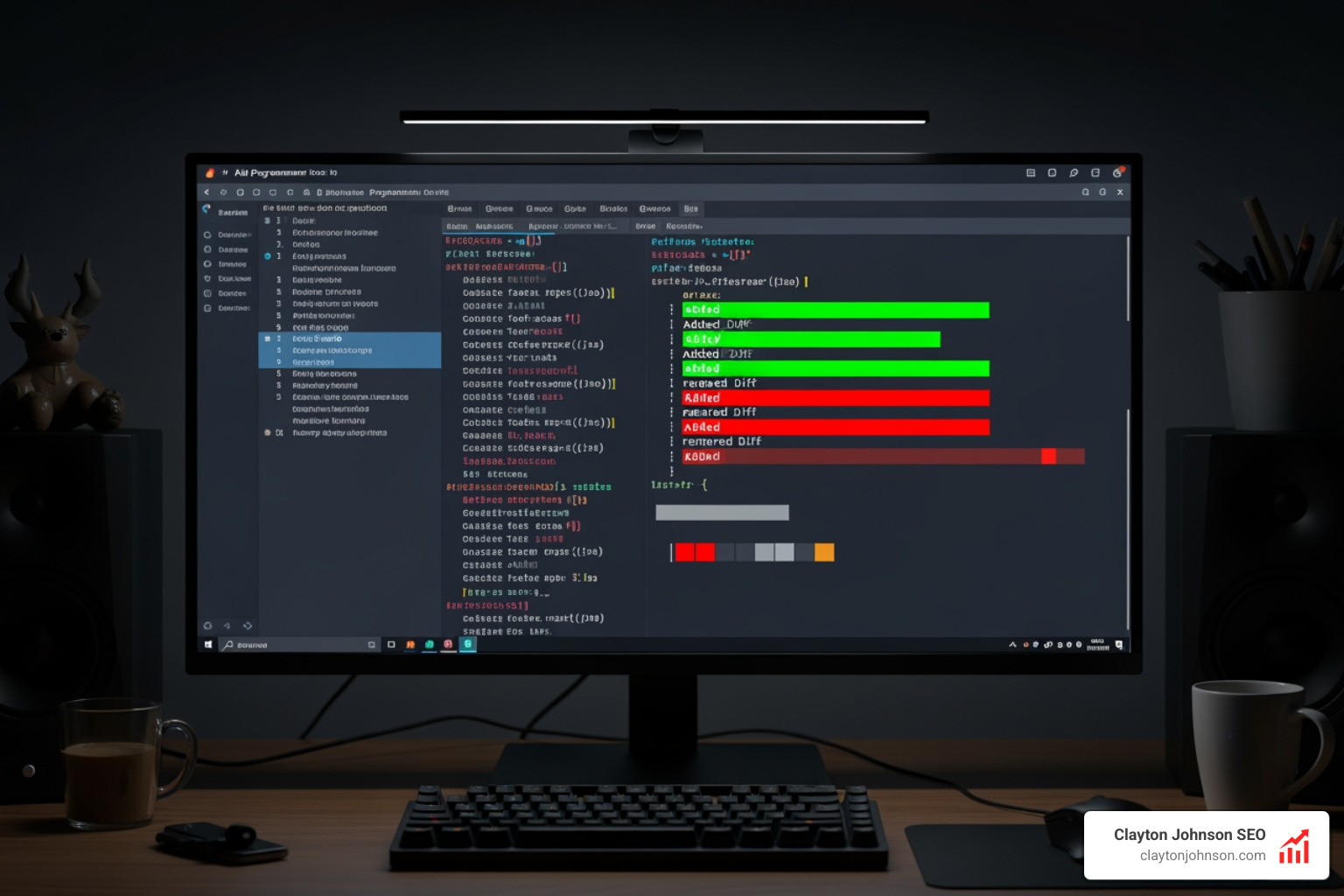
For those tackling massive refactors, Plandex is designed for large-scale tasks. It handles context windows up to 2 million tokens and indexes codebases using tree-sitter. It operates in a “sandbox” mode, allowing you to review all changes in a cumulative diff before they are committed to your actual files.
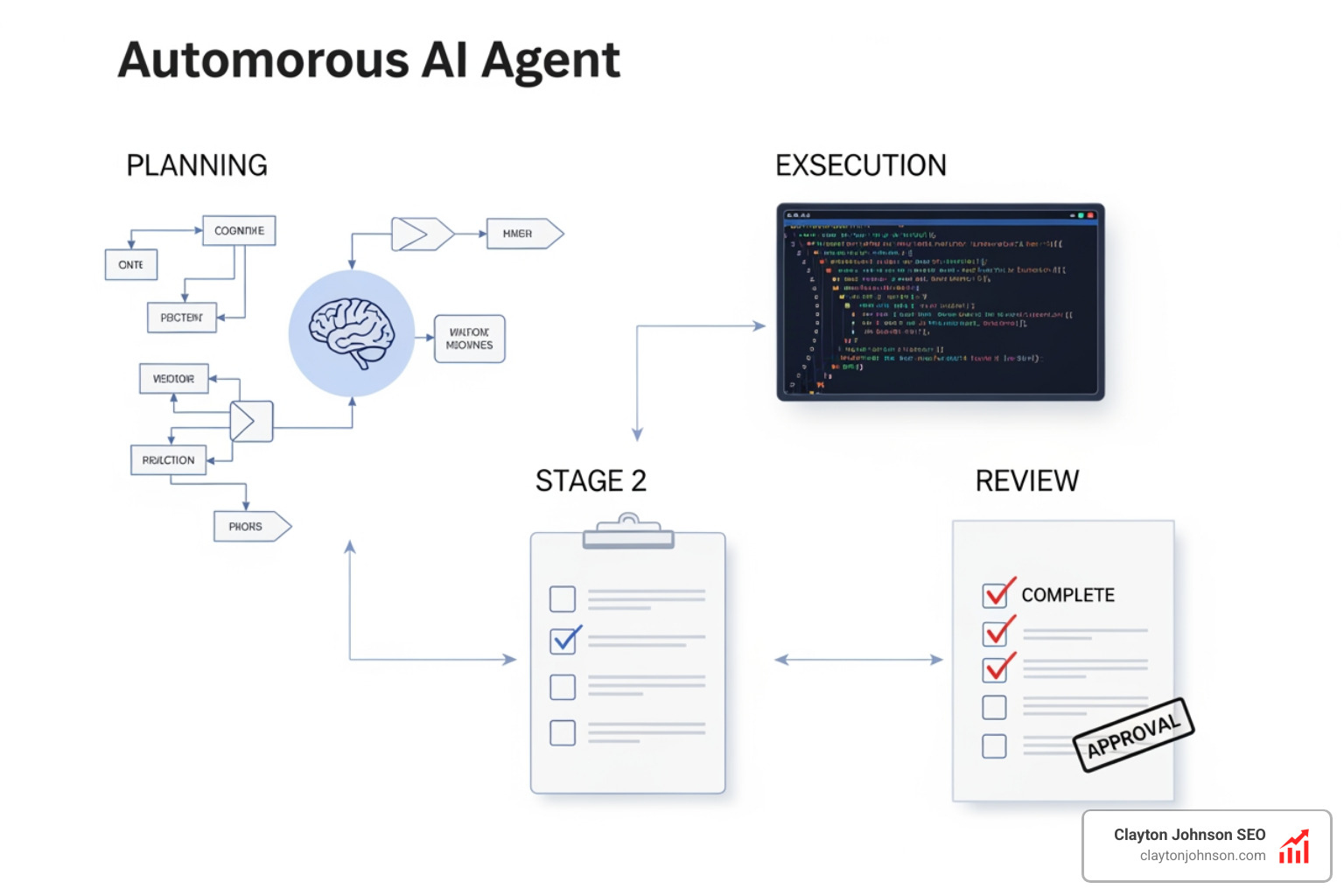
It is important to note that while these tools are powerful, they aren’t perfect. Scientific research on AI code quality has found that AI-generated code can contain 1.7x more defects than human-written code. This highlights why we must treat these tools as assistants, not replacements.
Best Open Source AI Coding Tools for IDE Integration
Most of us live in our IDEs. If you don’t want to switch windows to get AI help, these tools integrate directly into your existing environment.
- Continue: This is arguably the most polished open-source extension. It supports VS Code and JetBrains and allows you to easily supercharge your IDE with coding extensions. It is excellent for coding and debugging because it can pull in your terminal output or specific files as context.
- Editor Code Assistant (ECA): ECA takes an “editor-agnostic” approach. It uses a protocol inspired by LSP (Language Server Protocol) to connect LLMs to almost any editor, including Emacs, Neovim, and IntelliJ. It’s perfect for developers who use niche editors but still want modern AI features.
- Cody (Sourcegraph): While Sourcegraph has commercial offerings, Cody’s core is open source. It excels at “context fetching,” meaning it is very good at finding the right snippet from a massive codebase to answer your question.
Powerful CLI-Based Open Source AI Coding Tools
For the terminal-centric developer, CLI tools offer a speed that GUI extensions can’t match.
- Aider: By running
aiderin your git repo, you can simply tell the AI, “Change the API endpoint to use v2 and update the tests.” It will write the code and automatically commit the changes with a descriptive message. - Mentat: Mentat is another GitHub-native coding agent that coordinates changes across multiple files. Like Aider, it uses tree-sitter for repository mapping, ensuring the AI doesn’t lose the “big picture” of your architecture.
- Plandex: As mentioned, Plandex is the heavy lifter for the CLI. It’s less about “chatting” and more about “executing” large plans. You can install it with a single command and start managing complex migrations immediately.
Agentic Frameworks and Autonomous Open Source AI Coding Tools
The next frontier is “agentic” tools—software that doesn’t just suggest code but actually does the work.
- OpenHands: This tool can browse the web, run commands in a terminal, and edit files. It’s a full platform for AI developer agents that can take a Jira ticket and attempt to solve it from start to finish.
- SWE-Kit: SWE-Kit provides a “headless IDE” for coding agents. It scored an impressive 48.60% on the verified SWE-bench, making it one of the most capable tools for automated GitHub PR reviews and bug fixes.
- AutoCodeRover: Developed by researchers, AutoCodeRover focuses on autonomous program improvement. It uses static analysis to “understand” the codebase before attempting a fix, which reduces the “guesswork” often seen in simpler LLM integrations.
These agentic tools are particularly useful for multi-file editing and handling repetitive maintenance tasks like dependency updates or boilerplate generation.
Implementing Open Source AI Coding Tools in Your Workflow
Getting started with open source AI coding tools can be as simple as a pip install or as complex as setting up a dedicated GPU server.
Self-Hosting and Local Models
If privacy is your top priority, you’ll want to run your models locally. Ollama is the easiest way to do this. It allows you to run models like CodeLlama or DeepSeek-Coder on your own hardware.
Hardware Requirements: To run a decent coding model (like CodeLlama-7B) with acceptable speed, you generally need a minimum of 8GB of VRAM. If you are working in a team environment, you might consider a central server with an NVIDIA RTX 3090 or 4090 to handle multiple concurrent requests.
We believe that every developer needs AI tools for programming because they act as a force multiplier. If you’re unsure how to start building these systems into your team’s workflow, contact us for a strategy session.
Privacy and Data Sovereignty with Local Models
For enterprise environments, the “air-gapped” promise is the gold standard.
- Tabby: Tabby is a self-hosted AI coding assistant that requires no external database or cloud connection. It’s one of the few tools that can be truly air-gapped, making it ideal for high-security environments.
- Local-First Architecture: Tools like OpenCode emphasize that your intellectual property stays on your machine. You can bring your own keys (BYOK) to use high-end models like Claude 3.5 Sonnet, but the tool itself doesn’t store your context.
Using a local AI code generator is the only way to ensure 100% data retention and compliance with strict security policies.

Comparing Open Source vs Commercial AI Coding Tools
How do these tools stack up against the “Big Three” (Cursor, Copilot, and Windsurf)?
- Pricing: Commercial tools usually cost $10–$20/month per user. Open source tools are free, but you pay for your own API usage (which is often cheaper for moderate use) or your own hardware electricity.
- Performance: Cursor and Windsurf currently have a slight edge in “UI polish” and seamless multi-file indexing. However, open-source agents like OpenHands are actually outperforming many commercial counterparts on technical benchmarks like SWE-bench.
- Flexibility: This is where open source wins. You aren’t stuck with one UI or one model. You can use AI pair programmers that don’t need coffee breaks across every editor you own.
Understanding how AI helps your workflow is about finding the balance between out-of-the-box convenience and long-term control.
Best Practices for Open Source AI Coding Tools
To get the most out of these tools, we recommend a few “golden rules”:
- Trust but Verify: Always review AI-generated code. Use AI code review tools to catch errors, but keep a human in the loop for architectural decisions.
- Manage Context Aggressively: LLMs get confused by too much “noise.” Use tools like Aider’s repo map or Plandex’s selective file inclusion to only give the AI the files it actually needs.
- Use Specialized Models: If you are writing Python, use a model trained specifically on Python. Python code generation with AI is much more accurate when the model hasn’t been diluted by too many other languages in its fine-tuning.
- Handle Monorepos with Care: For large monorepos, tools like SonarQube Community Edition are still the best for “boring” but essential quality gates, while AI tools should be used for specific feature implementation.
Final Thoughts: The Future is Open
The era of being locked into a single AI provider for coding is ending. Open source AI coding tools have matured from experimental scripts into production-ready platforms that rival—and in some cases, exceed—the capabilities of commercial giants.
By prioritizing privacy, embracing model neutrality, and leveraging community-driven agents, we can build a development workflow that is faster, more secure, and entirely under our control. Whether you’re a solo dev running Ollama on a laptop or an enterprise team deploying a self-hosted Tabby instance, the tools are ready. It’s time to start building.