Why an SEO Internal Link Audit Can Transform Your Rankings
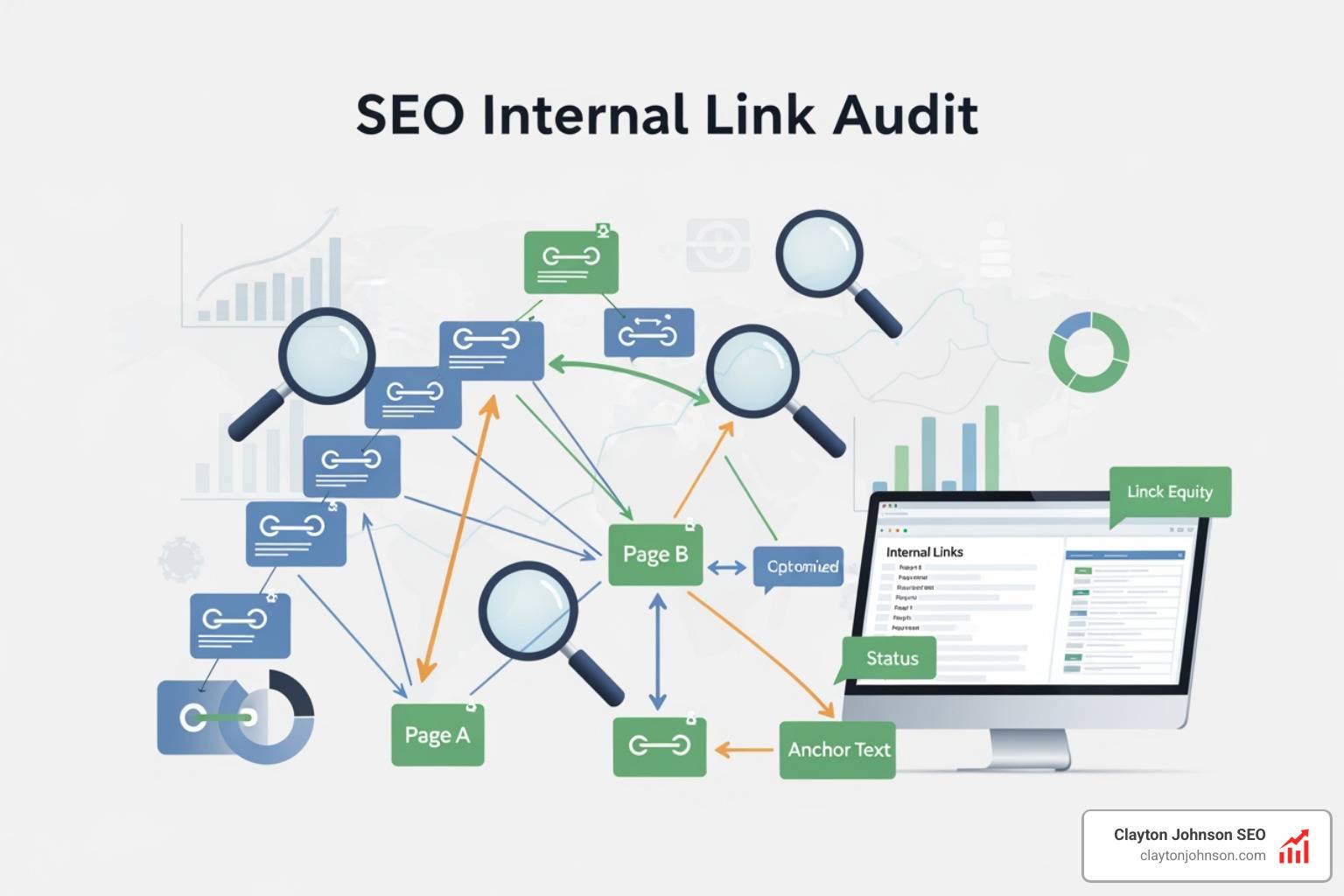
An SEO internal link audit is the process of analyzing every link that connects pages within your own website — finding what’s broken, what’s missing, and what’s quietly hurting your rankings.
Here’s what an internal link audit covers at a glance:
| Audit Area | What You’re Looking For |
|---|---|
| Orphan pages | Pages with zero internal links pointing to them |
| Crawl depth | Important pages buried more than 3 clicks from the homepage |
| Broken links | Internal links returning 404 errors |
| Anchor text | Generic or non-descriptive link text |
| PageRank flow | Authority not reaching your most important pages |
| Redirect chains | Links passing through multiple redirects before reaching a destination |
Most site owners focus on content and backlinks. But research shows websites miss more than 80% of their internal linking opportunities — and that gap is costing them rankings they should already have.
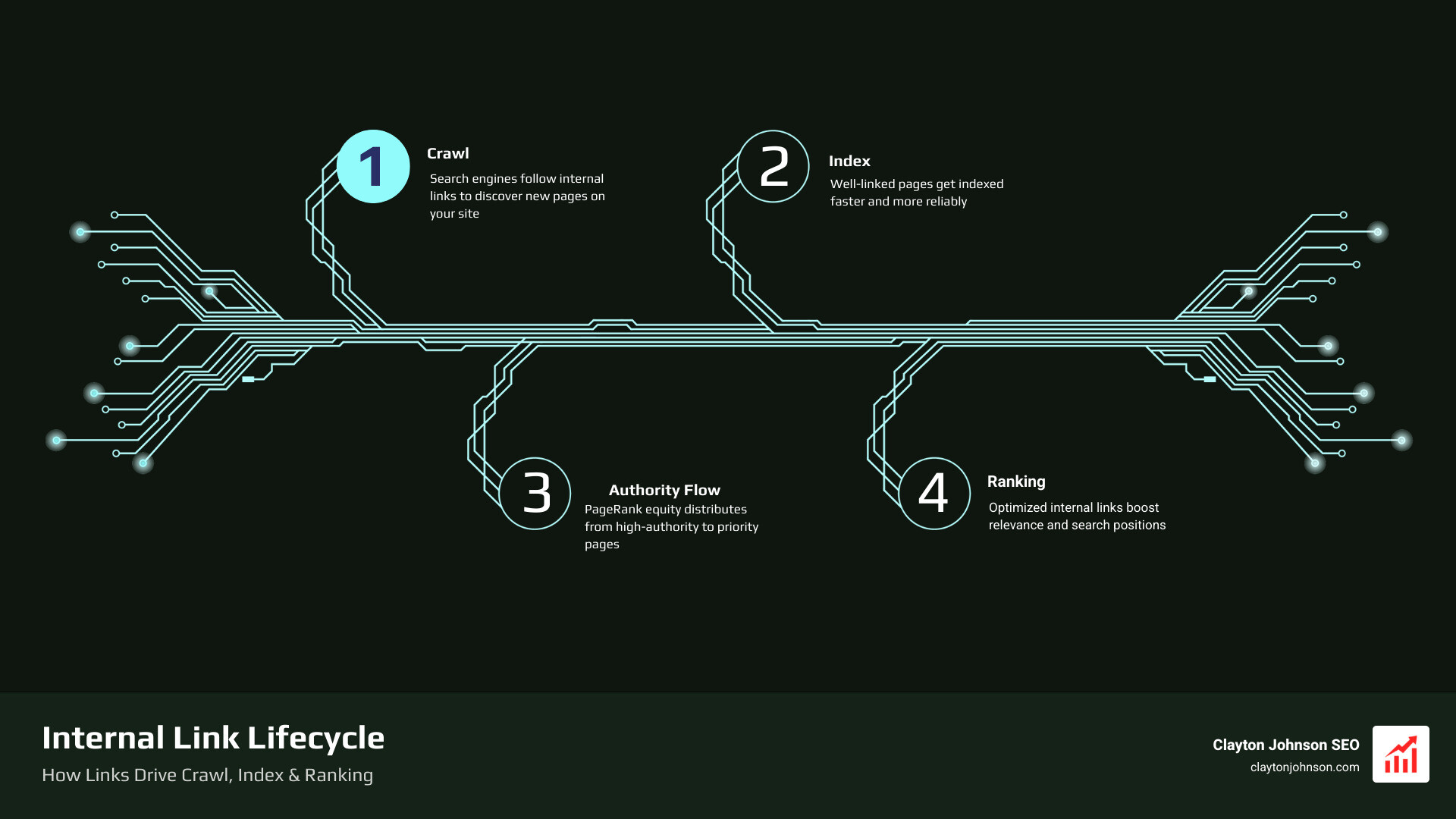
Think about it this way: search engines discover your pages by following links. If your best pages aren’t well-linked internally, Google may not crawl them often, may not understand what they’re about, and may not rank them well — no matter how good the content is.
Internal links are one of the few SEO levers you have complete control over. No outreach needed. No waiting. Just smart, intentional connections between your own pages.
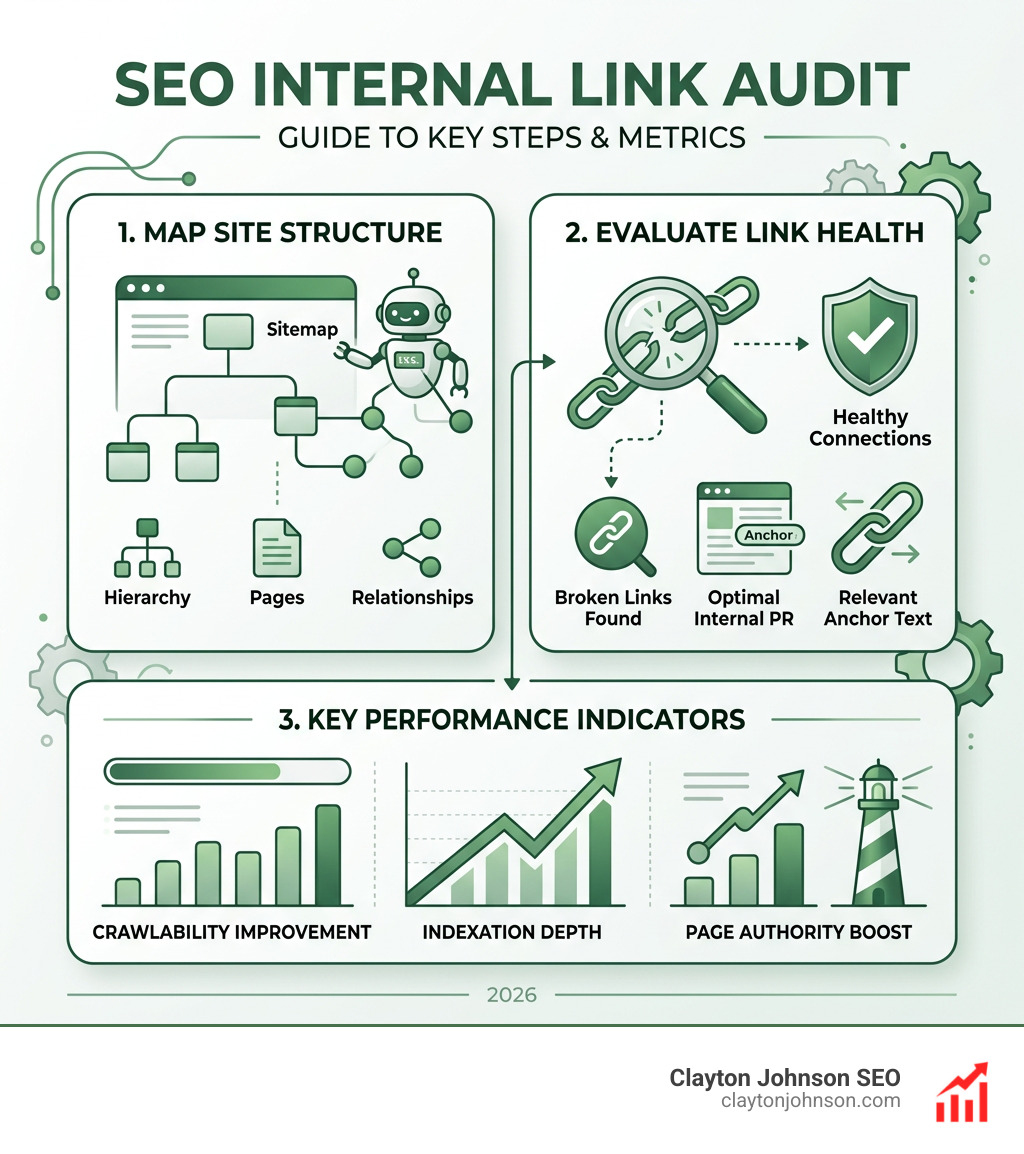
The Step-by-Step SEO Internal Link Audit Process
When we begin an SEO internal link audit, we aren’t just looking for broken “404” errors. We are looking for architecture. Think of your website like a library; if the most valuable book is hidden in a basement with no signs pointing to it, nobody—including Google—will ever read it.
The goal of our audit is to ensure that “link equity” (often called PageRank) flows from your high-authority pages to the pages that actually drive revenue.
Step 1: Define Your Audit Goals
Before opening a single tool, we need to know what we are fighting for. Are we trying to get new product pages indexed faster? Or are we trying to push a blog post from page two to page one? Google clearly stated that internal links reveal your website’s structure and hierarchy. If you don’t define that hierarchy first, your audit will just be a list of technical fixes rather than a growth engine.
Step 2: Crawl Your Website
To see the “Link Graph” of your site, you need to crawl it. We recommend using the Screaming Frog SEO Spider for this task. It acts like a search engine bot, following every path to see where it leads. According to their SEO documentation, Google uses these paths to discover new content.
Step 3: Analyze the Data
Once the crawl is finished, we look for red flags:
- High Crawl Depth: Pages that require 4 or more clicks to reach.
- Low Inlink Count: Important pages with fewer than 5 internal links.
- Broken Links: Links pointing to dead pages.
Essential Tools for Your SEO Internal Link Audit
You don’t need a hundred tools, but you do need the right ones. At Clayton Johnson SEO, we focus on tools that provide actionable data rather than just “vanity metrics.”
- Google Search Console (GSC): This is your direct line to Google. Use the “Links” report to see which pages Google thinks are your most important based on internal link counts. It’s excellent for finding “almost ranking” pages that just need a little push.
- Ahrefs: While known for backlinks, Ahrefs is incredible for identifying internal linking gaps. Their “Internal Link Opportunities” tool suggests links based on keywords your pages already rank for.
- Twylu: This is a specialized tool designed specifically for internal linking. It uses AI and NLP to find semantically relevant opportunities that manual audits might miss.
- Sitebulb: If you are a visual learner, Sitebulb is a dream. It creates “crawl maps” that show you exactly how your site’s authority is being distributed (or trapped).
To make this process repeatable, we recommend setting-up-your-seo-audit-automation-process so you can catch issues before they impact your bottom line.
Identifying and Fixing Orphan Pages
An orphan page is a page on your website that has zero internal links pointing to it. It exists in a vacuum. Because search engines primarily discover content via links, orphaned pages are incredibly hard to index and almost impossible to rank.
How do they happen? Usually, it’s a “set it and forget it” mistake. You publish a new landing page or blog post but never link to it from your existing content.
How to find and fix them:
- Discovery: Compare your crawl data against your XML sitemap or Google Analytics data. If a page shows up in your sitemap but has “0 Unique Inlinks” in your crawl, it’s an orphan.
- The Fix: If the page is valuable, add at least 2-3 contextual links from high-authority “power pages.” If the page is old or irrelevant, consider deleting it and setting up a 301 redirect.
For those managing large sites, learning how-to-implement-automated-seo-audits-like-a-pro can help you identify these “lost” pages automatically every month.
Optimizing Crawl Depth and PageRank Distribution
Crawl depth refers to how many clicks it takes to get from your homepage to a specific URL. We follow the 3-click rule: your most important, revenue-generating pages should never be more than three clicks away from the homepage.
Why? Because PageRank (link equity) dilutes the further it travels. A page at click depth 2 receives much more “authority” than a page at click depth 6.
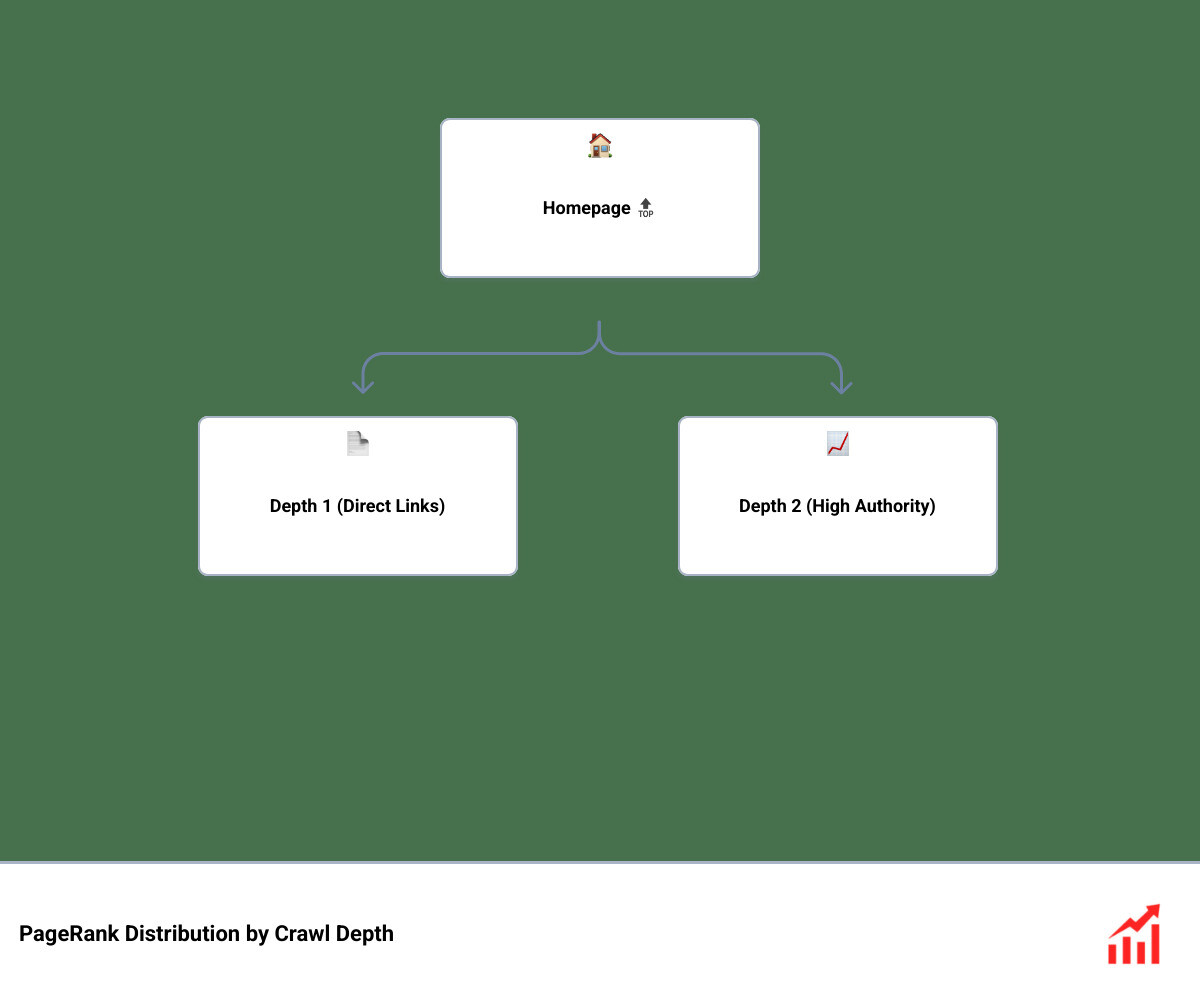
When we audit, we look for “Deeply Buried Pages.” If a high-value service page is at a depth of 5, we move it into the main navigation or add links to it from the homepage. You can learn more about the importance of links for Google’s Pagerank algorithm here.
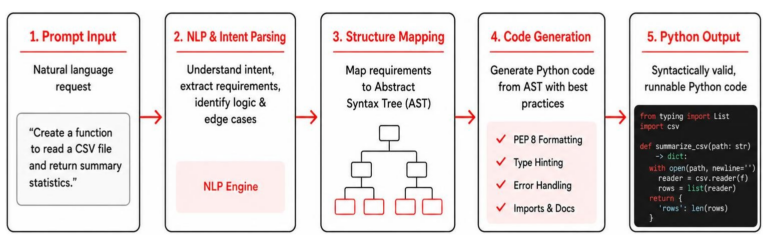
If you’re worried about the time this takes, we’ve even experimented with AI to speed things up—i-replaced-a-3200-seo-audit-with-an-ai-prompt to show just how much can be automated.
Advanced Strategies to Scale Your Internal Linking
Once the “bugs” are fixed, it’s time to go on the offensive. Advanced internal linking isn’t just about connecting Page A to Page B; it’s about building a Web Graph that signals topical authority to search engines.
Mastering Anchor Text for an SEO Internal Link Audit
Anchor text is the clickable text in a hyperlink. It is a massive relevance signal. If you link to a page using the text “click here,” you are wasting an opportunity to tell Google what that page is about.
During an SEO internal link audit, we look for:
- Generic Anchors: “Read more,” “this post,” or “link.”
- Over-Optimized Anchors: Using the exact same keyword for every single link (which can look spammy).
- Naked URLs: Just pasting the link without text.
The goal is to write good anchor text that is descriptive and natural. For example, instead of “click here to see our SEO services,” use “explore our comprehensive SEO services.”
Using ai-driven-seo-audits can help you analyze thousands of anchors at once to ensure your “keyword-to-page” mapping is consistent across the entire site.
Building Topic Clusters and Pillar Page Structures
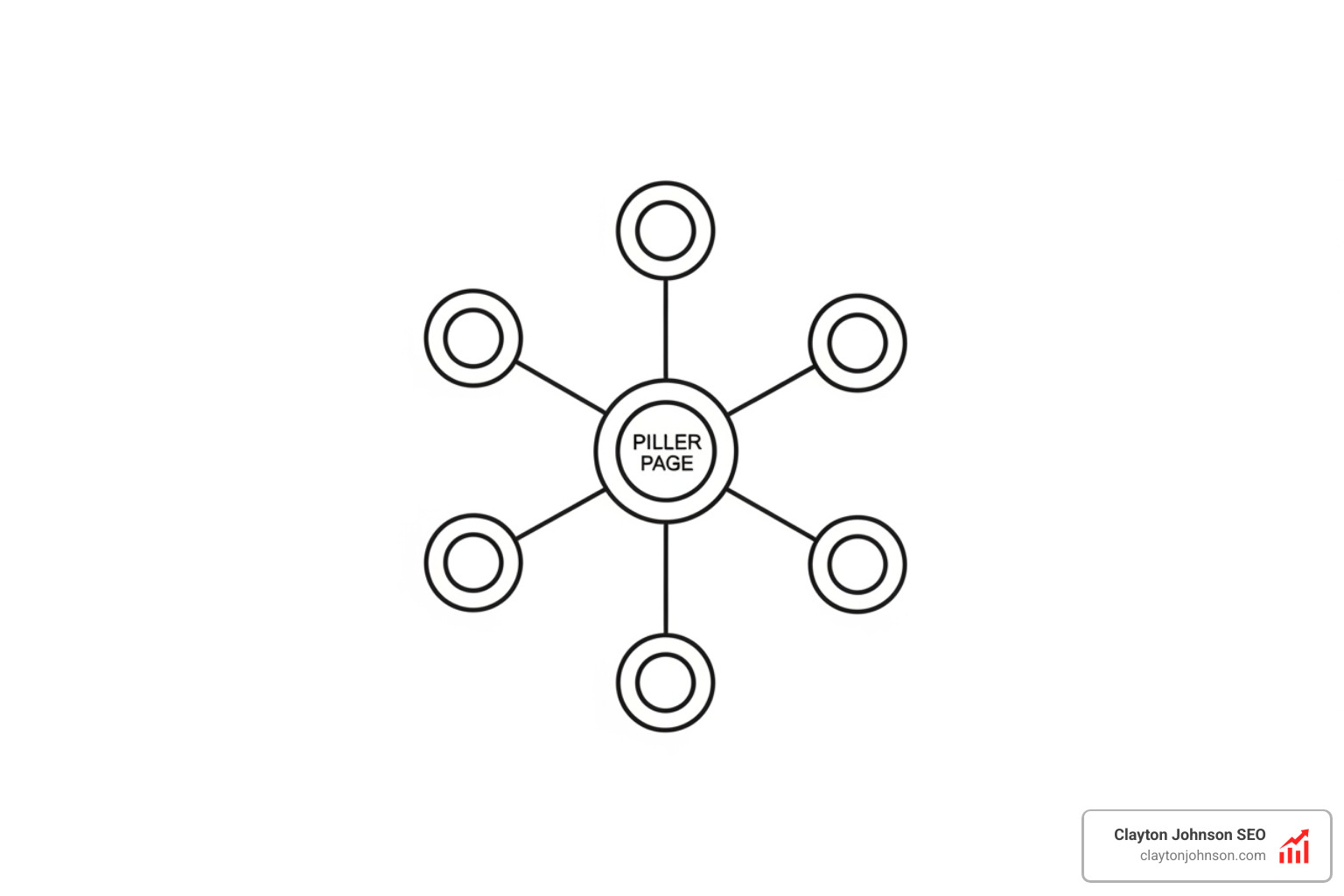
This is where the magic happens. A topic cluster consists of a single “Pillar Page” (a comprehensive guide on a broad topic) and multiple “Cluster Pages” (specific posts that dive deep into subtopics).
The Linking Rule:
- Every Cluster Page must link back to the Pillar Page.
- The Pillar Page should link out to every Cluster Page.
- Cluster Pages should link to each other where relevant.
This linking strategy creates a “walled garden” of relevance. It tells Google, “We are an absolute authority on this topic.” It also keeps users on your site longer, which is a great signal for engagement.
Measuring Success and Systemizing Your Audit
An SEO internal link audit is not a one-time event. Websites are living things—new content is added, old pages are deleted, and structures shift.
To measure success, we track:
- Indexation Speed: Are new pages being found faster?
- Organic Clicks: Is there a lift in traffic to the pages we targeted?
- Internal Authority Score: A metric used by tools like Twylu to show the relative “strength” of a page within your own site.
| Workflow Aspect | Manual Audit | Automated System |
|---|---|---|
| Speed | Slow (hours/days) | Fast (minutes) |
| Accuracy | High risk of human error | Data-driven precision |
| Scalability | Hard for 100+ pages | Easy for 10,000+ pages |
| Consistency | Often forgotten | Scheduled and reliable |
At Clayton Johnson SEO, we don’t just fix links; we build durable systems. We believe in Clarity → Structure → Leverage → Compounding Growth. By turning your internal linking into a structured system, you stop chasing individual rankings and start building a site that grows on its own.
If you’re ready to stop guessing and start growing, More info about SEO services is just a click away. Let’s build your growth engine together.