AI Productivity Tools for the Modern Procrastinator

🚀 AI Productivity Tools That Actually Move the Needle
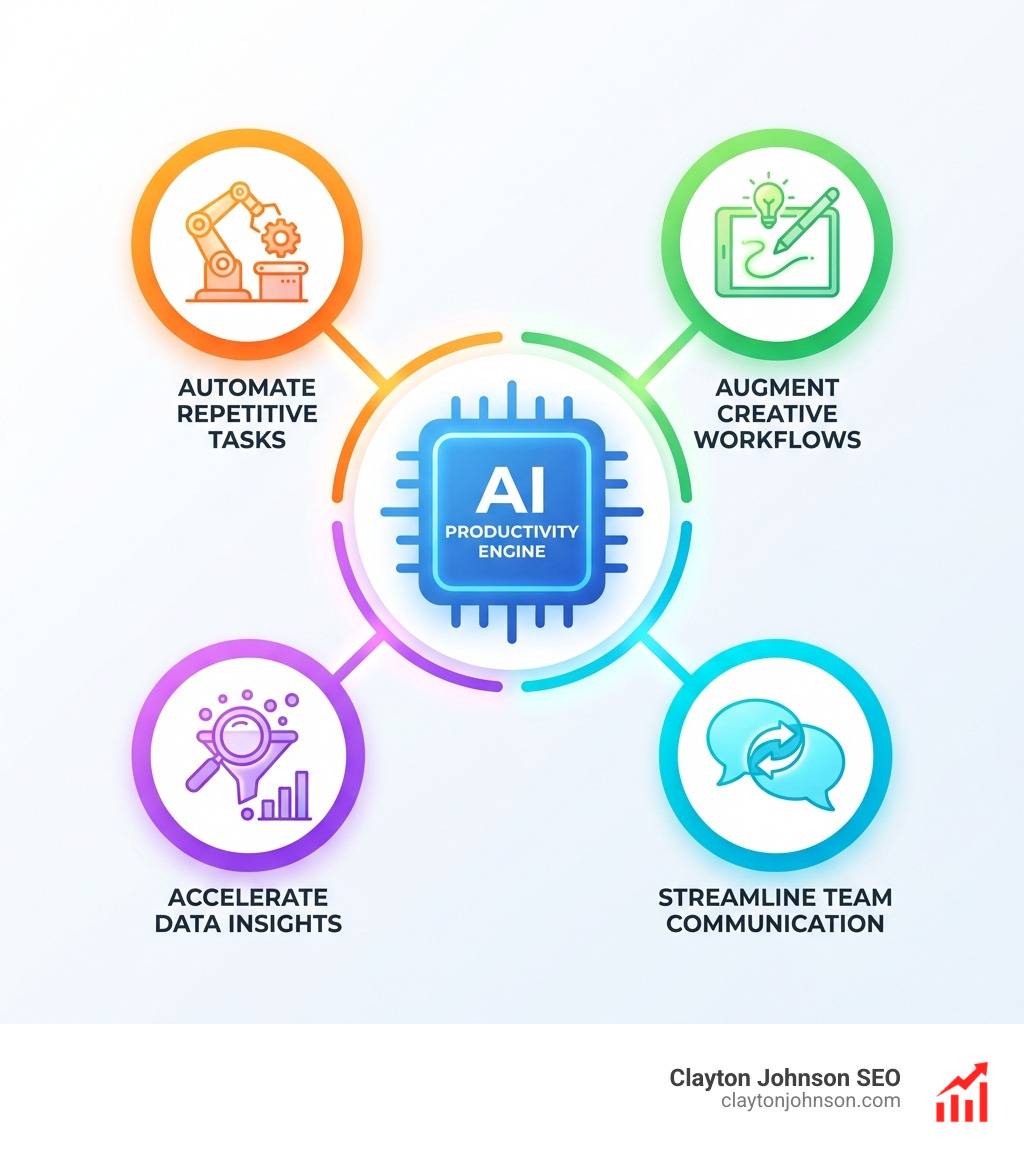
AI productivity tools are software applications that use artificial intelligence to automate repetitive tasks, assist with decision-making, and streamline your daily workflow — so you spend less time on busywork and more time on high-value work.
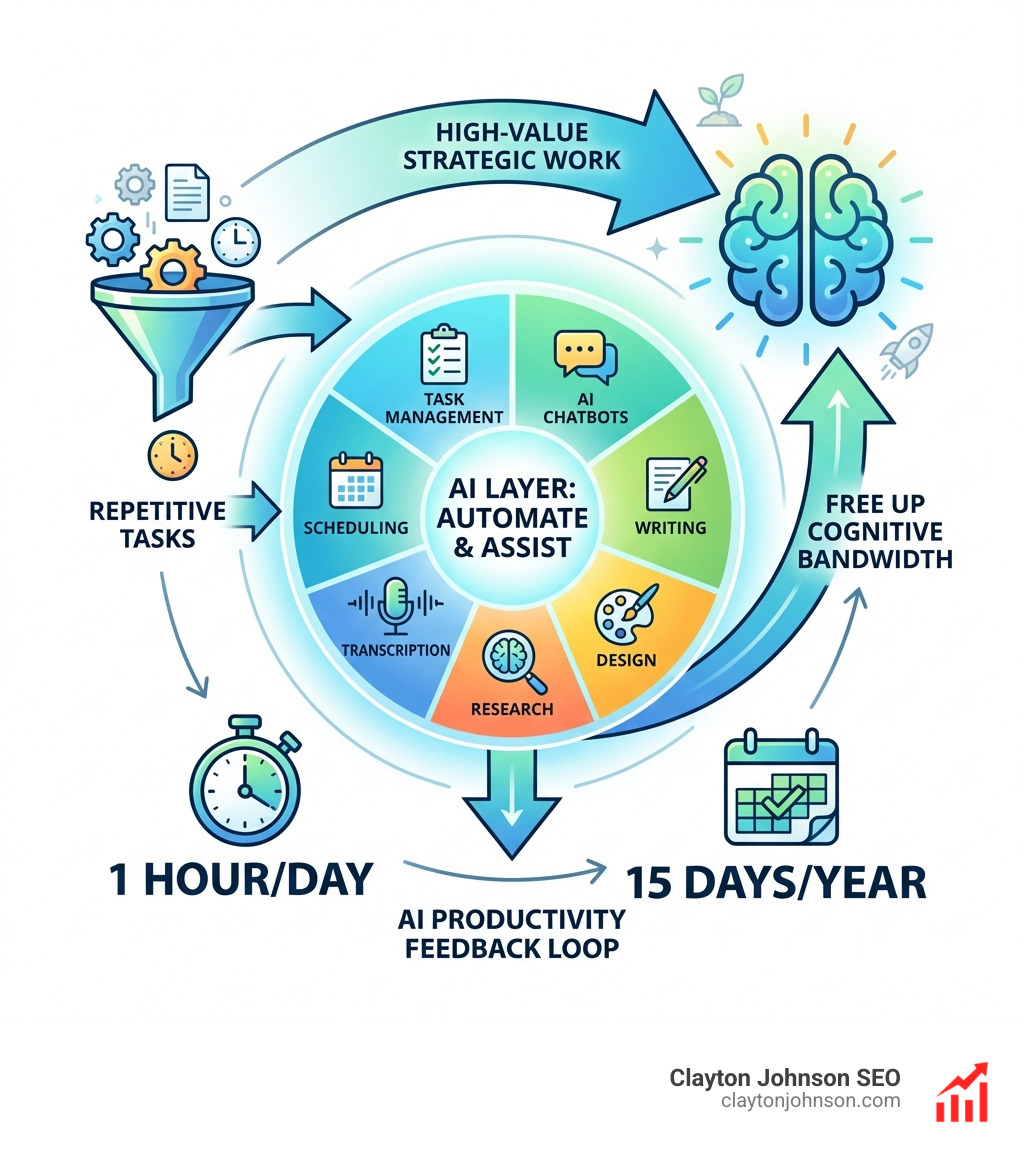
Here are the top AI productivity tools by category:
| Category | Top Tools |
|---|---|
| Task Management | Motion, Asana, ClickUp, Todoist |
| AI Chatbots | ChatGPT, Claude, Gemini |
| Writing & Content | Jasper, Grammarly, Type |
| Visual Design | Canva, Midjourney, Gamma |
| Meeting Transcription | Otter.ai, Fireflies |
| Research | Perplexity, Consensus |
| Scheduling | Reclaim AI, Motion, Clockwise |
The average worker saves roughly one hour per day using AI tools. Over a full year, that adds up to weeks of recovered work time — nearly a full vacation’s worth of time returned to your calendar.
That is not a small number.
And it is not just about speed. Psychological research increasingly links repetitive decision-making to burnout. AI tools reduce that cognitive load by handling the low-stakes, high-frequency decisions that quietly drain your energy every day.
Whether you are a founder trying to scale without adding headcount, or a marketing leader drowning in operational chaos, the right AI stack can be the difference between reactive execution and structured, compounding growth.
I’m Clayton Johnson — an SEO strategist and growth operator who has spent years building AI-augmented marketing workflows and structured growth systems for founders and marketing leaders. I use AI productivity tools daily to reduce execution drag, accelerate content output, and keep strategic work front and center.
Let’s break down exactly which tools are worth your time — and how to build a stack that works for your specific workflow.
Important ai productivity tools terms:
What are AI Productivity Tools and How Do They Work?
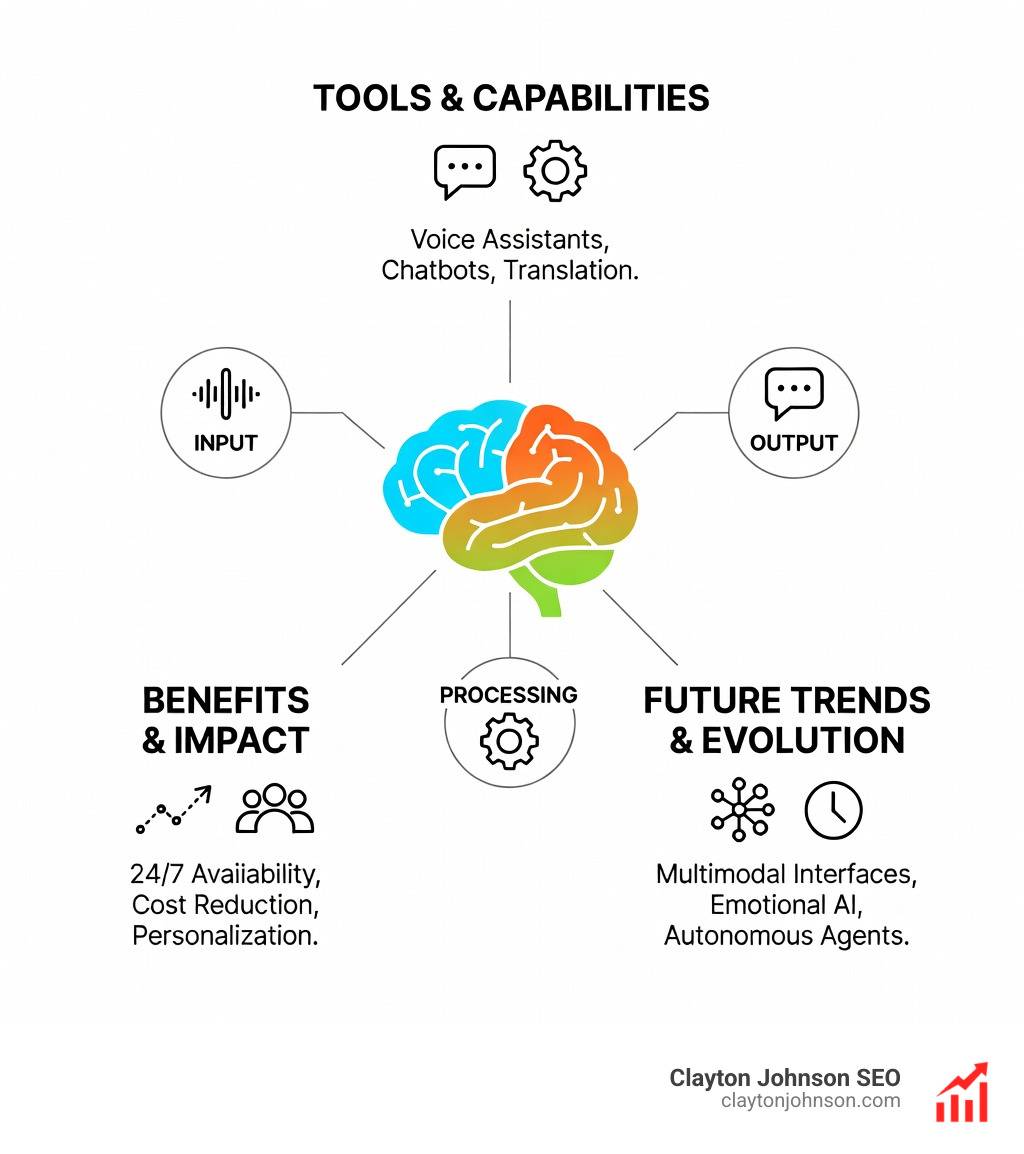
At their core, ai productivity tools are not just “smart software.” They represent a fundamental shift in how we interact with data and tasks. Unlike traditional software that follows rigid “if-this-then-that” rules, AI tools adapt and learn. Artificial Intelligence (AI) is transforming the way we work by leveraging technologies like Machine Learning (ML) and Natural Language Processing (NLP) to understand context, predict needs, and generate new content.
Think of it this way: traditional software is a calculator; AI is a math tutor. One gives you a result based on a button press; the other understands the problem you’re trying to solve and helps you find the most efficient path to the answer.
The Mechanics of Generative AI
Most of the “magic” we see today comes from Large Language Models (LLMs). These are neural networks trained on massive datasets to recognize patterns in human language. They use “context windows”—essentially a digital short-term memory—to keep track of the conversation or document they are working on. For instance, tools like Claude can handle massive amounts of information at once. If you’re curious about the specifics of these models, checking out an Anthropic Claude 101 guide can clarify how these “brains” actually function.
Integration with Modern Workflows
The real power of ai productivity tools shines when they talk to your other apps. Through API connectivity, an AI tool can pull data from your CRM, check your calendar, and draft a response in Slack without you manually moving a single file. For those building custom systems, tools like Firecrawl make this even easier by allowing AI to “crawl” and understand web data. You can learn more in a complete guide to Firecrawl for AI builders.
The Core Benefits of Using AI Productivity Tools
We often talk about “saving time,” but the benefits go much deeper than the clock. The most significant drain on a modern professional isn’t physical labor; it’s decision fatigue. Making decisions is a key factor in burnout, according to psychological research. When you have to decide which email to answer first, when to squeeze in a gym session, and how to phrase a sensitive memo, your “brain battery” drains.
By using ai productivity tools, many people reclaim significant time every day. This isn’t just hyperbole; it’s a measurable shift in administrative overhead. For specialists, the gains are even more pronounced. Why every developer needs AI tools for programming is a perfect example—AI can handle the “boilerplate” code, leaving the human to focus on the high-level architecture.
Eliminating Repetitive Manual Processes
We’ve all been there: staring at a spreadsheet of leads or a mountain of meeting notes. AI excels at:
- Data Entry: Automatically pulling insights from documents into your database.
- Email Sorting: Categorizing your inbox so the “urgent” stuff actually stays at the top.
- Meeting Summarization: Tools like Otter.ai can transcribe a long call and give you a five-point bulleted list of action items in seconds.
Learning how to build AI marketing workflows that actually work starts with identifying these repetitive “drag” factors and automating them.
Enhancing Creative Output and Brainstorming
AI is the ultimate “blank page” killer. It isn’t here to replace your creativity, but to act as a sparring partner. You can use it for rapid prototyping of ideas or drafting the first version of a blog post. The secret to success here is the “prompt.” If you feel like the bot isn’t getting you, it might be time to read up on how to stop yelling at the bot: a guide to better Claude prompts.
Top Categories of AI Productivity Tools for Every Workflow
Not all ai productivity tools are created equal. To build a “structured growth architecture” for your own life, you need to pick the right tool for the right job.
| Tool Type | Primary Function | Example Tool |
|---|---|---|
| Orchestrator | Connects all your apps | Zapier |
| Scheduler | Manages your time and capacity | Motion |
| Research Assistant | Finds and cites information | Perplexity |
| Transcription | Turns audio into action items | Fireflies.ai |
Intelligent Task Management and Scheduling with AI Productivity Tools
Traditional “to-do lists” are where tasks go to die. Why? Because they don’t account for time.
- Motion: This is our favorite for solving capacity planning. It doesn’t just list your tasks; it puts them on your calendar. If a meeting runs long, Motion automatically reshuffles your day.
- Reclaim AI: Great for protecting your “focus time” and ensuring you actually have time for lunch.
- Todoist: A classic task manager that now uses AI to help you break down big goals into actionable steps.
- Asana & ClickUp: These platforms have integrated AI to summarize project statuses and predict potential bottlenecks before they happen.
Advanced Chatbots and Writing Assistants
These are the most versatile ai productivity tools in the kit.
- ChatGPT: The “Swiss Army Knife.” Perfect for brainstorming, coding, and general assistance.
- Claude: Often cited as having a more “human” and ethical tone. It’s fantastic for analyzing long documents or complex code. Check out our Claude AI code completion guide for technical use cases.
- Jasper: Built specifically for marketing teams to stay “on-brand” while scaling content.
- Grammarly: No longer just a spellchecker, it now helps you rewrite entire paragraphs for better clarity and tone.
Pro-tip: Success with these tools depends on your input. A beginners guide to AI prompt engineering is a great place to start refining your skills.
Visual Design and Research AI Productivity Tools
- Canva: Their “Magic Studio” allows you to generate images and design elements just by describing them.
- Midjourney: The gold standard for high-quality AI image generation.
- Perplexity: This is a search engine replacement. It gives you direct answers with citations, so you don’t have to click through ten blue links.
- Consensus: An AI search engine that specifically looks through 200 million scientific papers to give you evidence-based answers.
For businesses, integrating these into the ultimate guide to AI driven SEO strategy and systems can provide a massive competitive edge in search visibility.
Overcoming Challenges and Choosing the Right Stack
While ai productivity tools are powerful, they aren’t perfect. We have to be smart about how we use them.
- Concerns about privacy: Always check if your data is being used to train the model. Most enterprise versions of these tools offer “opt-outs” for data training.
- Hallucinations: AI can be confidently wrong. Never copy-paste a statistic or a legal fact without verifying it.
- Learning Curves: Don’t try to adopt ten tools at once. Pick one to solve one specific problem first.
Knowing when to use AI and when to keep it human is the hallmark of a modern pro.
Evaluating Performance and Usability
When picking a tool, ask:
- Integration: Does it work with my current calendar/email?
- Scalability: Can my whole team use it?
- User Interface: Is it intuitive, or do I need a PhD to find the “save” button?
If you’re a developer, mastering AI coding workflows on GitHub is a great way to see how these tools perform in high-pressure environments.
Security and Ethical Considerations
Security is non-negotiable. Look for tools that offer end-to-end data encryption and comply with standards like GDPR or CCPA. Ethical AI also means using tools that try to mitigate bias. For example, AI code review tools can help catch human errors and typos, but they still require a human “second pair of eyes” to ensure the logic is sound.
Frequently Asked Questions about AI Productivity Tools
Do I need to be tech-savvy to use these tools effectively?
No! Most ai productivity tools are designed for natural language. If you can send a text message, you can use a chatbot. Many tools now use “low-code” or “no-code” interfaces, meaning you don’t need to know a single line of Python. However, having a Claude AI programming assistant can certainly help if you do want to build something custom.
How much time can I realistically save each week?
Many users save several hours a week by automating low-value admin work. Over time, those gains can add up to a meaningful amount of reclaimed time—time that is best spent on “Deep Work”—the kind of strategic thinking that actually moves the needle for your business. This is why you need an AI code generator right now; it buys you back the time to think.
Are AI productivity tools safe for sensitive company data?
Generally, yes, provided you use the Enterprise or “Team” versions. These versions usually guarantee that your data is encrypted and not used to train the public model. For a deeper dive into how specific tools handle this, the complete guide to how Claude helps your coding workflow explains the privacy boundaries in a professional setting.
Why SEO Still Matters — Especially in the Age of AI
Search has changed. Google now delivers AI-generated answers, AI Overviews, and conversational search results directly in the SERPs. If your business isn’t visible in:
- Traditional organic rankings
- Google AI Overviews
- Generative AI search experiences (ChatGPT, Gemini, Perplexity)
You are invisible where decisions are being made. Most customers research online before choosing a business. If your brand does not appear in search results or AI-generated responses, competitors capture that demand.
✨ Modern SEO helps businesses:
✅ Rank in traditional Google search results
✅ Appear in Google AI Overviews
✅ Be cited in generative AI search engines (GEO)
✅ Attract high-intent customers actively searching
✅ Build trust, authority, and brand legitimacy
✅ Generate compounding inbound demand without relying on paid ads
SEO today is not just ranking. It is search visibility across AI and organic ecosystems.
💼 Clayton Johnson SEO Scalable Authority Retainer Framework
Each retainer applies to a single domain. We focus on building the “structured growth architecture” your business needs to dominate.
- Foundation Authority — $1,997 / month
- 1 DR45+ PR link per month
- 2 Done-for-You articles per month
- Strategic Focus: Foundational authority + initial AI eligibility signals.
- Growth Authority — $2,997 / month
- 2 DR45+ PR links per month
- 4 Done-for-You articles per month
- Strategic Focus: Increased link velocity + expanded cluster depth.
- Competitive Authority — $3,997 / month
- 3 DR45+ PR links per month
- 6 Done-for-You articles per month
- Strategic Focus: Stronger backlink concentration + deeper topic authority.
- Scale Authority — $6,997 / month
- 7 DR45+ PR links per month
- 14 Done-for-You articles per month
- Strategic Focus: Accelerated authority density + multi-topic cluster growth.
Conclusion
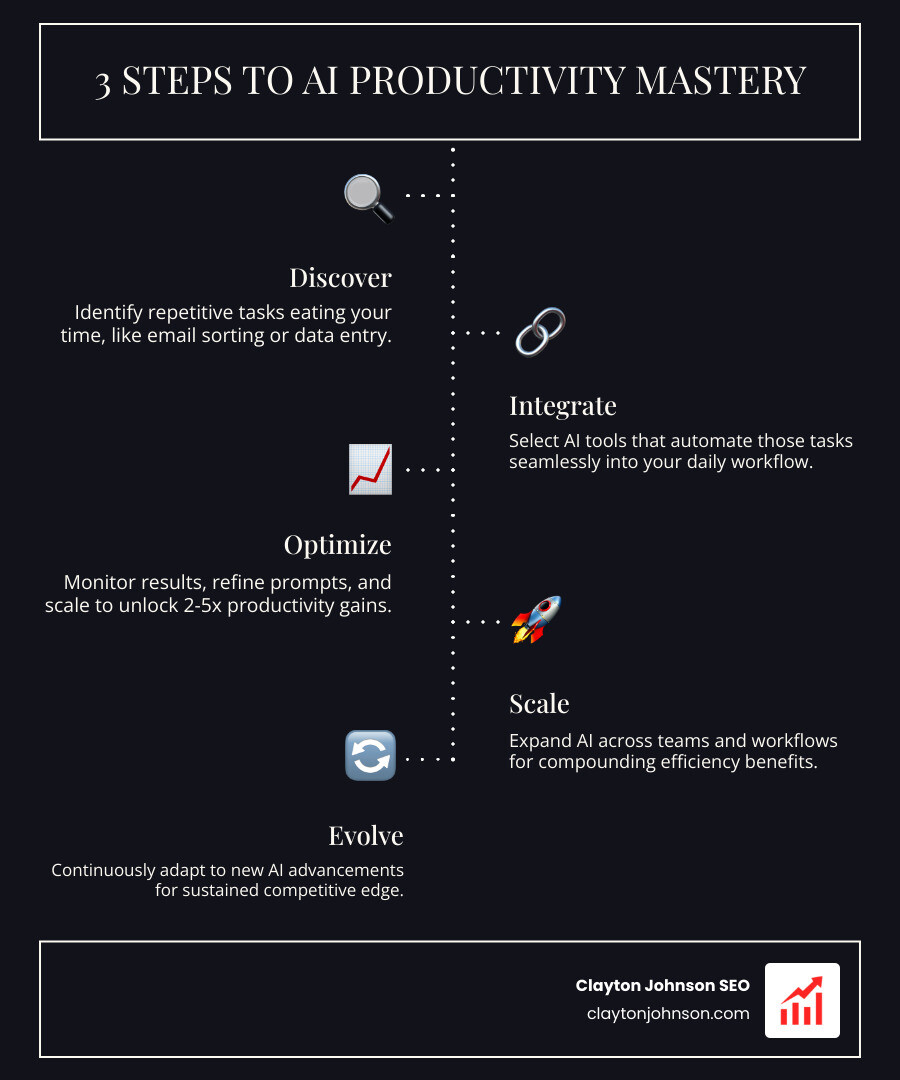
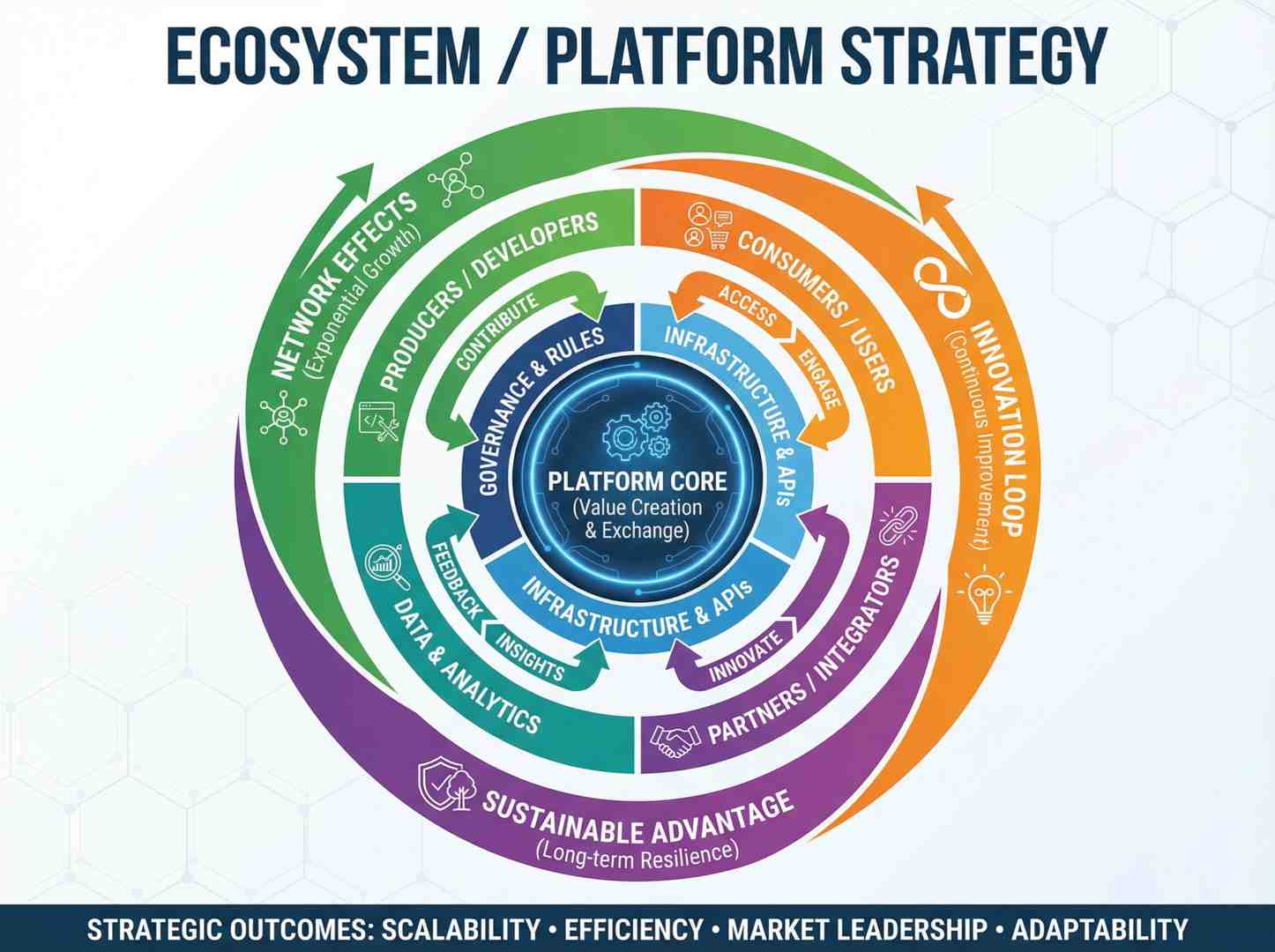
At Demandflow, we believe that most companies don’t lack tactics — they lack structured growth architecture. AI productivity tools are the “leverage” in that equation. When you combine actionable strategic frameworks with AI-augmented marketing workflows, you stop “doing tasks” and start building a system that grows on its own.
Clarity leads to structure. Structure leads to leverage. Leverage leads to compounding growth.