Inference Platforms That Won’t Make You Grow a Beard While Waiting


Why AI Inference Developer Tools Matter More Than Your Model Choice
AI inference developer tools are the platforms, frameworks, and services that deploy your trained models into production—and they determine whether your AI ships in milliseconds or minutes. Here’s what you need to know:
Top AI Inference Platforms by Use Case:
| Platform | Best For | Key Advantage |
|---|---|---|
| NVIDIA TensorRT | High-performance GPU inference | 36X speedup vs CPU, 8X faster GPT-J on H100 |
| Fireworks AI | Fast deployment of open models | Sub-2s latency, 50% higher GPU throughput |
| Triton Inference Server | Multi-framework production serving | Concurrent execution, dynamic batching |
| vLLM / SGLang | Open-source LLM inference | Optimized for throughput and cost |
| Inference.net | Custom model training + serving | 95% cost reduction, 2-3X faster than frontier models |
| Altera FPGA AI Suite | Edge inference | 88.5 INT8 TOPS, 27% FPS increase |
Most developers pick tools based on model accuracy, then discover their inference stack can’t handle production load. The reality? Your inference pipeline—not your model architecture—usually becomes the bottleneck. Notion cut latency from 2 seconds to 350ms by switching inference platforms. Quora saw a 3X response time speedup. Cal AI reduced vision latency by 66%. These aren’t model improvements—they’re infrastructure choices.
The inference ecosystem splits into three camps: cloud platforms like Fireworks and AWS SageMaker that abstract infrastructure, NVIDIA’s hardware-optimized stack (TensorRT, Triton, Dynamo) that squeezes every GPU cycle, and open-source tools like vLLM and llama.cpp that prioritize flexibility. Your choice depends on whether you optimize for speed, cost, control, or all three.
I’m Clayton Johnson, and I’ve spent years building AI-assisted marketing workflows that depend on reliable, fast inference. When evaluating ai inference developer tools, I focus on the same metrics that matter for any production system: latency under load, cost per request, and time to deployment.
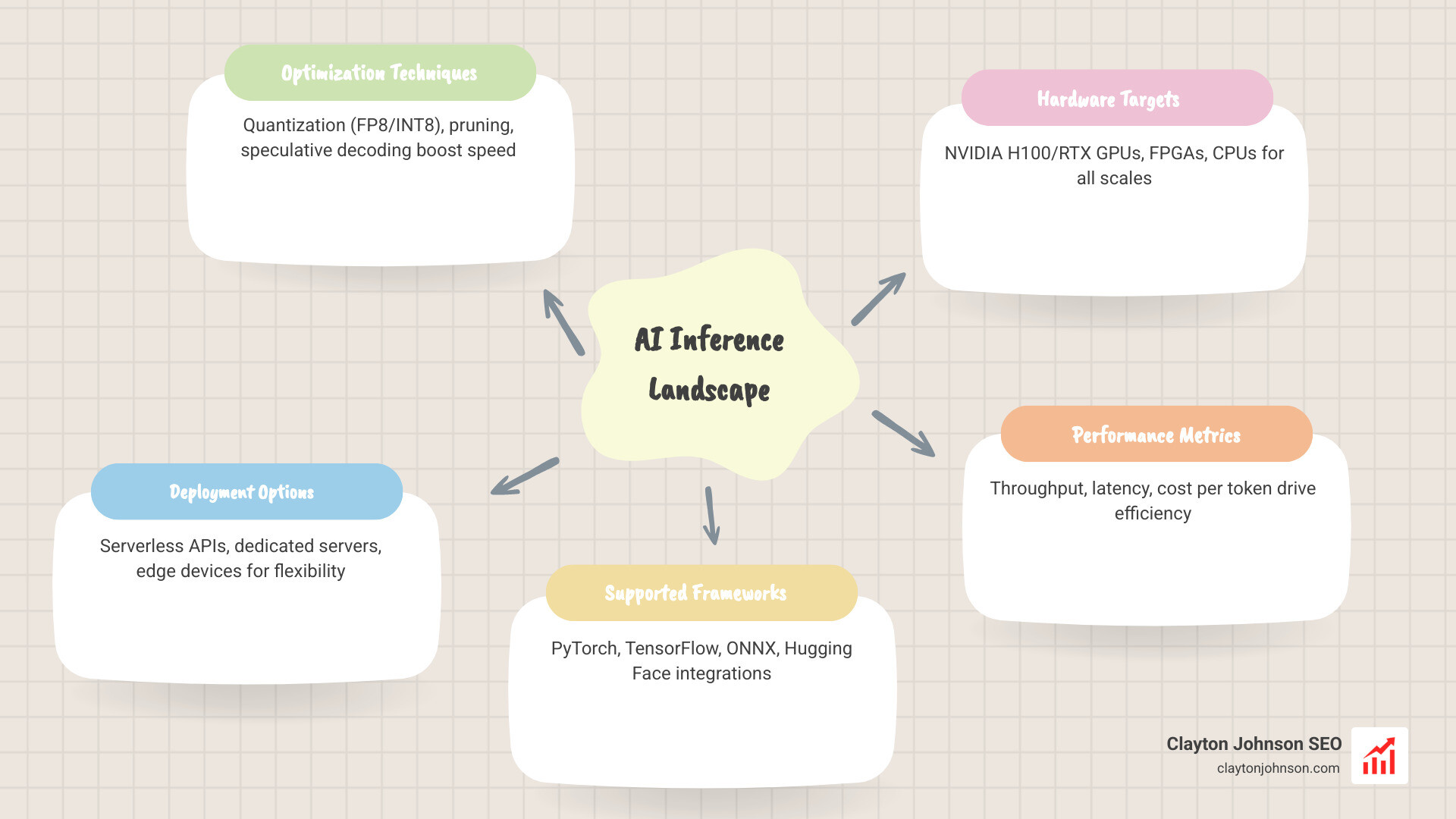
The Heavy Hitters: Popular AI Inference Developer Tools for High-Performance Workloads
When we talk about high-performance workloads, we’re moving past the “it works on my machine” phase. We’re talking about serving millions of users without the dreaded spinning wheel of doom. In ai inference developer tools, a few names dominate the conversation because they consistently deliver on the promise of speed.

Fireworks AI: The Speed King for Open Models
Fireworks AI has quickly become a favorite for those who want to run the latest open models (like Llama 3, Qwen, or Mixtral) without managing their own GPU clusters. They offer what they call a “blazing speed” inference cloud. The stats back it up: Sentient achieved 50% higher GPU throughput with sub-2s latency using Fireworks. For developers, this means you can deploy with a single line of code and trust that the infrastructure scales globally.
NVIDIA TensorRT: The Gold Standard for Optimization
If you are running on NVIDIA hardware (which, let’s be honest, most of us are), NVIDIA TensorRT is the essential compiler. It doesn’t just “run” your model; it reconstructs it for maximum efficiency. By using techniques like layer fusion and quantization, it can speed up inference by up to 36X compared to CPU-only platforms. It’s the tool that turns a “good” model into a production-ready beast.
Triton Inference Server: The Multi-Tool of Deployment
Once your model is optimized, you need a way to serve it. NVIDIA’s Triton Inference Server is an open-source powerhouse that allows you to deploy models from any framework—TensorRT, PyTorch, ONNX, OpenVINO, and more. It handles the “traffic cop” duties, managing concurrent model execution and dynamic batching so your hardware never sits idle.
Comparing the Giants: Cost, Speed, and Scalability
| Feature | Fireworks AI | AWS SageMaker | Inference.net |
|---|---|---|---|
| Primary Model Type | Open-source (Llama, etc.) | Any (Custom/Marketplace) | Custom-trained Task-Specific |
| Setup Effort | Low (Serverless API) | Medium to High | Low (Managed Service) |
| Latency | Ultra-Low (Optimized) | Variable (Cold Starts) | Ultra-Low (Customized) |
| Cost Structure | Per Token / Image | Per Instance Hour | Up to 95% lower than frontier |
| Scalability | Global, Auto-provisioned | Highly Scalable | Dedicated & Scalable |
Choosing between these often comes down to your team’s expertise. As we discuss in our guide on why every developer needs AI tools for programming in 2025, the goal is to reduce friction. If you want to avoid managing servers entirely, serverless APIs are your best friend.
Choosing the Right AI Inference Developer Tools for Your Stack
Selecting your stack is a balancing act between control and convenience.
- Serverless Inference APIs: Platforms like Fireworks AI or the Inference.net serverless tier are perfect for rapid prototyping and apps where you don’t want to worry about “cold starts” or GPU procurement. You pay for what you use, and they handle the scaling.
- Dedicated Inference Servers: For enterprise workloads with consistent high traffic, dedicated servers (via Inference.net or AWS) offer better cost-efficiency and predictable performance. You aren’t sharing resources with other users, which is critical for security-sensitive applications.
- Custom Model Training: Sometimes, off-the-shelf models are too bloated. Inference.net excels here by training task-specific models that are 2-3X faster than frontier models because they only contain the parameters necessary for your specific job.
For those looking to integrate these into their development workflow, mastering the Claude AI code generator can help you write the integration code for these APIs in minutes rather than hours.
The Future of AI Inference Developer Tools: NVIDIA Blackwell and Beyond
The horizon is moving fast. The upcoming NVIDIA Blackwell platform is set to redefine the ROI of inference, promising unmatched performance for trillion-parameter models. We’re also seeing the rise of real-time multimodal inference—tools that can process text, vision, and audio simultaneously without breaking a sweat.
Platforms like Cerebras are also pushing boundaries with specialized hardware that challenges the traditional GPU-centric view. As you look for the best AI for coding and debugging, keep an eye on how these hardware advancements make your development tools more responsive.
NVIDIA’s Ecosystem: Deep Dive into TensorRT and Triton
NVIDIA doesn’t just make chips; they provide a full software stack that makes those chips useful. If you’re serious about ai inference developer tools, you need to understand the relationship between TensorRT, Triton, and the new Dynamo framework.
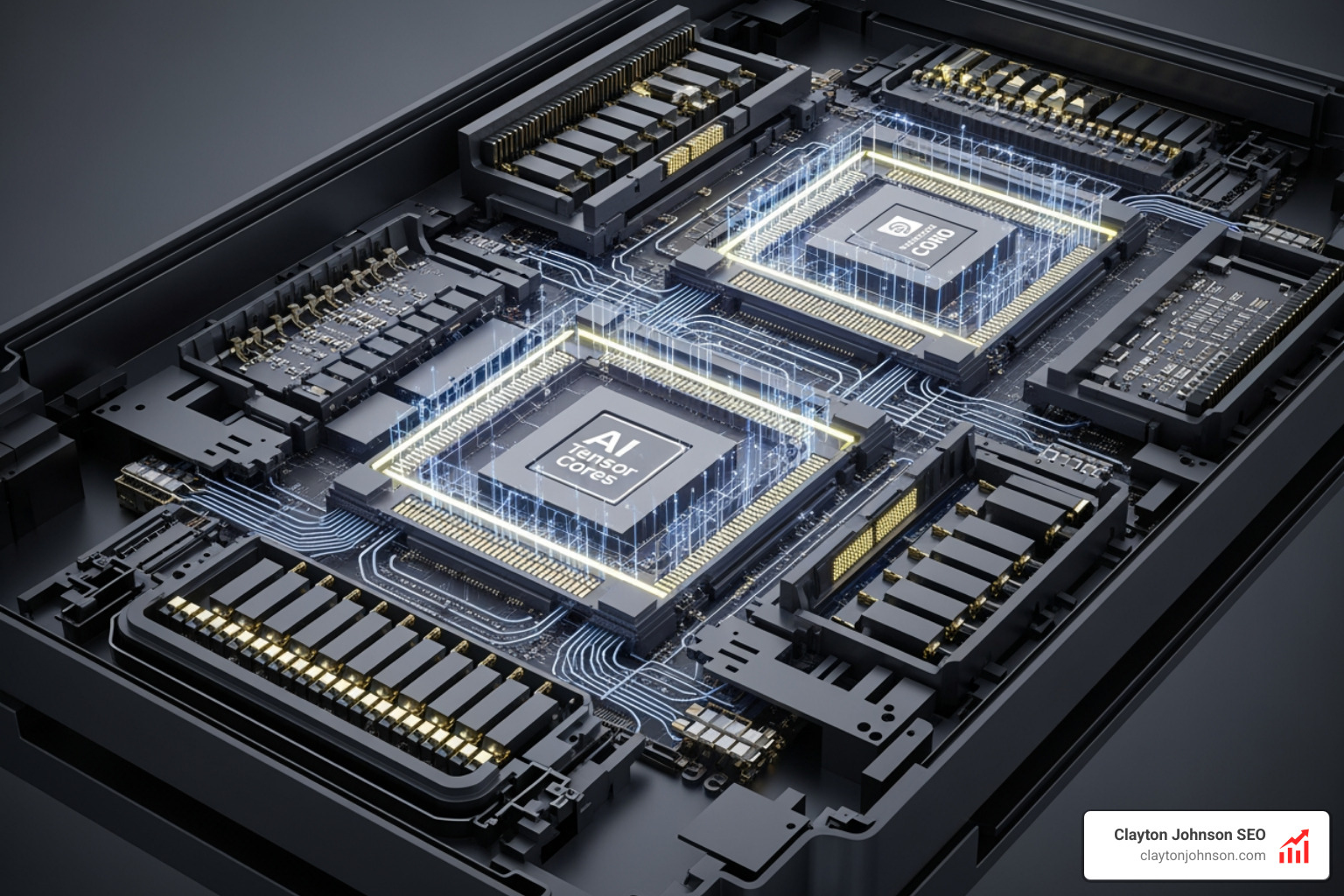
TensorRT-LLM: Squeezing the Most out of Generative AI
Large Language Models (LLMs) are notoriously heavy. TensorRT-LLM is a specialized library designed to make them fly. On an H100 GPU, it delivers an 8X increase in GPT-J 6B performance and 4X higher performance for Llama 2. It achieves this through advanced techniques like:
- Quantization: Reducing precision (e.g., to FP8 or INT8) to speed up math without losing significant accuracy.
- Speculative Decoding: Using a smaller model to guess the next few tokens, which the larger model then verifies, drastically cutting generation time.
NVIDIA Dynamo and Triton: The Dynamic Duo
NVIDIA Dynamo is an open-source, low-latency framework specifically for serving generative models in distributed environments. It handles the resource scheduling and memory management across large GPU fleets.
When you pair it with Triton Inference Server, you get a production-grade environment. Triton’s architecture is built for:
- Concurrent Execution: Running multiple models (or multiple instances of the same model) on a single GPU simultaneously.
- Dynamic Batching: Grouping individual inference requests together on the fly to maximize throughput.
For developers, this means you can focus on building features—like those found in the complete Claude skill pack—while the infrastructure handles the heavy lifting of serving the model to thousands of users.
Open-Source Powerhouses: vLLM, SGLang, and llama.cpp
Not every project requires a proprietary NVIDIA stack. The open-source community has built incredible ai inference developer tools that often rival or exceed commercial offerings in specific niches.
- vLLM: This is currently the darling of the open-source world for high-throughput LLM serving. It uses “PagedAttention,” a memory management technique that allows it to handle many more concurrent requests than standard libraries.
- SGLang: A faster backend for LLMs that focuses on efficiency and structured generation.
- llama.cpp: If you need to run AI on a laptop, a Raspberry Pi, or even a CPU-only server, llama.cpp is the way to go. It’s highly portable and optimized for Apple Silicon and standard CPUs.
For Intel users, you can download the OpenVINO Toolkit to optimize models for Intel CPUs, integrated GPUs, and FPGAs.
Integrating these tools often requires some manual configuration. If you’re looking for a hands-on example, our OpenClaw manual setup guide walks through how to get these types of systems running. Most of these tools integrate directly with Hugging Face and PyTorch, making it easy to swap backends as your needs change.
Hardware and Optimization: Maximizing Throughput from Edge to Cloud
The hardware you choose is the foundation of your inference speed. While the cloud is great, many applications require “Edge AI”—processing data locally on the device.
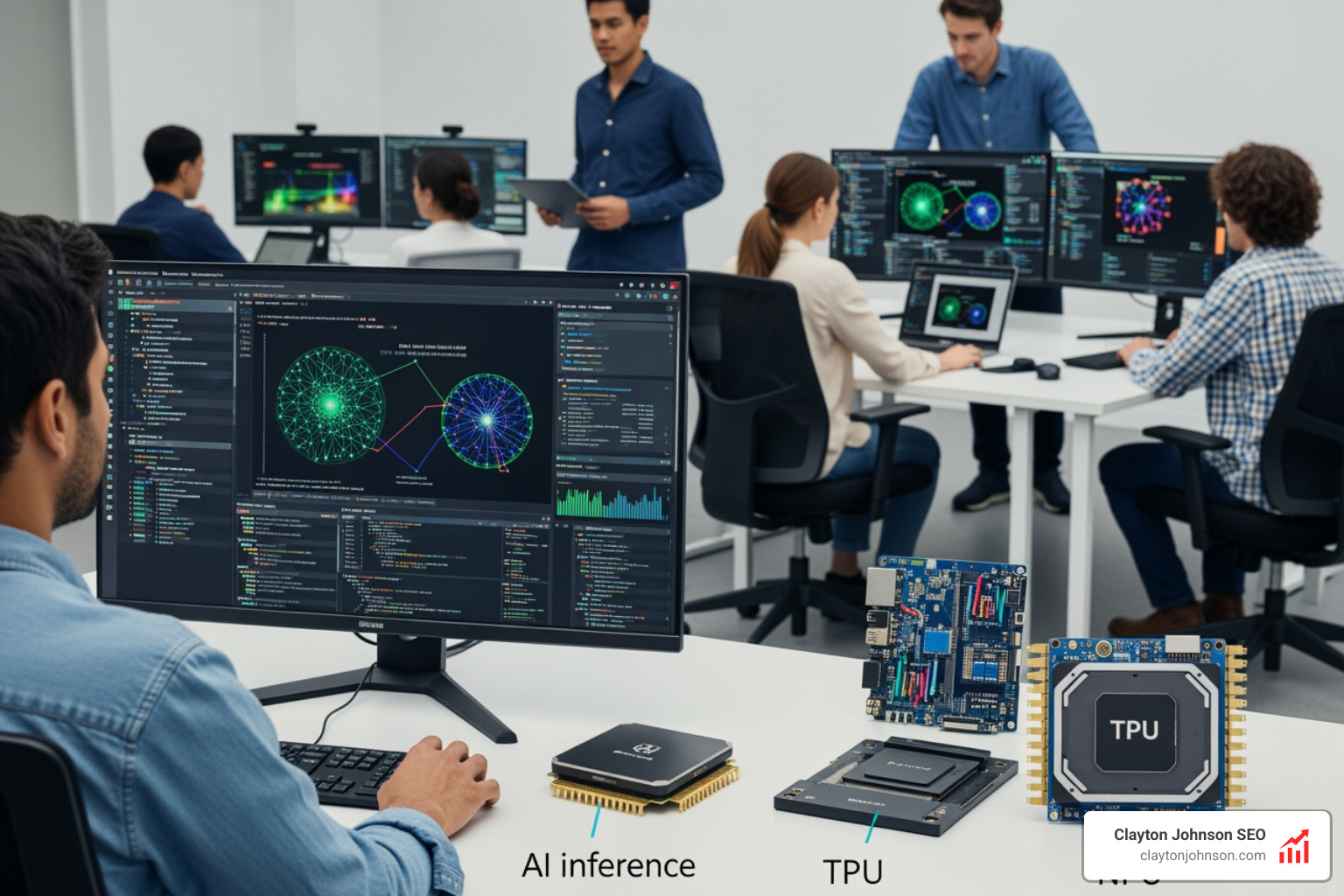
From H100s to RTX PCs
For data centers, the NVIDIA H100 is the gold standard. However, for local development and consumer applications, the NVIDIA RTX AI Toolkit allows developers to tap into the power of specialized AI processors inside GeForce RTX GPUs. This keeps data secure on the local machine while providing “world-leading” performance for gaming, productivity, and development.
The FPGA Alternative
In industrial or embedded settings, FPGAs (Field Programmable Gate Arrays) offer a unique advantage. The Altera Agilex 7 can achieve 88.5 INT8 TOPS. One of its coolest features is “DDR-free mode,” which allows for instantaneous model switching and a 27% increase in frames per second for models like ResNet-50. This is perfect for high-speed manufacturing or real-time video analytics.
Optimization Techniques You Should Know
Regardless of hardware, these three techniques are the “secret sauce” of fast inference:
- Quantization (FP8/INT8): Shrinking the model’s weights.
- Speculative Decoding: Predicting the next token to save time.
- Dynamic Batching: Combining requests to keep the GPU busy.
Learning how to extend Claude with custom agent skills often involves understanding these latency-saving measures to ensure your agents respond in real-time.
Enterprise-Grade Scaling: Security, Compliance, and Lifecycle Management
For a startup, “fast” is enough. For an enterprise, “fast” must also be “safe.” When selecting ai inference developer tools for production, security features often outweigh raw speed.
- Compliance: Tools like Fireworks AI and Inference.net offer SOC2, HIPAA, and GDPR compliance. This is non-negotiable for healthcare or financial applications.
- Zero Data Retention: Many enterprises require that the inference provider never stores the input data. This “data sovereignty” is a key feature of private tenancy options.
- Lifecycle Management: You need tools that handle everything from versioning your models to monitoring their performance in the wild.
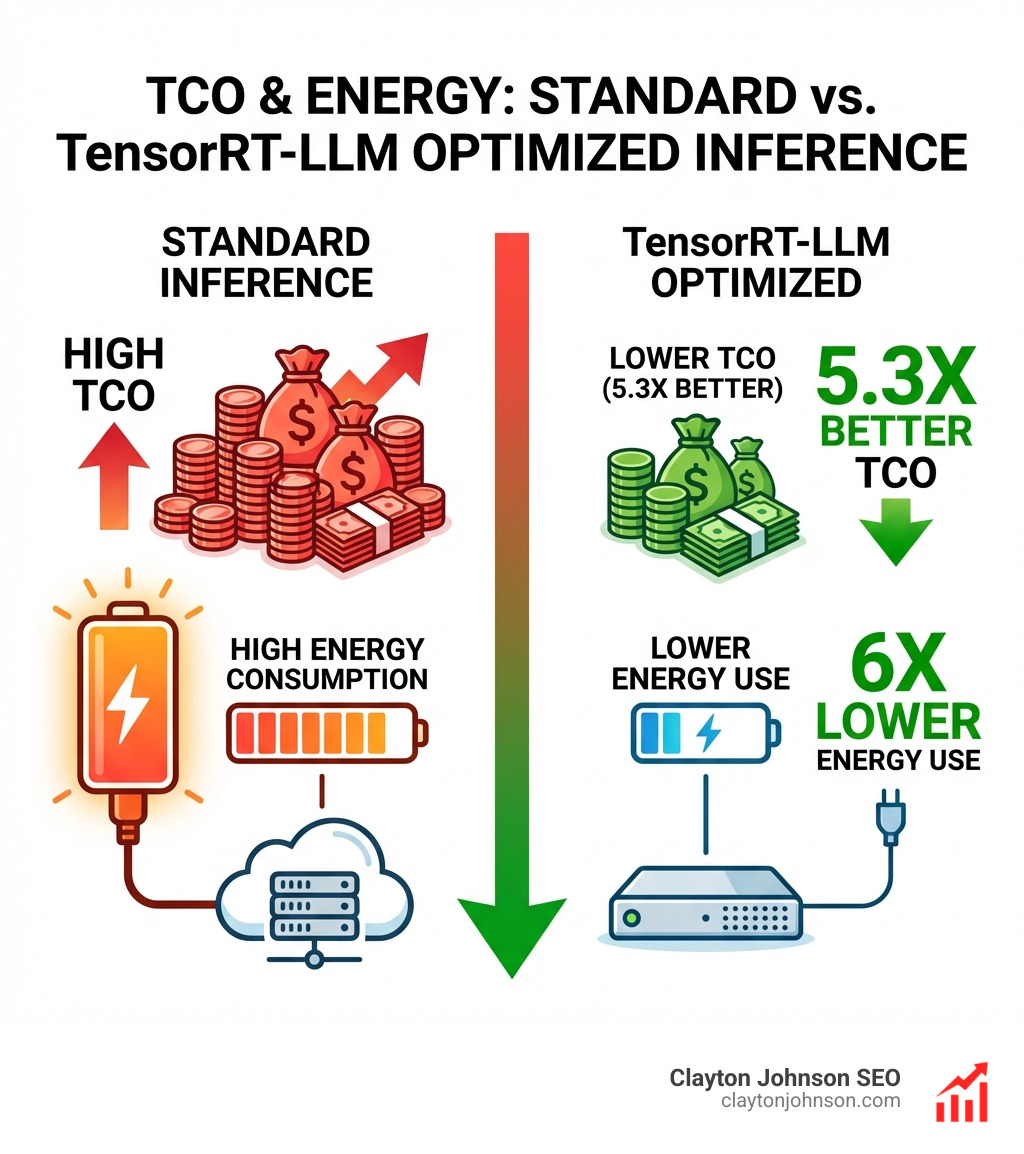
To dive deeper into the business side of these choices, you can view the NVIDIA ebook on navigating AI infrastructure. It’s a great resource for understanding the trade-offs between cost and latency. As we explore in the real truth about coding AI growth, the winners in this space will be those who can scale their infrastructure as fast as their user base grows.
Frequently Asked Questions about AI Inference Developer Tools
How does quantization improve inference speed without losing accuracy?
Quantization reduces the precision of the numbers (weights) in a neural network—for example, moving from 32-bit floating point (FP32) to 8-bit integers (INT8). This makes the model much smaller and allows the hardware to perform calculations significantly faster. While there is a slight “quantization error,” modern techniques like Quantization-Aware Training (QAT) ensure that the accuracy loss is negligible for most applications.
What is the difference between a dedicated inference server and a serverless API?
A serverless API (like Fireworks or OpenAI) abstracts all the hardware. You send a request, get a response, and pay per token. It’s easy but can be more expensive at high volumes and may suffer from occasional “noisy neighbor” latency. A dedicated inference server gives you exclusive access to specific GPUs. It’s more complex to manage but offers lower costs at scale, predictable performance, and better security.
Which hardware is best for low-latency edge AI inference?
For consumer applications (laptops/desktops), NVIDIA RTX GPUs are the best choice due to their specialized Tensor Cores. For embedded or industrial applications where power efficiency and real-time response are critical, FPGAs like the Altera Agilex series or specialized edge modules like NVIDIA Jetson are preferred.
Conclusion
The world of ai inference developer tools is no longer just about making things work—it’s about making them work at the speed of thought. Whether you’re leveraging the massive power of the NVIDIA ecosystem, the flexibility of open-source tools like vLLM, or the extreme cost-savings of custom models from Inference.net, your choice of inference stack will define your product’s user experience.
At Clayton Johnson SEO, we specialize in building AI-assisted workflows and growth strategies that don’t just look good on paper but perform in the real world. If you’re ready to stop waiting for your models to respond and start scaling your growth, work with me to scale your AI content systems. Let’s build something fast.