Why JavaScript SEO Rendering Metrics Determine Your Search Visibility
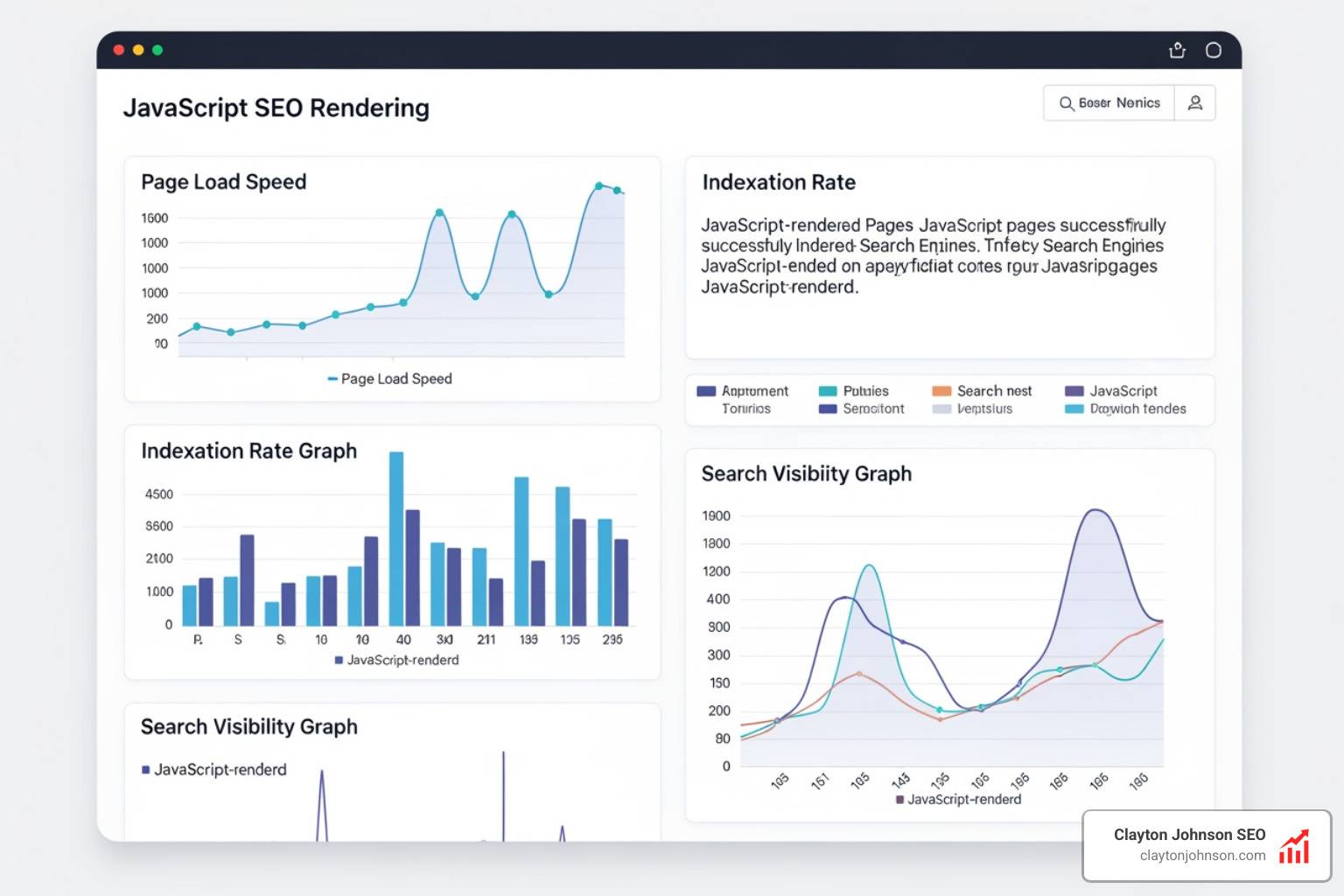
JavaScript SEO rendering metrics are measurements that tell you how quickly and completely a search engine can process your JavaScript-powered pages – and whether your content actually gets indexed.
Here are the key metrics you need to know:
| Metric | What It Measures | Why It Matters for SEO |
|---|---|---|
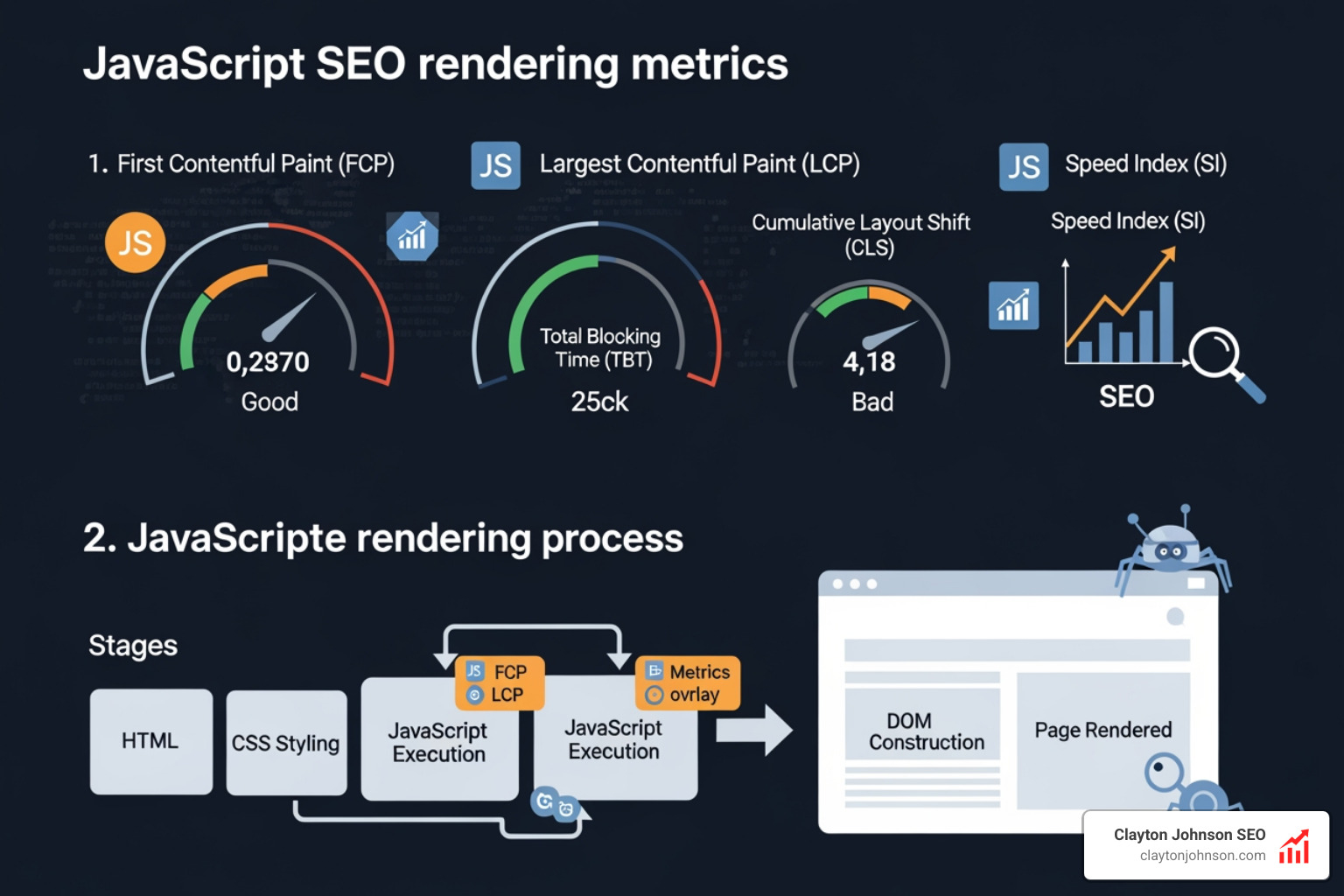
| First Contentful Paint (FCP) | When the first content appears on screen | Signals page start speed to crawlers |
| Largest Contentful Paint (LCP) | When the biggest visible element loads | Core Web Vital; direct ranking factor |
| Time to Interactive (TTI) | When the page responds to user input | Reflects JavaScript execution burden |
| Speed Index | How fast visual content fills the viewport | Measures overall perceived load speed |
| Cumulative Layout Shift (CLS) | How much the layout shifts during load | Core Web Vital; user experience signal |
| Total Blocking Time (TBT) | Time the main thread is blocked by scripts | Proxy for interactivity delays |
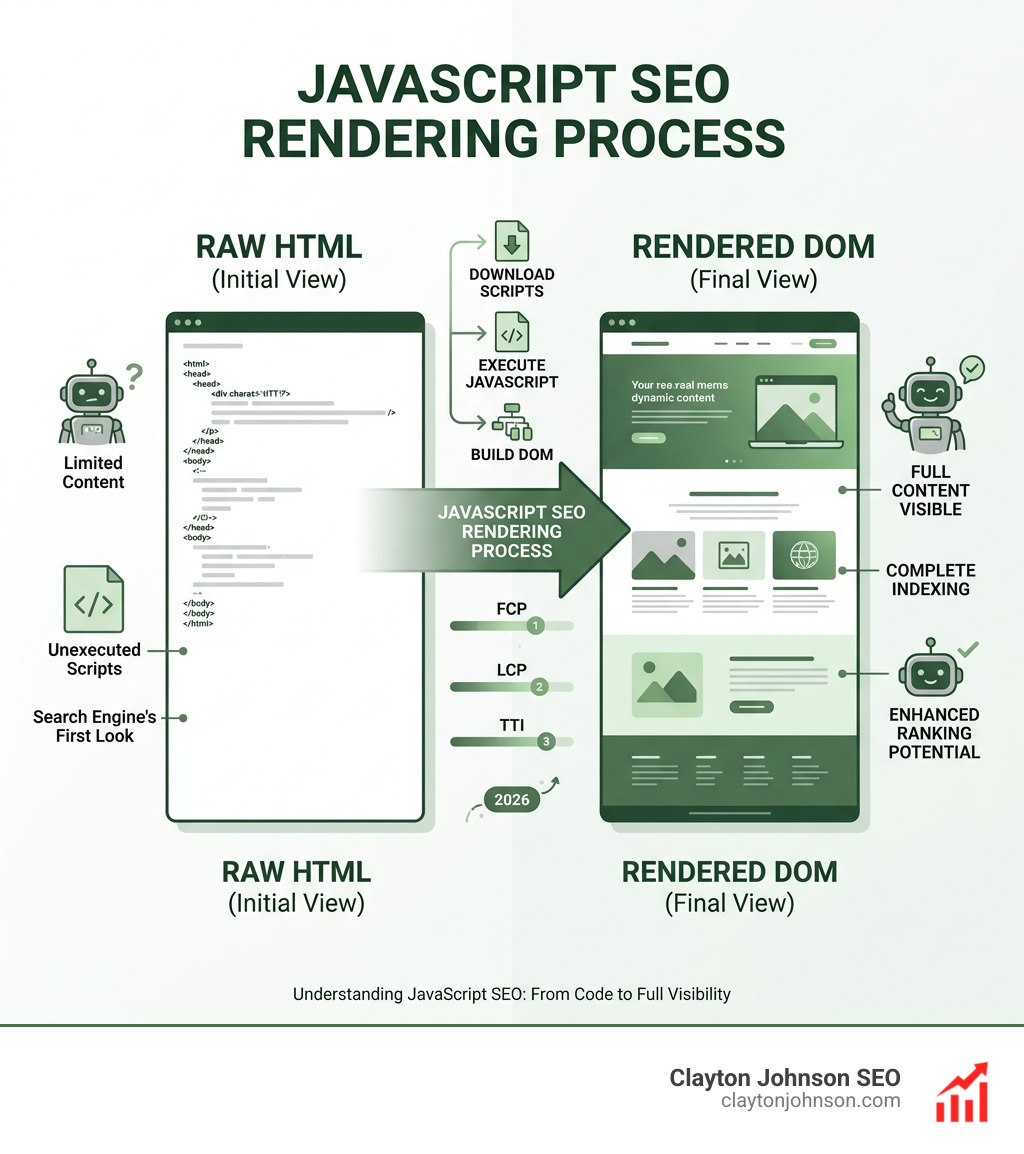
Here is the core problem: when a page relies on JavaScript to display content, search engines have to do extra work to see that content. Google actually takes nine times longer to crawl JavaScript content compared to plain HTML. That extra work costs you crawl budget, delays indexing, and in the worst cases, leaves your pages invisible to search engines entirely.
If you have ever disabled JavaScript in your browser while auditing a site, only to see a blank page or a message saying “Please enable JavaScript,” you have already seen the problem firsthand. That is exactly what some search engine crawlers encounter too.
The stakes are real. Google’s rendering delay sits at a median of 10 seconds – but at the 90th percentile, it stretches to roughly three hours. For competitive businesses trying to rank new pages fast, that gap matters enormously.
I’m Clayton Johnson, an SEO strategist with nearly two decades of experience helping companies solve exactly these kinds of technical visibility problems – including diagnosing and fixing javascript seo rendering metrics that quietly suppress rankings. Let’s break down everything you need to understand to get this right.
Core JavaScript SEO Rendering Metrics and Performance Indicators
When we talk about javascript seo rendering metrics, we are looking at the pulse of your website’s technical health. In the “old days” of the web, we mostly worried about how fast a server could send a file. Today, the bottleneck has shifted from the network to the CPU. Modern websites carry heavy payloads; over the last several years, the number of scripts on top sites jumped from 12 to 36, and the compressed size has ballooned to over 600K.
To understand how this affects your rankings, we need to look at specific indicators that quantify the browser’s “main thread” activity.
The Heavy Hitters: FCP, LCP, and Speed Index
- First Contentful Paint (FCP): This is the moment the browser renders any text, image, or non-white canvas. For SEO, it proves to the bot that the page is actually “alive.” Scientific research on Paint Timing highlights how this metric marks the first point where the user perceives content.
- Largest Contentful Paint (LCP): This measures when the largest visible element (usually a hero image or heading) is rendered. It’s a primary Core Web Vital. If your JavaScript delays this, your rankings will likely suffer.
- Speed Index: This isn’t a single point in time but an aggregate score of how quickly pixels are filled in the viewport. It’s an “apples-to-oranges” comparison against time-based metrics but is vital for understanding perceived speed.
Interactivity and Interaction: TTI and TBT
- Time to Interactive (TTI): This is the first span of 5 seconds where the browser main thread is never blocked for more than 50ms. If your JS is still “hydrating” (attaching listeners to HTML), the page might look ready but won’t respond to clicks.
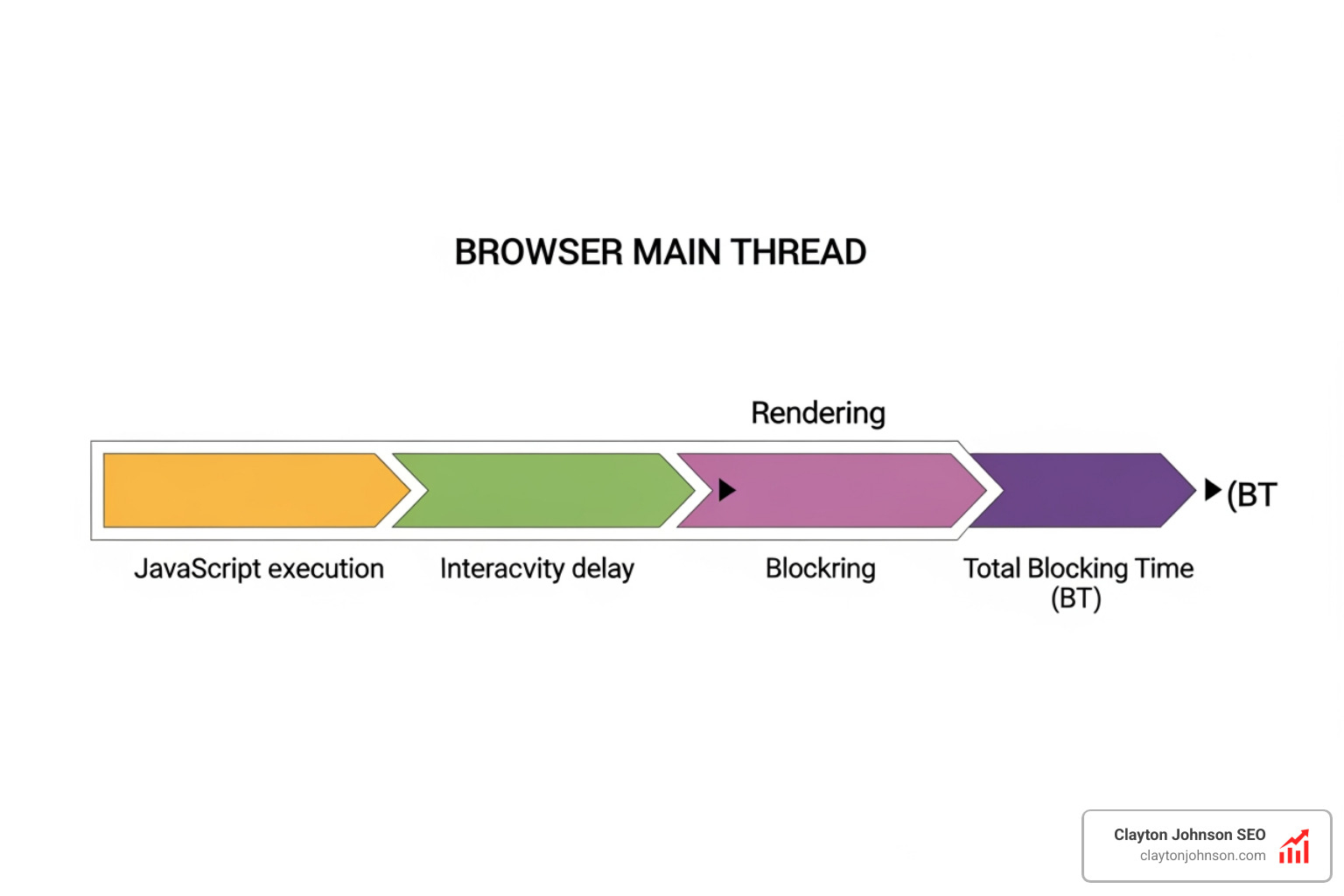
- Total Blocking Time (TBT): This is the total amount of time between FCP and TTI where the main thread was blocked. It is a critical proxy for user frustration.
Synthetic vs. RUM: How We Measure
We have two main ways to gather these metrics: Synthetic testing and Real User Monitoring (RUM). Synthetic testing (like Lighthouse) happens in a controlled “lab” environment. RUM uses data from actual users (like the Chrome User Experience Report). While synthetic tests are great for debugging, Google uses RUM data for ranking. Understanding the Navigation Timing API is essential here, as it allows us to measure DNS lookups and TCP connections that precede the actual rendering.
If you are seeing discrepancies between your lab scores and your actual rankings, it might be time for a deep dive. You can find more info about JavaScript SEO audits to help bridge that gap.
Quantifying User Experience with JavaScript SEO Rendering Metrics
A “joyous user experience” (as the folks at SpeedCurve like to say) requires delivering what users want before they get frustrated. But how do we put a number on “joy”? We look at the metrics that define visual completeness.
- Start Render: The time from initial navigation until the first non-white content is painted.
- Visually Complete: The first time the visual progress reaches 100%.
- First Meaningful Paint (FMP): This identifies the paint after which the biggest above-the-fold layout change has happened. While Google has moved toward LCP, FMP is still a useful diagnostic for complex layouts.
To get even deeper, we use the Long Tasks API. This tells us when JavaScript execution “freezes” the browser for more than 50ms. If your site has many long tasks, the user experience feels “janky,” and search engines may perceive the page as low quality. Advanced teams also utilize the User Timing API to mark custom milestones, such as when a specific “Add to Cart” button becomes functional.
Impact of Rendering Strategies on JavaScript SEO Rendering Metrics
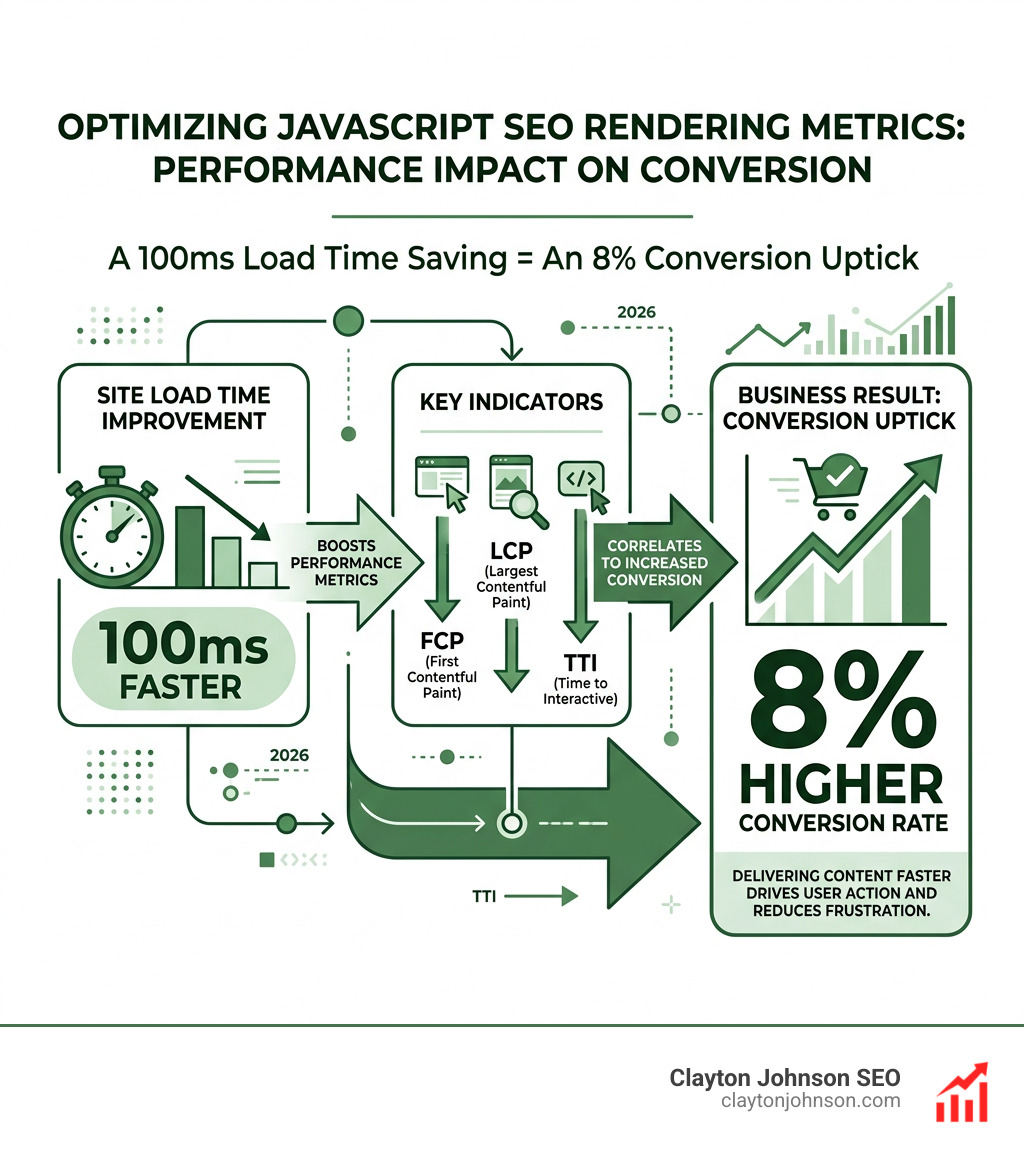
Your choice of architectural framework is the single biggest lever you have for optimizing javascript seo rendering metrics. Not all rendering is created equal.
- Client-Side Rendering (CSR): The server sends a bare-bones HTML file, and the browser does all the work. This is the riskiest for SEO. If your JS fails or takes too long, the bot sees a blank page.
- Server-Side Rendering (SSR): The server executes the JS and sends a fully rendered HTML page. This is the “gold standard” for SEO because the content is there from the very first byte.
- Static Site Generation (SSG): Pages are rendered at build time. This is incredibly fast but can be difficult for sites with millions of pages.
- Incremental Static Regeneration (ISR): A hybrid approach where pages are generated statically but updated in the background as content changes.
- Dynamic Rendering: Serving static HTML to bots and JavaScript to humans. Google considers this a “workaround” rather than a long-term solution.
One of the biggest pitfalls we see is “Hydration Problems.” This happens when the server sends HTML, but then the JavaScript has to “re-render” everything to make it interactive. If not handled correctly, this can double the work for the browser and tank your TTI. For those just starting to explore these concepts, checking out more info about SEO 101 can provide a solid foundation.
If you find that your framework is simply too heavy for crawlers, tools like Prerender.io provide a scalable way to serve cached HTML snapshots to bots, ensuring your content is visible without a total site rewrite.
Search Engine Capabilities and the Rendering Snapshot
We often hear the myth that “Google can render everything.” While Googlebot has improved significantly—now using an up-to-date stable version of Chromium—it still has limitations.
The Snapshot Window: Google generally takes about 5 seconds to make a “snapshot” of the DOM. If your content takes 6 seconds to load via an API call, Google might miss it entirely. This is why we emphasize that the “rendering queue” still matters. While the median delay is low (10 seconds), some pages can wait hours or days for that second wave of indexing.
Stateless Rendering: Googlebot is stateless. It doesn’t remember cookies, it doesn’t log in, and it doesn’t click “Accept” on your cookie banner. If your content is hidden behind a click or a state change, it basically doesn’t exist for search.
Viewport Heights: This is a fascinating technical detail. Google renders mobile pages with a fixed height of 1750px and desktop pages at 10,000px. This often causes errors with CSS units like vh (viewport height), where elements might appear “cut off” or incorrectly positioned in the rendered snapshot.
AI and LLM Crawling: Most AI bots (like those for ChatGPT or Claude) do not execute JavaScript. They behave like Google’s first wave of crawling. If your content isn’t in the raw HTML, these AI models won’t find it to include in their answers. This makes SSR even more critical for the future of search. To stay ahead, you’ll need a solid keyword strategy that accounts for how these models parse information.
Diagnostic Tools and Optimization Best Practices
To master javascript seo rendering metrics, you need the right toolbox. We don’t guess; we measure.
- Google Search Console (GSC): The “URL Inspection Tool” is your best friend. It shows you exactly what Googlebot sees. If the “Tested Page” screenshot is blank, you have a rendering problem.
- Lighthouse: Integrated into Chrome DevTools, it gives you a quick health check on FCP, LCP, and TBT.
- Specialized Renderers: Tools like Puppeteer and Rendertron allow you to automate your own rendering tests to see how different bots might perceive your site.
Troubleshooting Common Implementation Pitfalls
We see the same mistakes over and over. Here is how to avoid them:
- Blocking Critical Resources: If your
robots.txtblocks the/js/or/css/folders, Googlebot can’t render the page. It’s like trying to judge a painting while wearing a blindfold. - The onClick Trap: Search engines follow
tags. They do not click onelements withonClickhandlers. If your navigation is JS-driven without proper links, your site is a dead end for bots.- Fragmented URLs: Avoid using hashes (
#) for unique pages. Use the History API to create clean, crawlable URLs.- Lazy Loading Above the Fold: Never lazy-load your hero image or main heading. This destroys your LCP.

Understanding Resource Timing can help you identify which specific scripts are slowing down your render path. If you are using AI to assist in your technical audits, learning how to audit SEO with AI can significantly speed up the process of finding these “silent killers.”
Monitoring Bot Behavior via Log Analysis
If you want to know what’s really happening, look at your server logs. Log analysis allows us to see:
- Crawl Frequency: Are bots visiting your JS-heavy pages as often as your HTML pages?
- Response Times: Is the server struggling to generate SSR pages?
- Anomaly Detection: Sudden drops in bot hits often signal a rendering error or a script that has gone rogue.
By combining log data with GSC reports, we can see if Google is crawling a page but failing to index the content—a classic sign of a rendering timeout. The W3C Web Performance Working Group provides the specifications that make this kind of deep monitoring possible. For a broader look at technical health, our guide to mastering core SEO covers these foundational elements in detail.
Conclusion: Building Scalable Traffic Systems
Mastering javascript seo rendering metrics is no longer optional for the modern web. As websites become more complex, the gap between those who understand rendering and those who don’t will only widen. At Clayton Johnson SEO, we don’t just chase temporary tactics; we build durable systems.
We focus on the intersection of technical architecture and search intent. By optimizing your rendering path, you aren’t just improving your “score” in a tool—you are reducing the friction between your content and your customers. Whether it’s ensuring your meta tags are stable in the initial HTML or managing your crawl budget through SSR, every millisecond you save is an investment in compounding growth.
If your JavaScript-heavy site is struggling to gain the traction it deserves, we can help. Our approach combines strategic rigor with deep technical expertise to turn fragmented marketing efforts into coherent growth engines.
Ready to take your technical SEO to the next level? Explore our SEO services and let’s build something that scales.
- Fragmented URLs: Avoid using hashes (