Leading Tools for Code AI GitHub Integration
As we steer the expanding landscape of development assistants, a few names consistently rise to the top. These tools vary in their architecture—some are deeply embedded in the GitHub interface, while others are open-source agents designed to crawl your repositories and provide high-level insights.
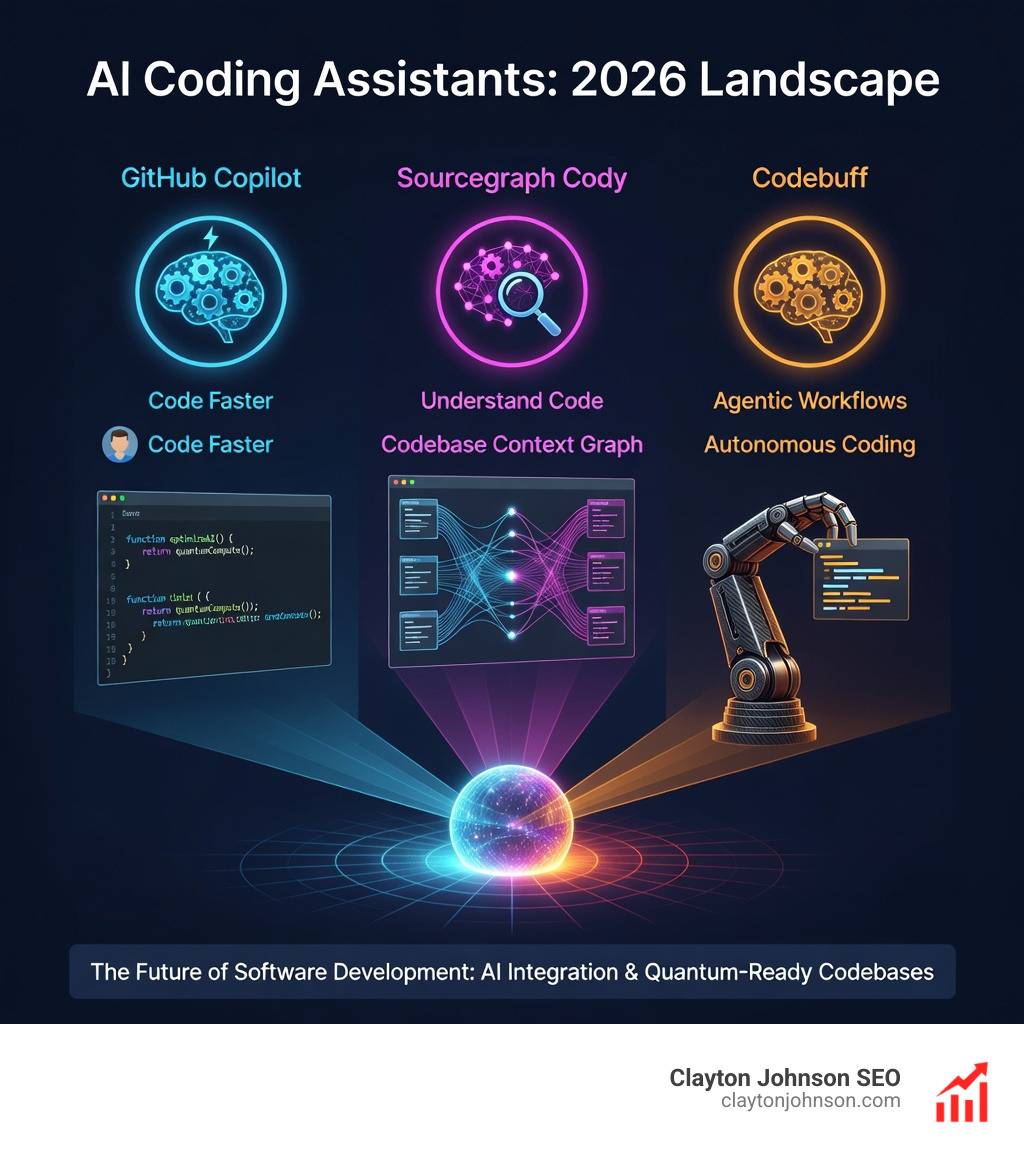
GitHub Copilot: The Industry Standard
GitHub Copilot is the heavyweight champion of the code ai github world. Developed in collaboration with OpenAI, it serves as an “AI pair programmer” that lives directly inside your editor. Its primary strength lies in its frictionless integration. It doesn’t just suggest the next line of code; it can generate entire functions based on a comment.
Beyond simple autocompletion, Copilot has evolved into a task management partner. It can help you explore your projects, explain what a specific block of code does, and even assist in writing pull request summaries. To ensure you stay within your comfort zone regarding intellectual property, you can configure GitHub Copilot settings to block or allow suggestions that match publicly available code.
Sourcegraph Cody
Cody distinguishes itself by its “codebase awareness.” While some tools only see the file you are currently editing, Cody uses semantic search to understand your entire repository—including remote ones. This makes it incredibly powerful for large-scale enterprise projects where finding where a specific utility is defined can be a chore. It is open-source (Apache 2.0) and supports swappable LLMs like Claude 3.5 Sonnet and GPT-4o.
Codebuff: Multi-Agent Systems and Code AI GitHub Performance
If you want to see where the future of coding is headed, look at Codebuff. Unlike traditional assistants that use a single model to guess the next token, Codebuff is a multi-agent system. It coordinates specialized agents—a File Explorer, a Planner, an Editor, and a Reviewer—to work together.
This collaborative approach leads to significantly higher accuracy. In evaluations across over 175 coding tasks, Codebuff achieved a 61% success rate, notably outperforming Claude Code’s 53%. Developers can integrate it into their own applications using the Codebuff SDK.
Research-Driven Models: Codex and CodeT5+
We cannot discuss these tools without mentioning the underlying research. OpenAI Codex is the model that paved the way, trained on billions of lines of public code. Meanwhile, Salesforce Research has released CodeT5+ models, which use an identifier-aware encoder-decoder architecture to better understand variable names and code structure.
Enhancing Productivity with Advanced AI Capabilities
The real magic of code ai github tools happens when they move beyond “fancy autocomplete” and start acting like a junior developer who never sleeps.
| Feature | GitHub Copilot | Sourcegraph Cody | Codebuff |
|---|---|---|---|
| Primary Strength | Seamless IDE integration | Deep codebase context | Multi-agent accuracy |
| Context Window | Standard | High (Semantic Search) | Multi-file coordination |
| Model Choice | OpenAI (Fixed) | Swappable (Claude/GPT) | Any (via OpenRouter) |
| Optimization | General suggestions | Contextual fixes | Task-specific agents |
Context-Aware Code AI GitHub Suggestions
Context is the difference between a helpful suggestion and a frustrating distraction. Modern tools leverage the developer’s workspace to provide relevant snippets. For instance, OpenAI Codex has a 14KB memory for Python code, which is over three times the context capacity of the original GPT-3. This allows the AI to “remember” logic from other parts of your file or related modules.
Salesforce’s CodeT5+ models take this further by being “identifier-aware,” meaning they prioritize the relationships between variables and functions rather than just treating code like natural language text.
Automated Performance Optimization
Writing code that works is step one; writing code that is fast is step two. This is where tools like Codeflash come into play. Codeflash is a general-purpose optimizer for Python. It uses LLMs to generate optimization ideas, benchmarks them for actual performance gains, and verifies they don’t break your logic.
By following the Codeflash documentation, we can set up GitHub Actions that automatically scan every pull request. If the AI finds a more efficient way to write a loop or a database query, it creates a merge-ready PR for us. It’s like having a performance engineer on call 24/7.
Navigating Intellectual Property and Copyright
When we use tools trained on public data, we have to talk about the “C” word: Copyright. This is a primary concern for enterprise teams using code ai github workflows.
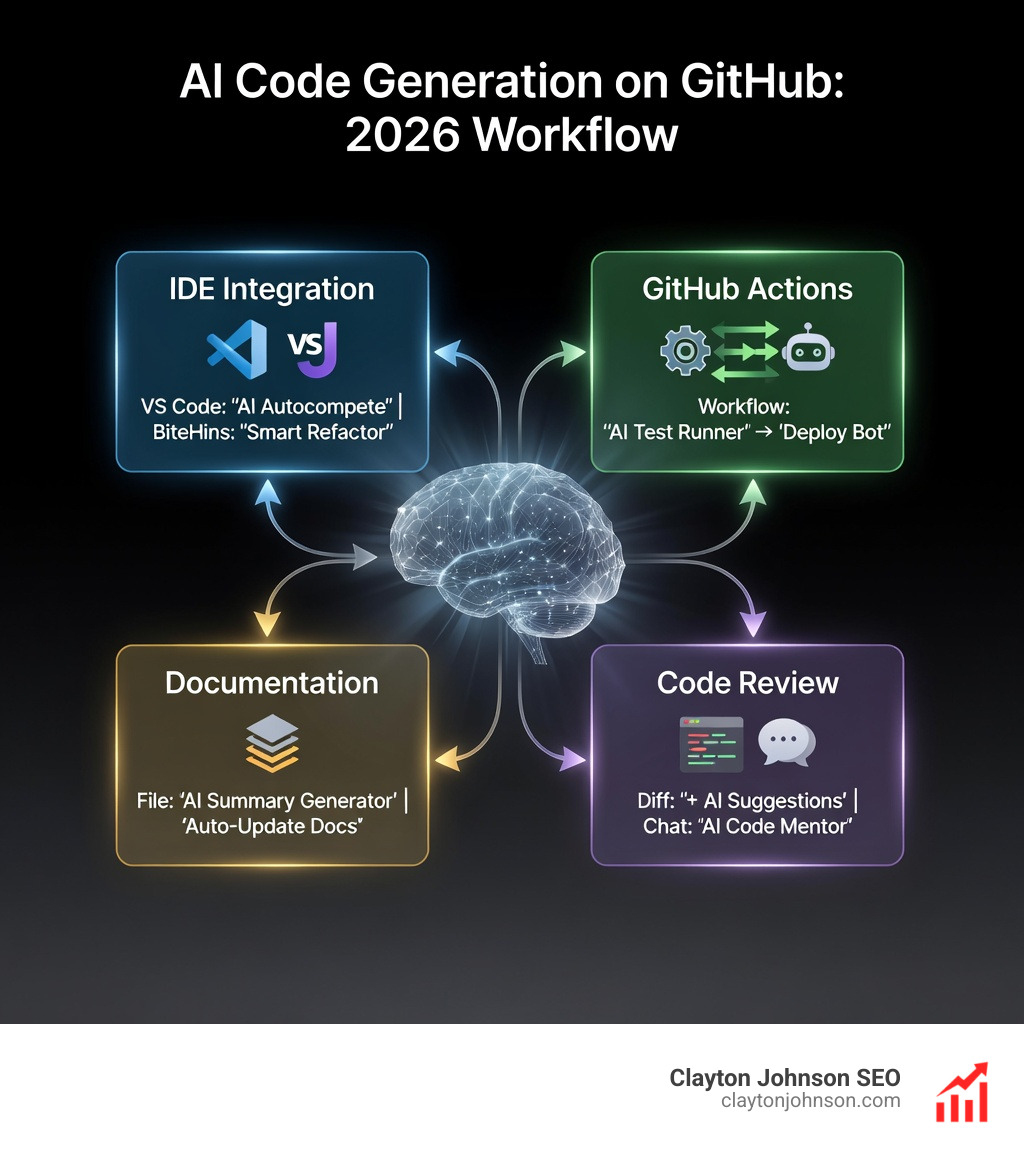
The Fair Use Argument
GitHub and OpenAI maintain that training models on publicly available code falls under “fair use” or “fair dealing” in many jurisdictions, including the US, Canada, and the EU. The models aren’t “copying” code in the traditional sense; they are extracting patterns. Think of it like a human developer reading a thousand Stack Overflow posts to learn how to write a binary search—they aren’t plagiarizing; they are learning the pattern.
Managing Public Code Matching
Research shows that less than 1% of suggestions from GitHub Copilot actually match a specific example from its training data. Matches usually only happen when the context is very low or the code is a “boilerplate” pattern used by everyone.
To mitigate risk, we recommend:
- Configuring Settings: Use the IP considerations for Copilot to disable matching suggestions if your company has a zero-tolerance policy.
- Code Scanning: Use automated tools to scan AI-generated code for licenses (like GPL) that might conflict with your project.
- Attribution: If the AI suggests a significant block that matches a public repo, ensure you follow the original license’s attribution requirements.
Customizing AI Behavior and Agents
One of the coolest parts of modern AI is that we aren’t stuck with “out of the box” behavior. With Codebuff, we can create custom agents using TypeScript definitions. This allows us to define specific “knowledge” files that tell the AI how our specific architecture works, ensuring it never suggests a pattern that violates our internal standards.
Integrating AI Assistants into Your Workflow
Integration shouldn’t be a headache. Most code ai github tools are designed to meet us where we already work.
IDE and CLI Integration
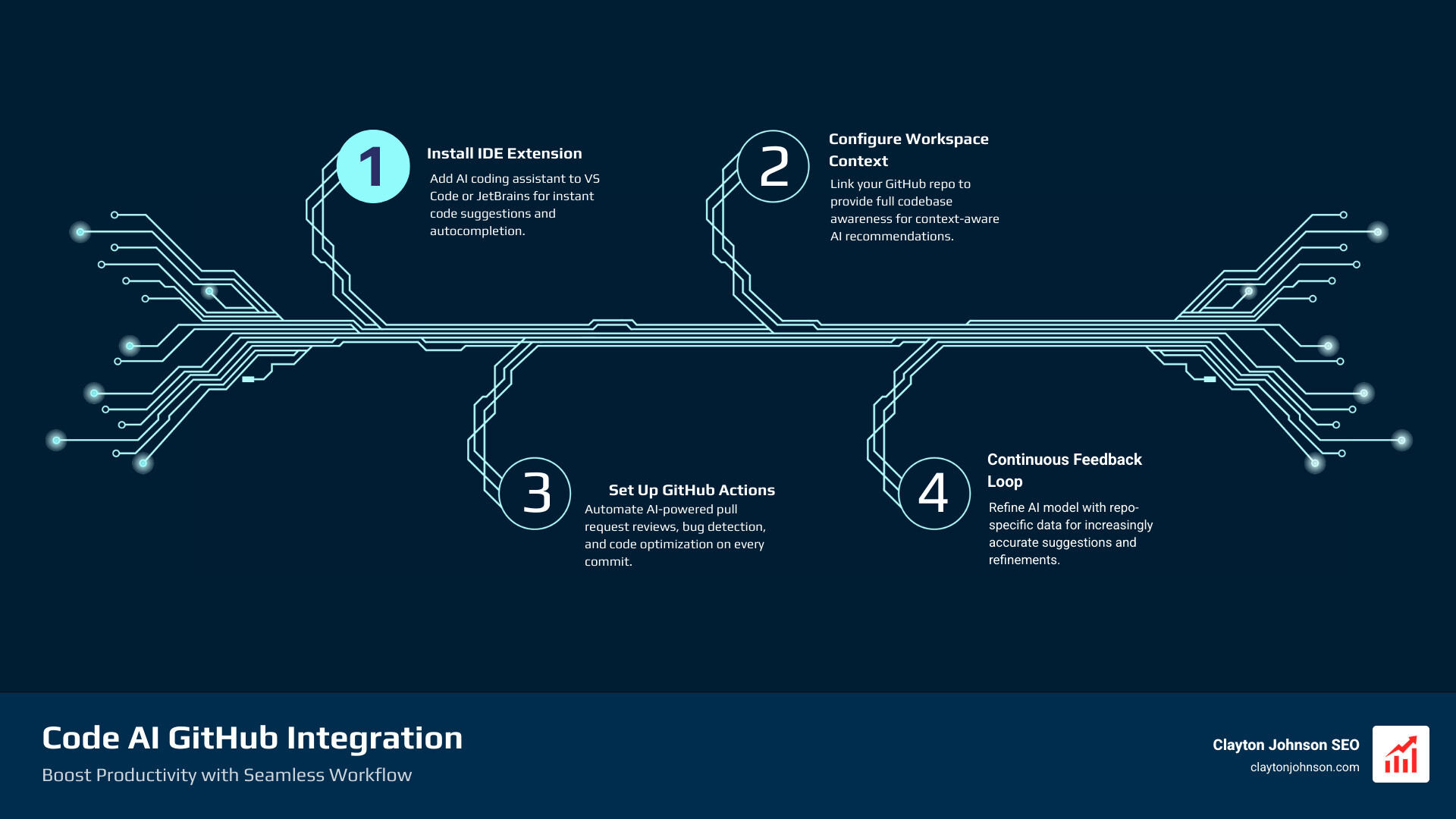
For most of us, the journey starts with an extension.
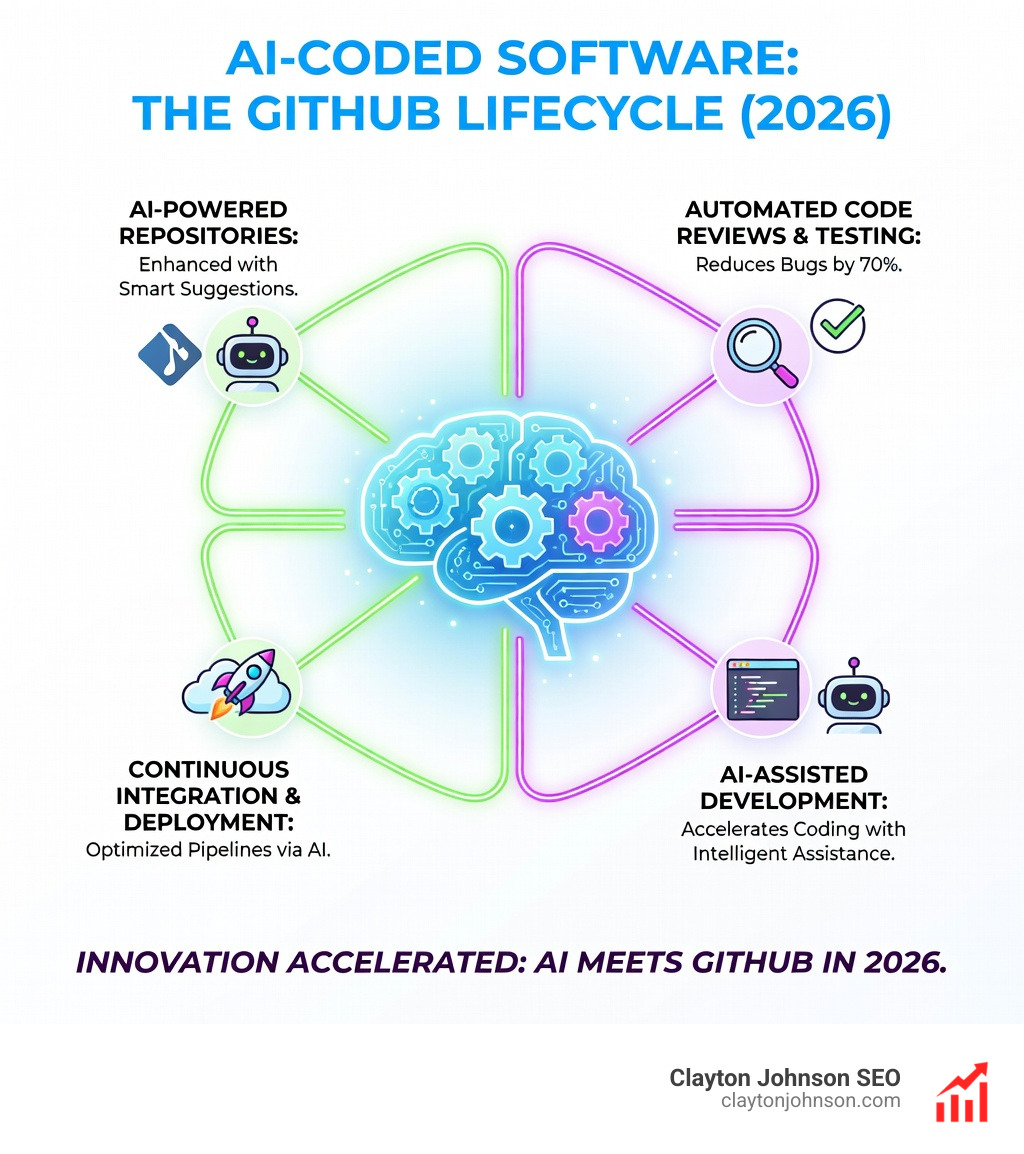
- VS Code & JetBrains: Both Copilot and Cody have world-class plugins. You simply sign in, and the AI starts “ghosting” suggestions as you type.
- CLI Tools: For those who live in the terminal, the Codex CLI allows you to run a coding agent locally on your machine. You can even sign in with your ChatGPT Plus or Enterprise account to use your existing plan.
Deploying with GitHub Actions
To truly automate our workflow, we need to move the AI into the CI/CD pipeline. By installing the Codeflash GitHub App, we can ensure that every time a team member pushes code, the AI reviews it for performance bottlenecks. This “shift-left” approach catches expensive mistakes before they ever hit production.
Frequently Asked Questions about AI Coding
How do AI tools handle private codebases?
Most enterprise-grade tools (like Copilot Enterprise or Cody Enterprise) do not use your private code to train their global models. They process your code to provide context for your specific session, but that data remains within your organizational boundary. Some tools even offer local processing for maximum security.
Can I use my own LLM with these tools?
Yes! While Copilot is locked to OpenAI, tools like Cody and Codebuff allow for “swappable” models. Through integrations like OpenRouter, you can use Anthropic’s Claude 3.5 Sonnet for its superior reasoning or a smaller, faster model for simple autocompletions.
What is the difference between single-model and multi-agent AI?
A single-model AI (like standard Copilot) is like talking to one very smart person. A multi-agent system (like Codebuff) is like hiring a small team. One agent researches the files, another writes the plan, and a third executes the code. This specialization generally leads to fewer “hallucinations” and better handling of complex, multi-file changes.
Conclusion
Mastering code ai github workflows is no longer a “nice to have”—it’s a competitive necessity. Whether you’re using GitHub Copilot for daily tasks, Codeflash for Python optimization, or Codebuff for complex refactoring, these tools allow us to build faster and with higher quality.
At the end of the day, AI isn’t replacing the developer; it’s replacing the drudgery of development. By automating the repetitive parts of our jobs, we can get back to what we love: solving problems and building great products.
If you’re looking to integrate these AI-assisted workflows into your broader business strategy, we can help. From content systems to SEO services in Minneapolis, we focus on actionable frameworks that drive measurable results. Let’s build something great together.